
What is Marky?
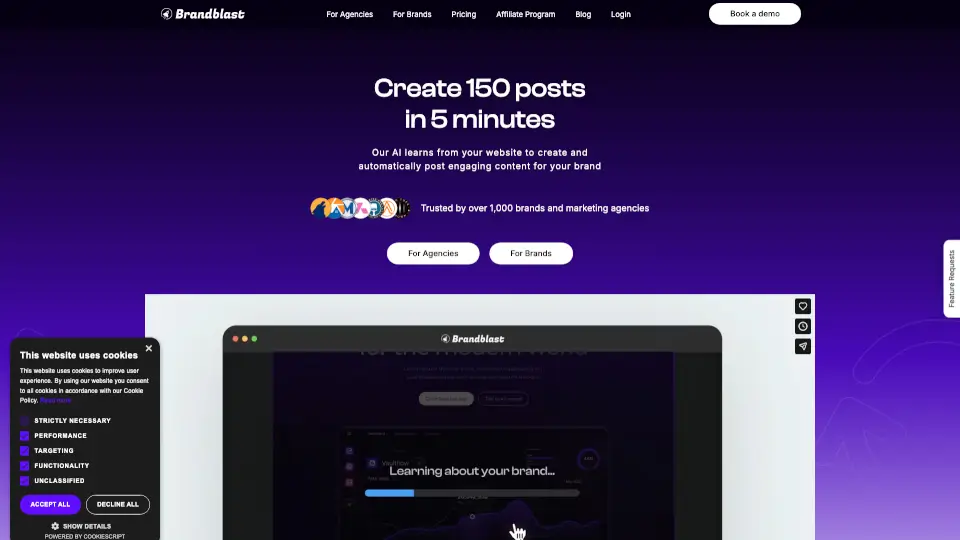
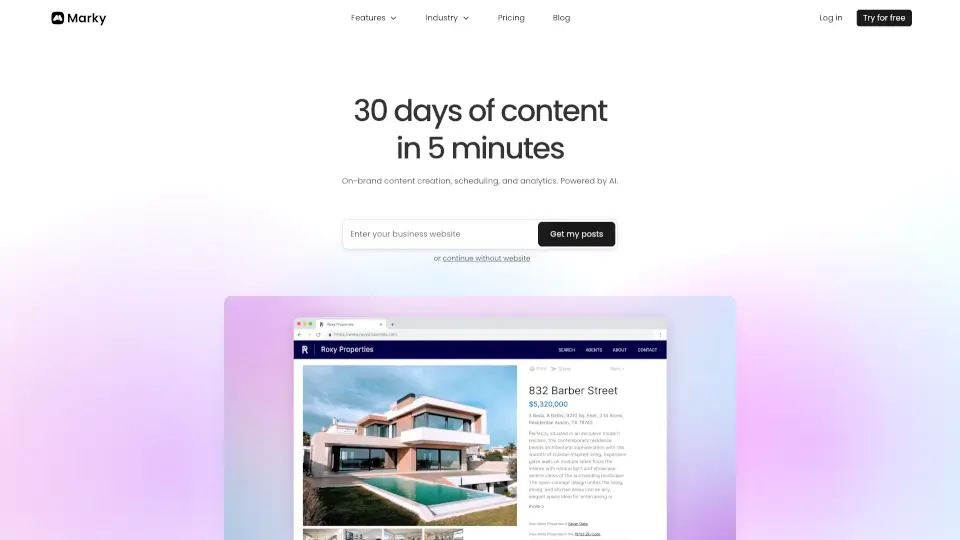
Marky is an AI social media management tool for businesses that generates, designs, and schedules posts across multiple platforms from one dashboard. It learns your brand voice by analyzing your website, then creates a month of on-brand content—including text, images, and carousels—in minutes. Ideal for local service businesses, agencies, and professional services that need consistent posting without hiring a designer or writer. Supports Instagram, Facebook, LinkedIn, X, Google Business, TikTok, and Pinterest.
What are the features of Marky?
- AI Brand Voice Training: Enter your website URL and Marky analyzes your voice, style, and audience to generate posts that sound like you wrote them.
- Multi-Platform Scheduling: Schedule and publish to Instagram, Facebook, LinkedIn, X, Google Business, TikTok, and Pinterest in one click.
- Professional Design Templates: Choose from designer-made templates or let Marky auto-select them; includes AI-generated images, carousels, and branded graphics.
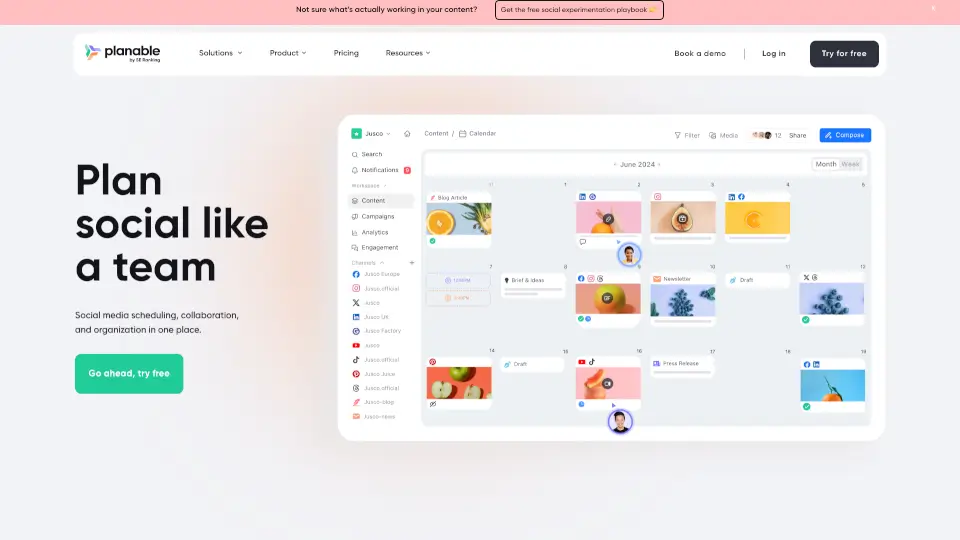
- Visual Calendar Editing: Drag-and-drop calendar view lets you review, edit, and rearrange posts before they go live.
- Auto-Publishing with Drafts Mode: You can set posts to publish automatically or leave them as drafts for manual approval before scheduling.
What are the use cases of Marky?
- Local service businesses (e.g., contractors, HVAC, plumbers) turn project photos into professional before-and-after posts.
- Professional services (financial advisors, attorneys, consultants) create thought leadership content optimized for LinkedIn.
- Agencies manage multiple client brands from one dashboard with white-label portal and bulk generation.
- Healthcare practices (dental, medical) generate promotional, educational, and testimonial posts using AI images and carousels.
How to use Marky?
- Go to marky.ai and start the setup process by entering your website URL.
- The AI will analyze your brand and generate a first batch of posts in about two minutes.
- Review the generated drafts—edit text, swap images, or adjust layouts as needed.
- Connect your social media accounts (Instagram, Facebook, LinkedIn, etc.) via the provided link.
- Set your preferred schedule and publish across all platforms, or leave posts as drafts for manual approval.