
JotBot AI logo

JotBot AI

5.0
(0 Reviews)
United States17.60%

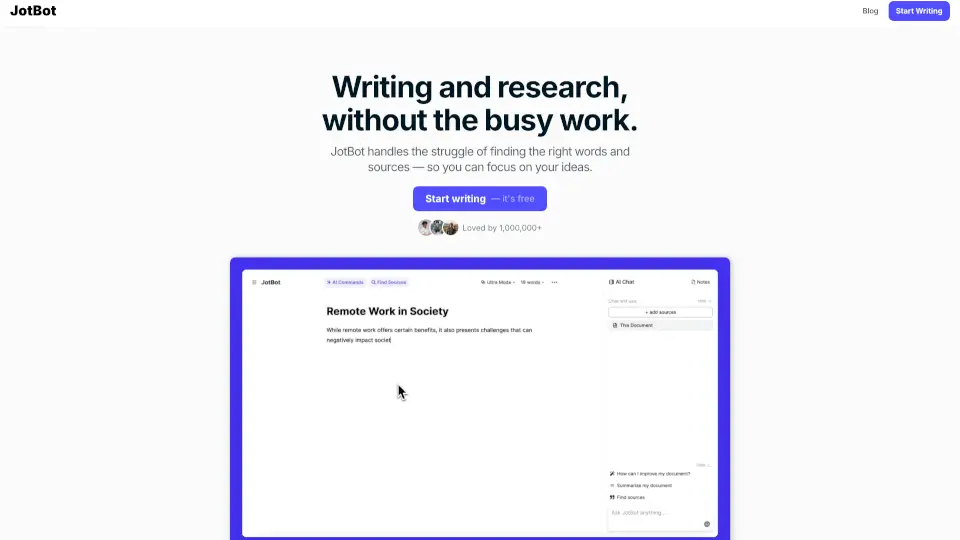
JotBot is an AI writing assistant that mimics your personal writing style, helping students and researchers write faster with real-time note-taking and source management.

Verified by SeekTool
Social Media:

JotBot AI Product Information

What is JotBot AI?

JotBot is an AI writing assistant designed for students, researchers, and writers who need help with drafting, source management, and editing. Unlike generic AI tools, JotBot mimics your personal writing style by analyzing your existing text. It combines real-time note-taking, source finding, and editing commands into a single document interface. The tool is trusted by over 1,000,000 users and is used at top universities and businesses. If your workflow involves writing essays, research papers, or reports and you struggle with finding the right words or citing sources, JotBot fits between your research phase and final draft.

What are the features of JotBot AI?

  • AI Autocomplete: When you hit writer's block, JotBot picks up writing where you left off, continuing your document in your style. This helps students and writers maintain momentum without stopping to figure out the next sentence.
  • Find and Cite Sources: You can search for sources and add citations without leaving your document. This feature is built for researchers and students who need to back up their writing with credible references in a few clicks.
  • Generate Drafts in Your Voice: The draft generator analyzes your past writing to recreate your unique style. For teams or individuals who need consistent tone across documents, this ensures the output sounds like you, not a generic AI.
  • Ask JotBot Anything: A chat interface inside your document lets you ask for research help, writing suggestions, or editing assistance. This is useful for quickly clarifying a point or getting a summary without switching tabs.
  • Write & Edit with AI Commands: You can prompt JotBot directly in your document to make revisions or generate new text. This gives writers and editors fine-grained control over specific sections without rewriting everything manually.
  • Chat with Your Sources: You can ask questions, clarify points, or get summaries of any PDF, website, or text you upload. This helps researchers and students understand complex material faster without reading every word.

What are the use cases of JotBot AI?

  • Student writing a research paper: Use the source finder to locate relevant articles, cite them automatically, and ask JotBot to draft sections in your own voice.
  • Graduate student managing multiple PDFs: Upload research papers, then chat with each source to get summaries or clarify specific arguments without re-reading.
  • Team collaborating on a report: Each member can use AI commands to edit or add sections while maintaining a consistent writing style across the document.
  • Writer overcoming writer's block: Let AI Autocomplete continue a paragraph or page when you're stuck, then revise the generated text to match your intended direction.
  • Researcher preparing a literature review: Use the source chat feature to compare findings from different PDFs and ask JotBot to synthesize key points into a draft.
  • Content creator generating blog posts: Provide a short outline, then use the draft generator to expand it into a full post that matches your previous writing style.

How to use JotBot AI?

  • Start a new document: Go to the JotBot website and click "Start writing — it's free" to open a blank document.
  • Enable AI Autocomplete: Begin typing as you normally would. When you pause, JotBot will suggest continuations. Accept or edit the suggestions to keep writing.
  • Find and cite sources: Use the source finder tool within the document to search for relevant articles or websites. JotBot will insert citations in your chosen format.
  • Generate a draft in your voice: Paste a sample of your previous writing, then tell JotBot to generate a new section based on that style. Review and adjust the output.
  • Chat with your sources: Upload a PDF or paste a URL, then ask JotBot questions about the content directly in the document sidebar or chat panel.
  • Use AI commands: Type a command like "revise this paragraph for clarity" or "expand this sentence" and JotBot will modify the selected text.

Do you like this tool?

Upvote to help others discover it!

JotBot AI Alternatives

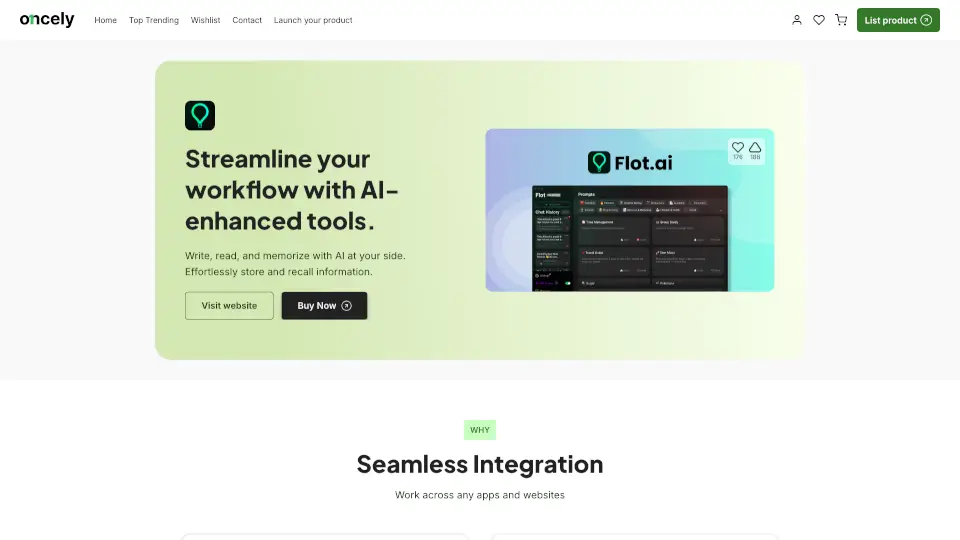
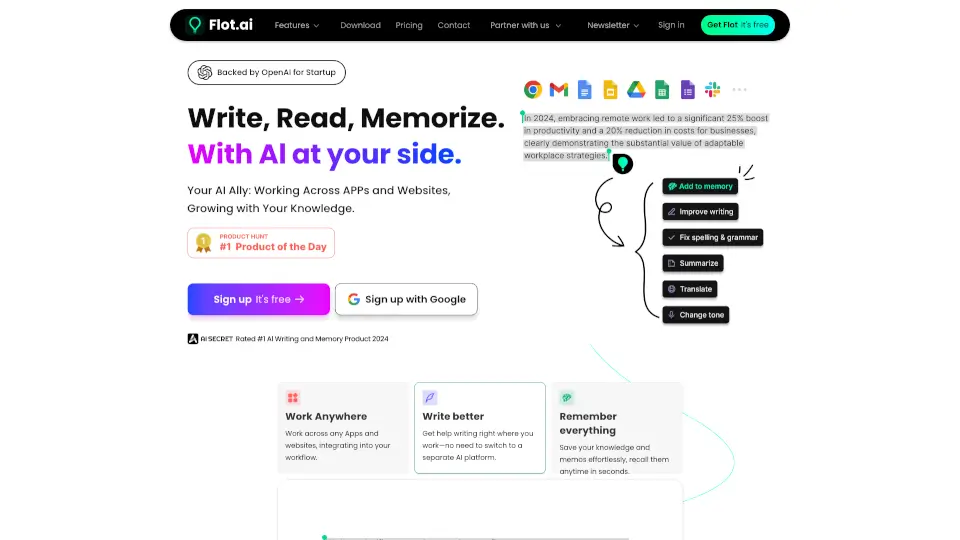
Flot.ai

Flot AI is your smart AI ally for writing, reading, and memorizing. It works across apps, websites, and documents, offering features like AI writing assistance, memory recall, and multilingual support.

US
32.87%
|
16.2K
|
4.0
Yomu AI

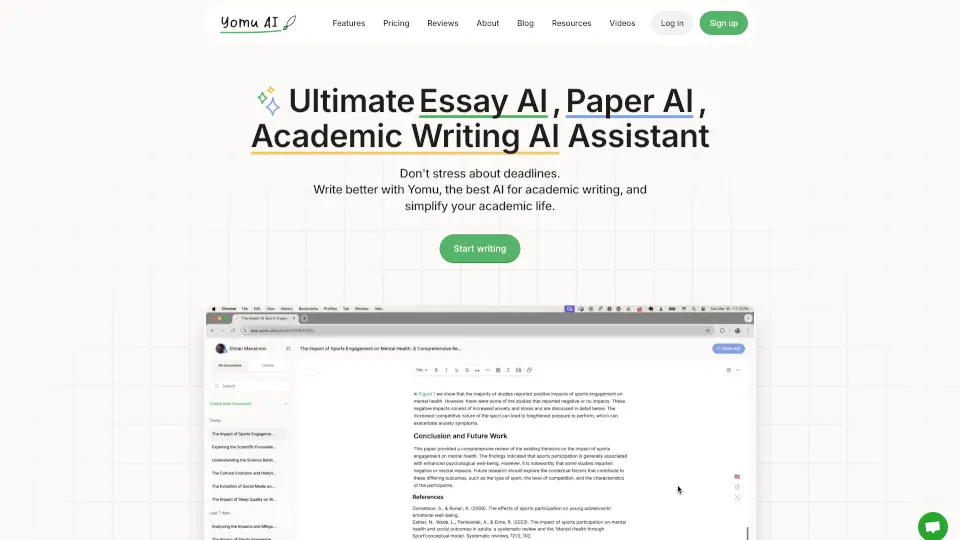
Yomu AI simplifies academic writing with AI-powered drafting, editing, and citations—ideal for students and researchers.

US
17.22%
|
70.2K
|
5.0
Otio AI

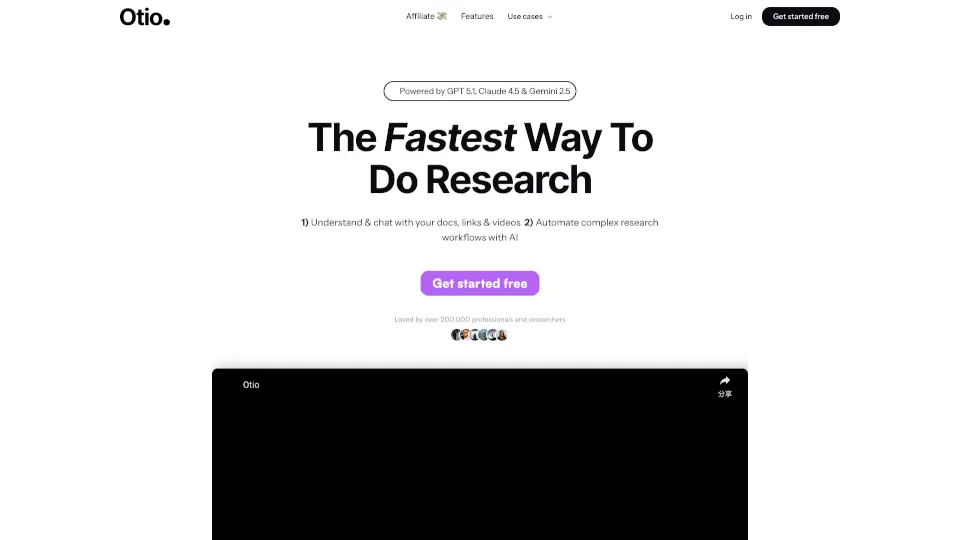
Otio is the ultimate AI research and writing partner, helping you summarize, analyze, and automate your work with ease. Trusted by over 100,000 researchers, it’s the go-to tool for students, analysts, and content creators.

AU
12.56%
|
108.7K
|
5.0
CoWriter

CoWriter AI is the smartest copilot for academic writing, helping students research, write, and cite faster while staying undetectable and original.

NG
20.29%
|
18.6K
|
4.0
Othersideai

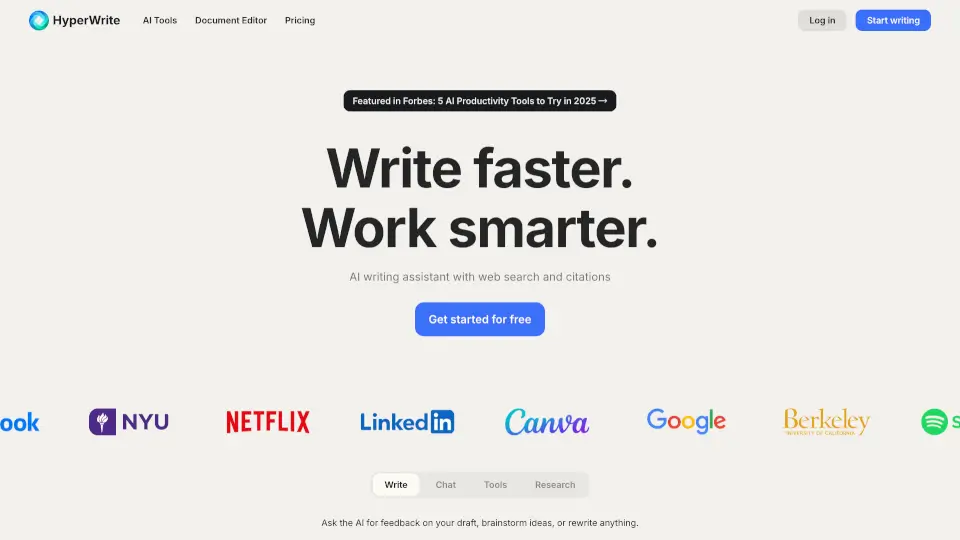
HyperWrite is an AI writing assistant that boosts productivity with smart tools for drafting, editing, researching, and replying—all tailored to your unique voice.

US
35.00%
|
265.1K
|
5.0
Flot AI

Flot.AI is a lifetime-access AI assistant that writes, reads, and memorizes with you across every app and website—boosting productivity without disrupting your workflow.

US
32.87%
|
16.2K
|
4.0
Flot AI - $37 for Lifetime Deal

Flot AI enhances productivity by integrating AI tools for writing, reading, and memory across apps and websites.

US
20.32%
|
21.3K
|
4.0
EssayGenius

AI Essay Writer is the smartest, fastest way to draft and polish essays—free, easy, and packed with tools to make writing a breeze.

US
25.46%
|
14.9K
|
4.0

JotBot AI Related Other Categories

JotBot AI Traffic Analysis

💡 Insights

🌱
Emerging Tool
10K-100K monthly visits. Niche or new tool with potential unique value.
📉
Traffic Decline
Significant traffic drop recently. Check for alternatives.
👍
Good Experience
Bounce rate of 40%. Users are willing to explore features.
🎯
Strong Brand
55% direct traffic. High user loyalty.
  • Monthly Visits

    53.45K

  • Bounce Rate

    40.36%

  • Pages Per Visit

    1.88

  • Visit Duration

    00:00:41

  • Global Rank

    643520

  • Country Rank

    626445

Visits Over Time

Traffic Sources

Direct54.75%
SearchOrganic31.08%
Referrals9.01%
Mail1.88%
SocialOrganic1.82%
Affiliate1.09%
GenAi0.38%
SearchPaid0.00%
SocialPaid0.00%

Top Keywords

1
jotbot
CPC$3.19
420Traffic
2
jotbot ai
CPC$4.53
390Traffic
3
jot bot ai
260Traffic
4
whats the name of the research software to save articles
90Traffic
5
myjotbot
60Traffic

Top Regions

RegionPercentage
United States
United States
17.60%
India
India
11.19%
Nigeria
Nigeria
5.06%
Australia
Australia
5.00%
Brazil
Brazil
4.56%
Low
High

Powered by SimilarWeb

JotBot AI FAQ

What is JotBot?

JotBot is an AI writing assistant for students, researchers, and writers that mimics your personal writing style and helps with drafting, source finding, and editing in one document.

Who is JotBot best for?

It is best for students, researchers, teams, and writers who need help overcoming writer's block, managing sources, and generating drafts that match their own voice.

How does JotBot capture my writing style?

The draft generator analyzes your past writing to understand your vocabulary, sentence structure, and tone, then recreates that style in new text.

Can I cite sources with JotBot?

Yes. You can search for sources and add citations directly within your document without leaving the writing interface.

Is JotBot free to use?

The product page says "Start writing — it's free," but no detailed pricing or subscription tiers are provided in the available content.

What platforms does JotBot work on?

The available content does not specify platform compatibility. It is likely a web-based tool, but you should verify this on the official site.

What should I check before using JotBot for academic work?

Verify that the source citations are accurate and properly formatted, and review the AI-generated text for factual correctness, since AI can introduce errors.

JotBot AI Reviews

0

0

0 Reviews
Sign Into leave a review

Recent Reviews

No reviews yet

JotBot AI Embed

Use website badges to drive community support for SeekTool.ai. They are easy to embed in your homepage or footer.

Light
Dark
JotBot AI - Featured on SeekTool.aiJotBot AI - Featured on SeekTool.ai
How to install?