
What is MusicWave?
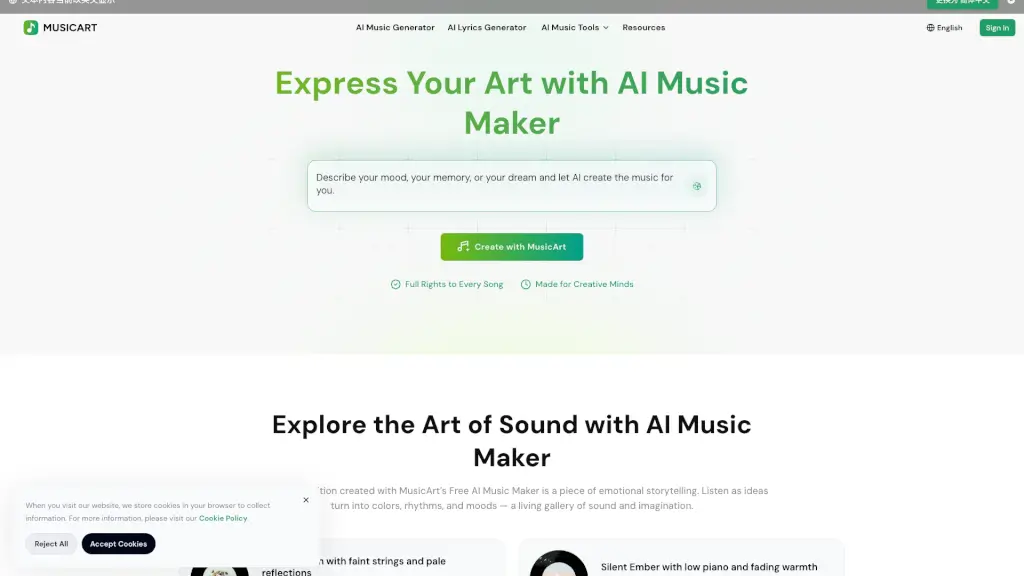
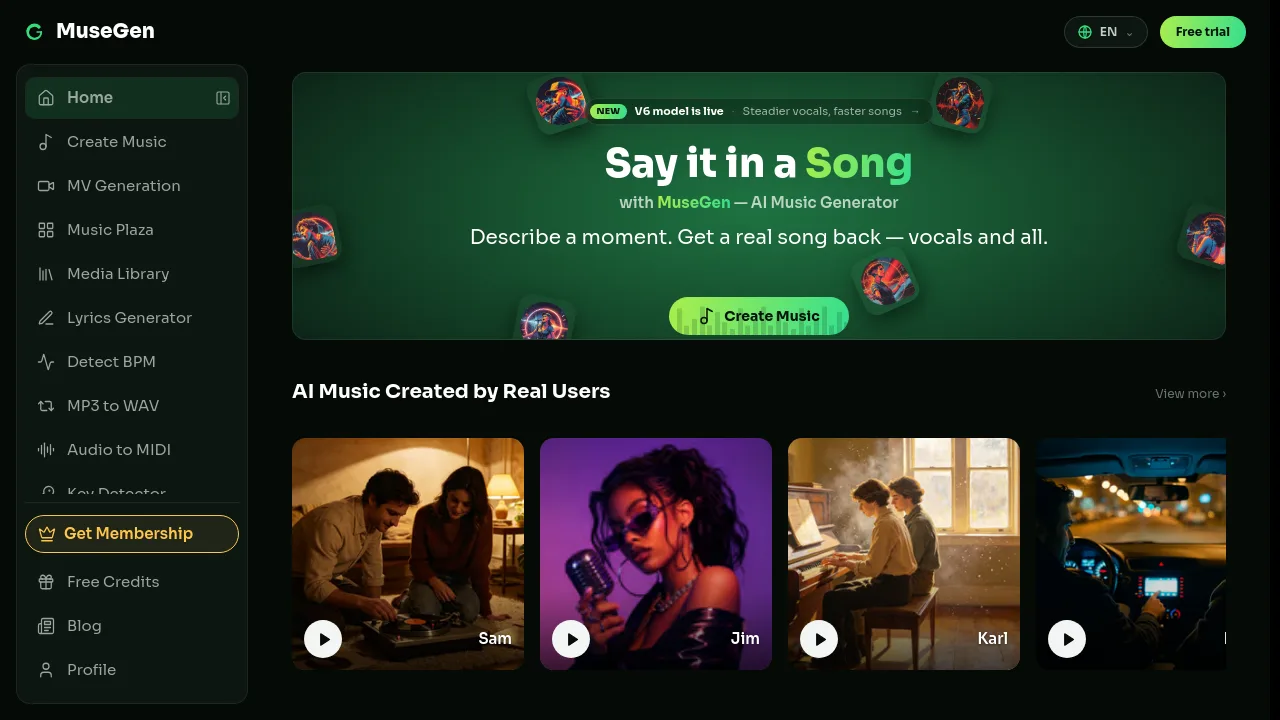
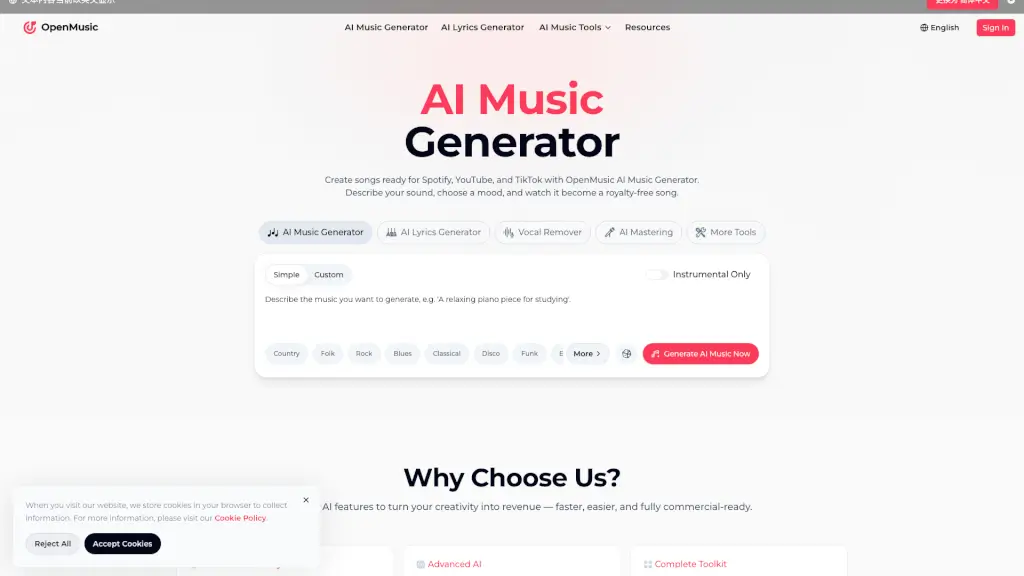
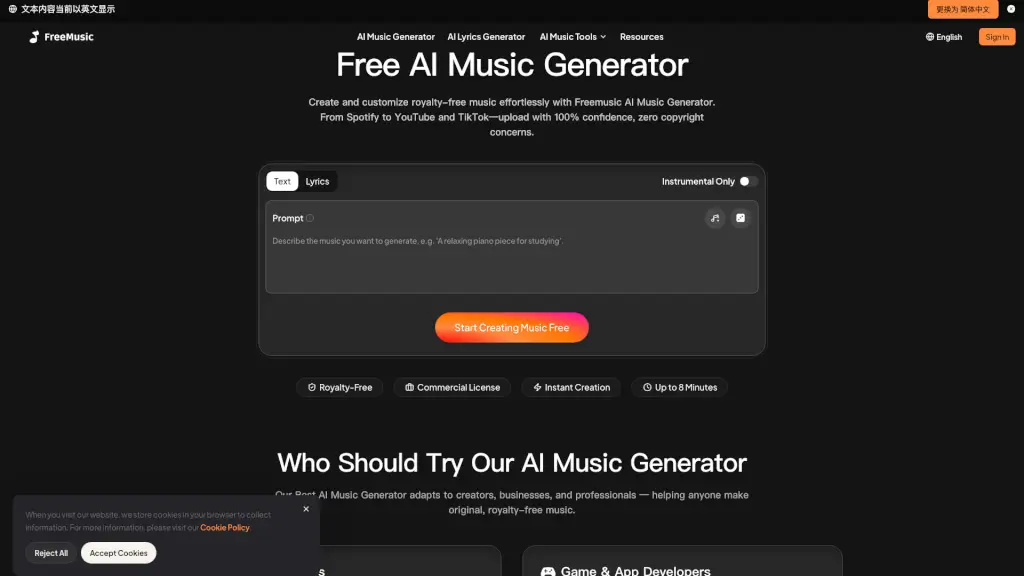
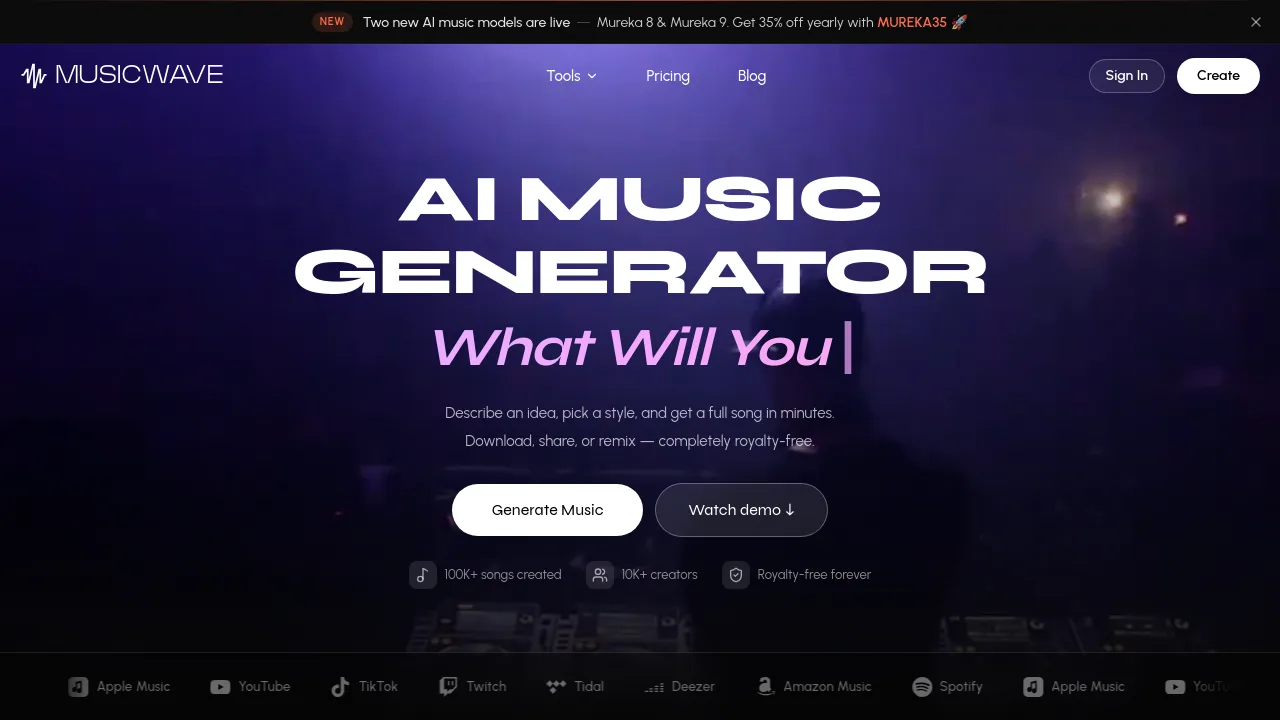
MusicWave is an AI music generator that turns text prompts, lyrics, or even uploaded photos into full songs with melody, lyrics, and arrangement. It targets musicians, content creators, teams, and brands who need royalty-free tracks fast. The tool supports multiple AI models (Mureka 8 & 9, MiniMax, MusicGen), offers stem splitting, voice swapping, and lyrics generation, and exports to formats like MP3 and WAV. Users can generate songs, remix, extend, or replace sections without advanced music theory or DAW experience.
What are the features of MusicWave?
- AI Song Generator: Type a vibe or prompt and get a complete track with melody, lyrics, and arrangement. Refine by genre, mood, or reference tracks.
- Image to Song: Upload any photo; the AI reads the mood, palette, and scene to generate a matching full track without manual prompts.
- Stem Splitter: Isolate vocals, drums, bass, and instruments into clean, time-aligned stems ready for remixing in a DAW.
- AI Cover Song Generator: Swap the vocal of an existing track while keeping timing and emotion, offering studio tones or creative timbres.
- AI Remix & Extend Song: Reimagine a song in a new genre or mood, or seamlessly continue a track with additional verses, choruses, or outros.
- AI Lyrics Generator: Beat writer’s block by generating lyrics in your style, then tweak lines, rhyme schemes, and structure in seconds.
What are the use cases of MusicWave?
- Musicians & Producers sketch ideas quickly and export stems to their DAW for full control over the mix.
- Content Creators generate background music for videos, streams, or podcasts without licensing headaches.
- Teams & Studios create themes, background music, or demo tracks for projects, keeping output consistent and on schedule.
- Brands & Marketers produce original audio for ads, social content, and brand channels, owning the rights and using it everywhere.
- Hobbyist songwriters type a feeling like “rainy day, kind of nostalgic” and get a hummable track without music theory knowledge.
How to use MusicWave?
- Start by writing a text prompt or dropping lyrics into the AI Song Generator to describe your idea.
- Choose a genre, mood, vocal style, and use custom options for precise control over the output.
- Generate a few versions, listen to each, and keep the one you like—then download or share the finished track.
- Use the stem splitter or BPM/key finder on existing audio to extract elements for remixing or mashups.