
What is MuseGen?
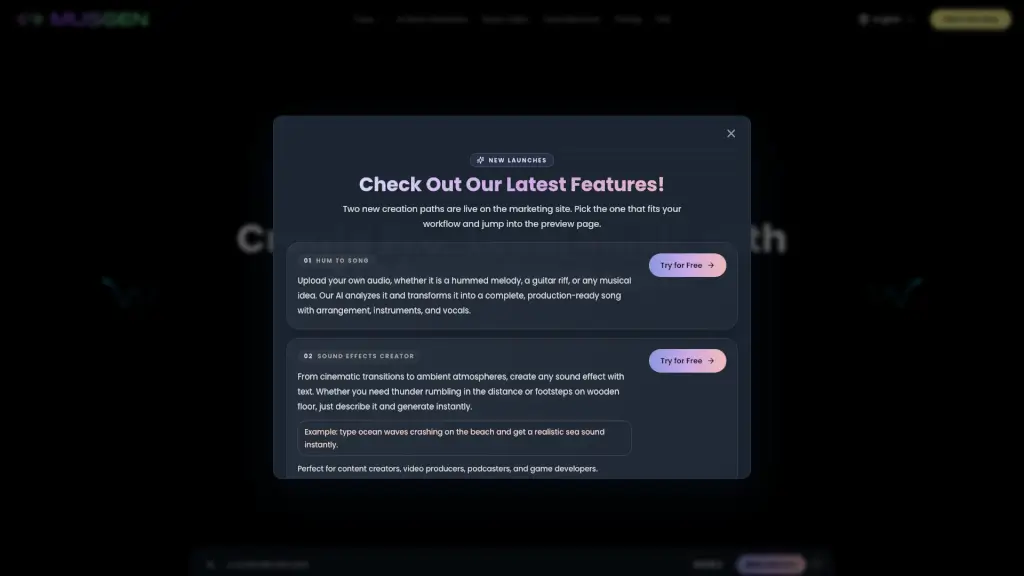
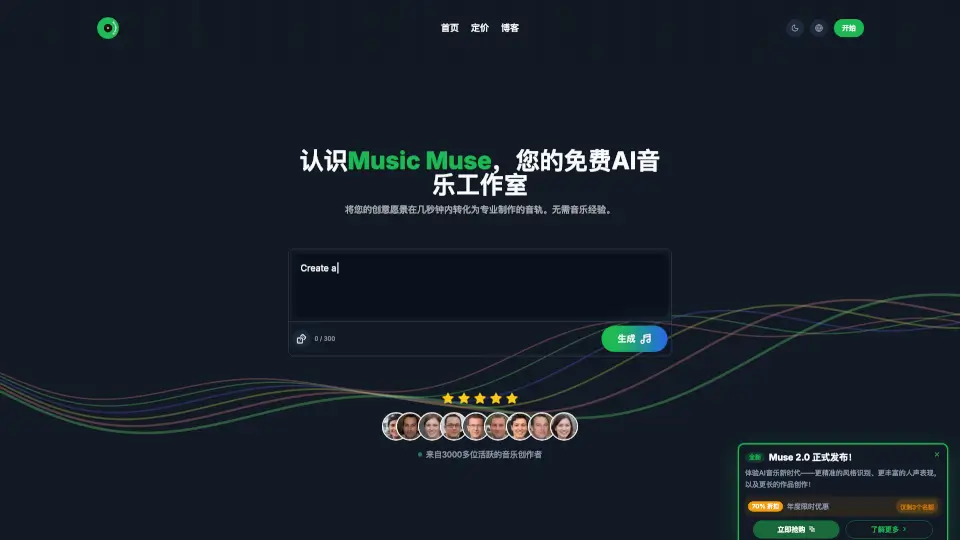
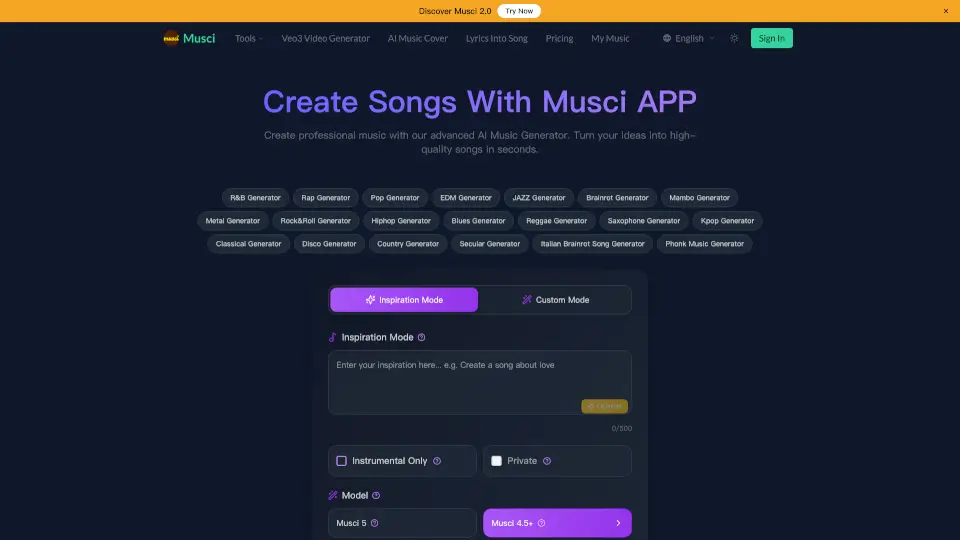
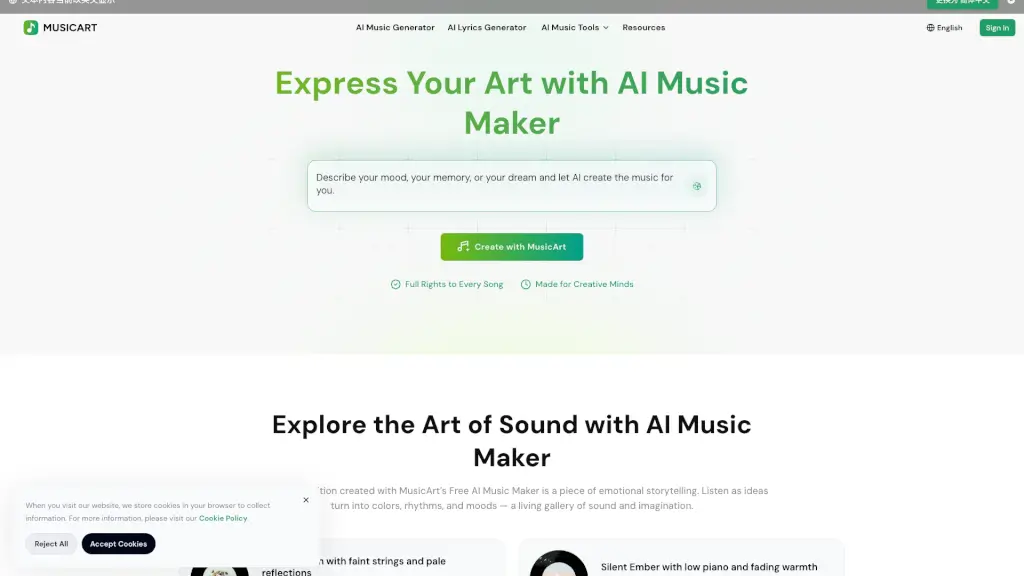
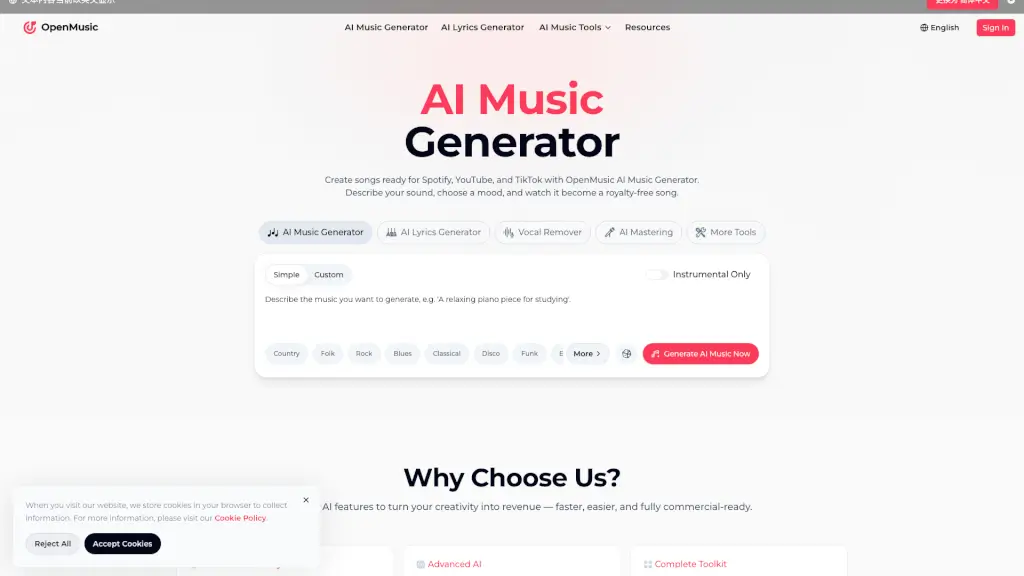
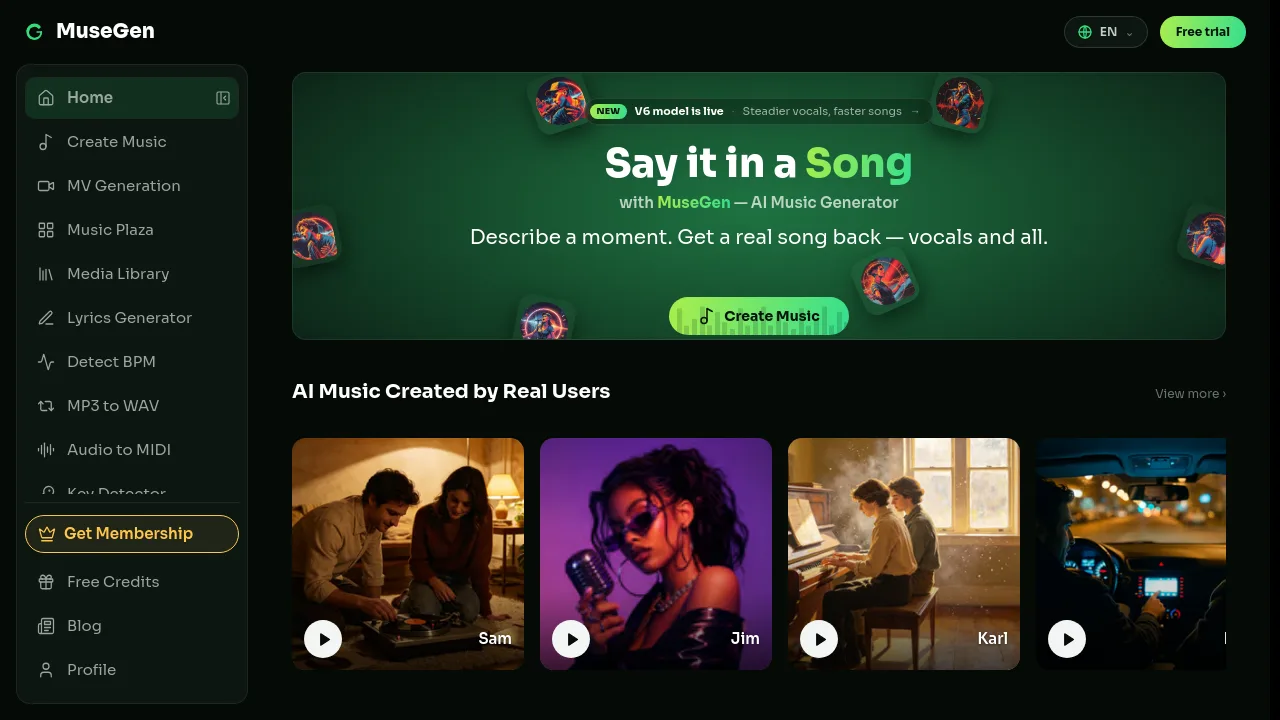
MuseGen is an AI music generator that turns text descriptions or lyrics into full songs with vocals, melodies, and harmonies. Designed for content creators, indie artists, and game developers, it removes the need for instruments or production skills. Users describe a mood, genre, or BPM, and MuseGen delivers a studio-quality, royalty-free track ready for commercial use.
What are the features of MuseGen?
- Text-to-Music GenerationEnter plain words or lyrics; MuseGen automatically composes a complete song with vocals, drums, bass, and melody based on your description.
- Multi-Genre & Style SupportChoose from pop, lo-fi, jazz, classical, EDM, hip-hop, cinematic, and more. The AI adapts tempo, arrangement, and instrumentation to match your creative vision.
- Precise Section EditingTrim, regenerate, or swap specific song sections (chorus, bridge, verse) and use masking to replace individual tracks like drums, bass, or vocals.
- Stem & MIDI ExportDownload individual instrument stems (WAV/48k) and MIDI files for further refinement in your DAW, allowing re-voicing with your own plugins.
- Smart Mixing & MasteringAutomatically balances and polishes the final track to professional-grade audio quality — no manual mixing or mastering required.
What are the use cases of MuseGen?
- Social media creatorsgenerate custom background music for TikTok, YouTube, and Instagram Reels without copyright claims.
- Indie artists and rappersquickly produce demo hooks and beats using the AI melody generator and song generator workflows.
- Game developerscreate loopable ambient or retro soundtracks for different levels on a tight budget.
- Video producersobtain emotionally matched scores for ads, movies, and corporate videos to enhance storytelling.
How to use MuseGen?
- Start by describing your desired mood, style, and tempo (e.g., "moody lofi with vinyl crackle, 85 BPM, minor key").
- Add optional guidance: upload a reference beat, paste lyrics, or include style tags and mood keywords.
- Iterate by editing song sections (extend chorus, replace bass, merge alternate bridge) until the track matches your vision.
- Export the final mix or individual stems and MIDI for further production in your DAW.