What is Media AI Headshot?
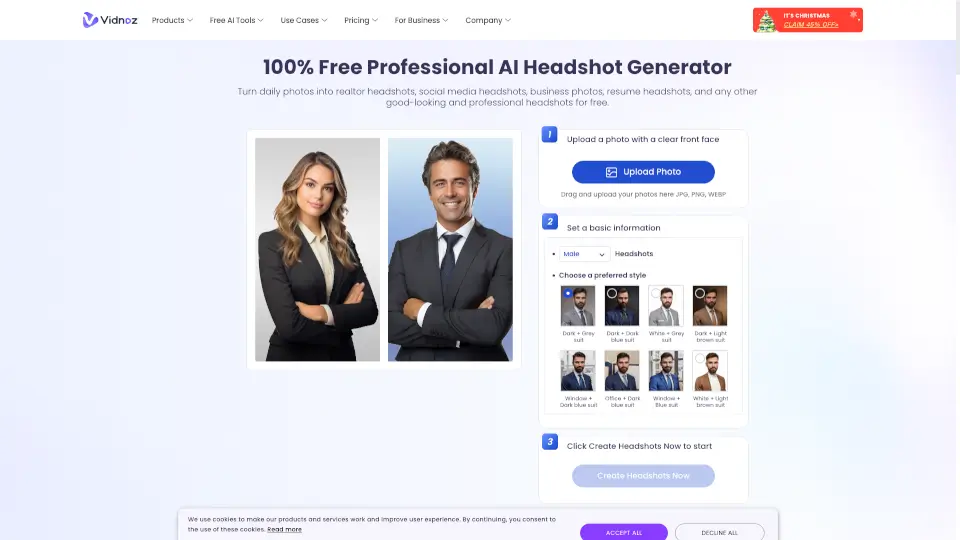
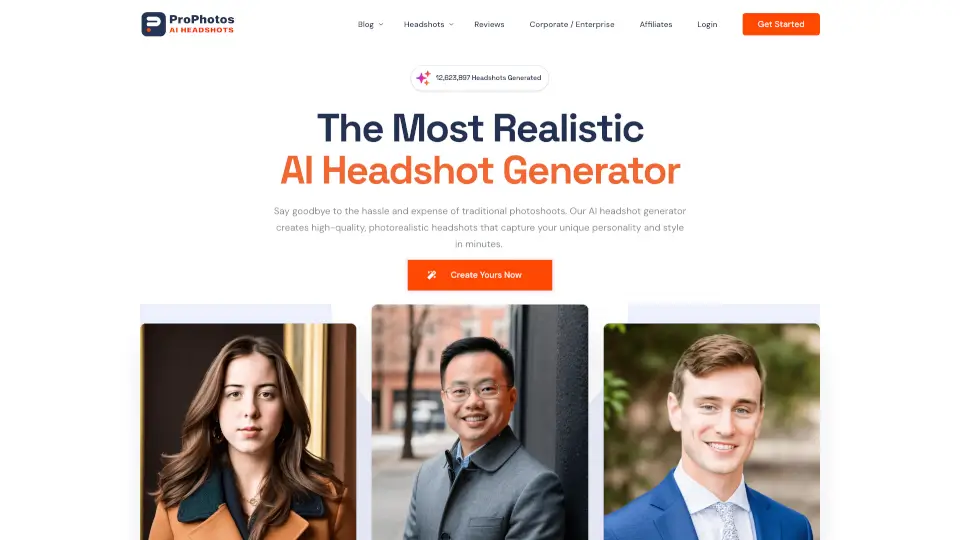
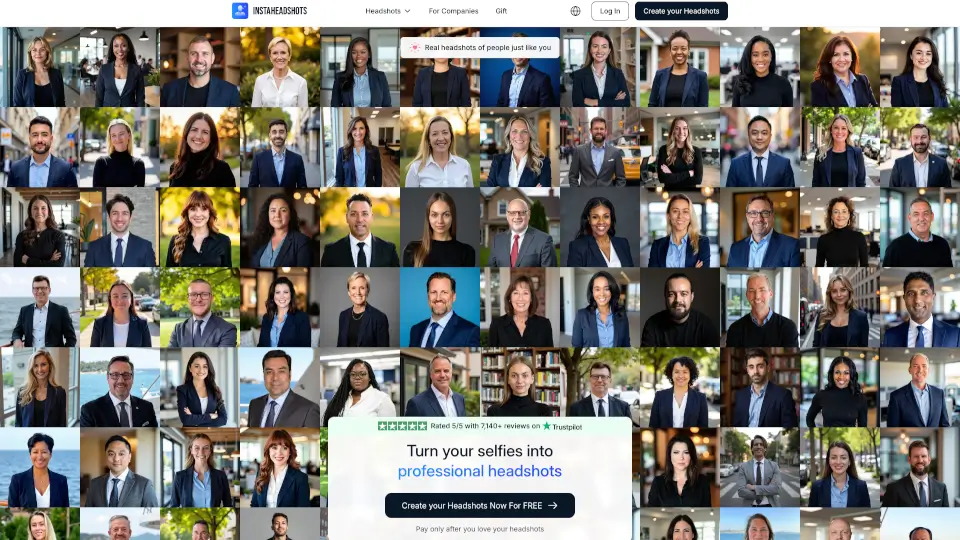
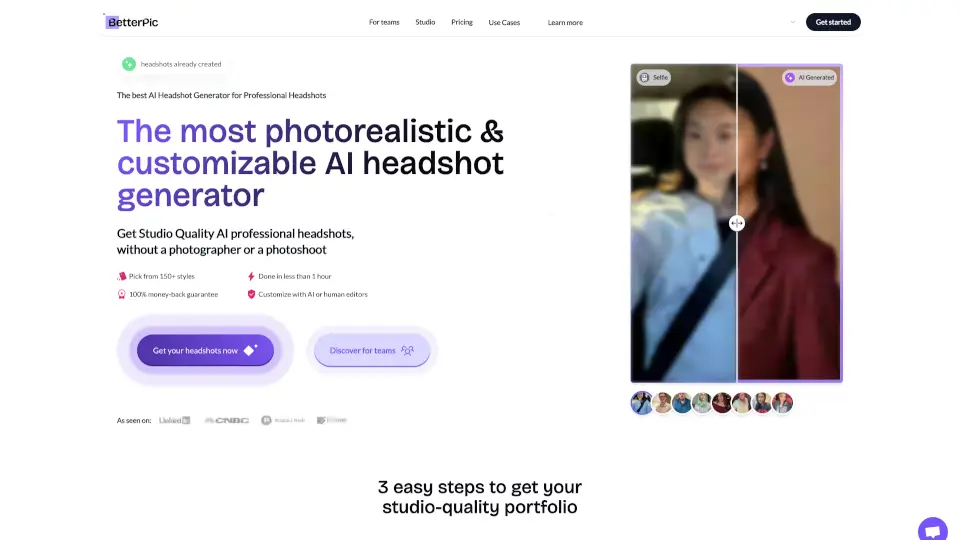
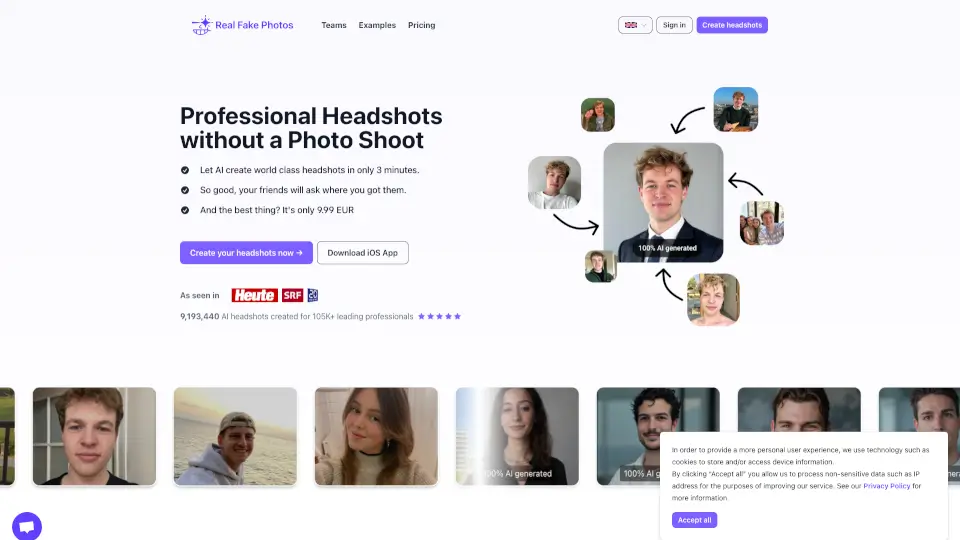
Tired of blurry selfies or expensive photo sessions just to get a professional headshot? Media.io’s AI Headshot Generator (powered by Pixpic) lets you create ultra-realistic, high-quality headshots in minutes—right from your browser. Just upload a few casual photos, and the AI does the rest: adjusting lighting, outfits, backgrounds, and poses to match your desired style.
Whether you’re updating your LinkedIn profile, building a corporate website, or refreshing your social media presence, this tool delivers polished, photorealistic results without hiring a photographer. It’s fast, affordable, and designed to highlight your authentic look while boosting your professional image.
What are the features of Media AI Headshot?
- AI-Powered Realism: Uses advanced models to analyze facial features and generate lifelike headshots that truly resemble you.
- Multiple Professional Styles: Choose from business, corporate, ID, LinkedIn PFP, and creative themes like fantasy or outdoor.
- Easy Selfie-to-Headshot Conversion: Upload 5+ selfies from different angles—no studio needed.
- Fast Processing Time: Generates headshots in up to 25 minutes, with email notification when ready.
- Cross-Platform Access: Works seamlessly on desktop and mobile via web browser; also available as iOS and Android apps.
- High-Quality Output: Supports uploads up to 4000×4000 px and delivers crisp, print-ready images.
What are the use cases of Media AI Headshot?
- Creating a standout LinkedIn profile picture that conveys professionalism and confidence.
- Generating consistent corporate headshots for company “About Us” pages or team directories.
- Updating social media bios (Instagram, Facebook, Twitter) with a polished, cohesive look.
- Preparing job application materials like resumes and portfolios with professional imagery.
- Crafting themed headshots for creative portfolios, acting reels, or personal branding.
- Quickly producing ID-style photos for conferences, badges, or internal documentation.
How to use Media AI Headshot?
- Go to Media.io or open the Pixpic app and select the AI Headshot Generator.
- Choose your preferred style (e.g., Business Headshot, LinkedIn PFP, or Creative Theme).
- Upload at least five clear selfies taken from different angles (front, side, etc.) in JPG, PNG, or similar formats.
- Avoid cluttered backgrounds and ensure good lighting in your source photos for best results.
- Submit your request and wait up to 25 minutes—check your email for download link once ready.
- Download and use your new headshots across professional and personal platforms.