
What is MaxAI?
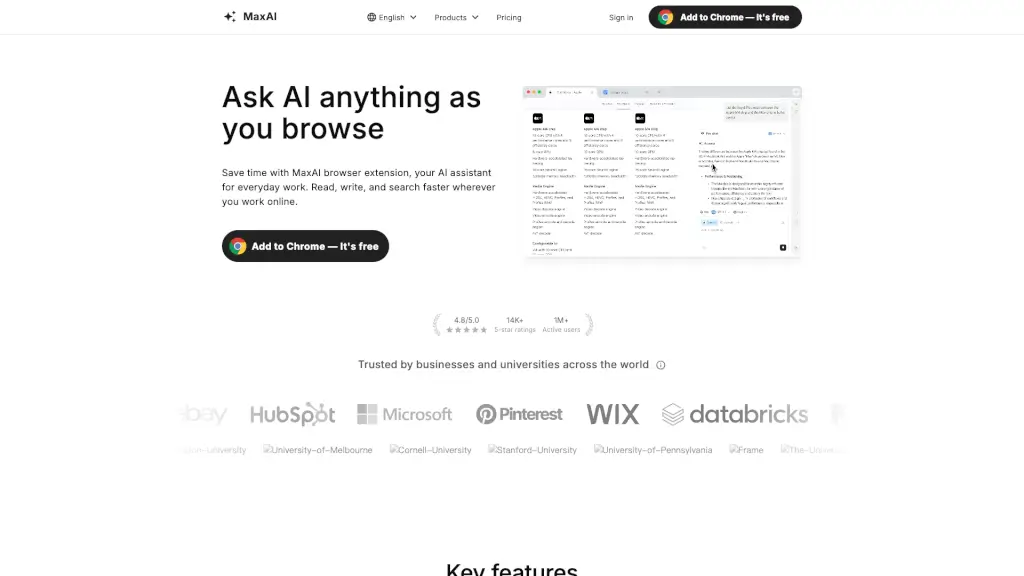
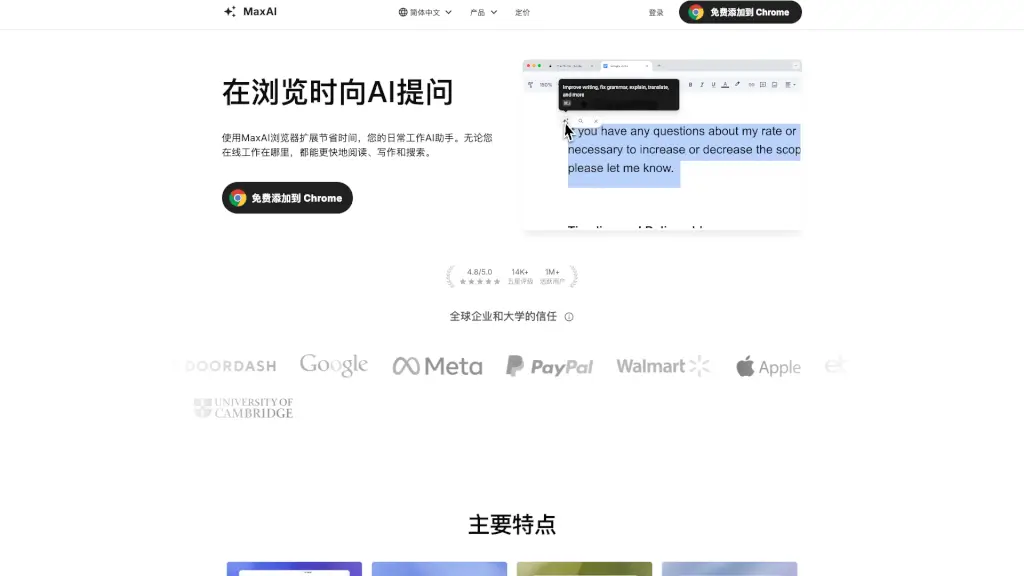
MaxAI is a smart browser extension that puts a powerful AI assistant right in your sidebar—so you can read, write, research, and translate without ever leaving the page you’re on. Whether you're drafting emails, summarizing YouTube videos, or decoding complex articles, MaxAI works alongside you in real time to cut through the noise and boost productivity.
Think of it as your always-on AI coworker: it understands the webpage you’re viewing, answers questions with cited sources, and even helps generate images or clean up messy notes. With support for top AI models and seamless integration into Chrome and Edge, MaxAI turns everyday browsing into a faster, smarter workflow.
What are the features of MaxAI?
- AI Sidebar: Ask questions and get answers instantly in a sidebar—no tab switching needed.
- Context-Aware AI: Analyze any webpage directly; no copying or pasting required.
- Multi-Model Access: Choose from leading AI models all in one place.
- Source Citations: Get accurate answers backed by clear references.
- AI Writing Assistant: Improve emails, posts, and documents with one click.
- Bilingual Translation: View original and translated text side-by-side in real time.
- Custom Prompts: Save and reuse your favorite prompts for consistent results.
- Text-to-Image Generation: Turn ideas into visuals right from your browser.
What are the use cases of MaxAI?
- Summarize long YouTube videos or research papers in seconds
- Rewrite rough notes into actionable to-do lists
- Translate foreign-language articles while preserving context
- Explain complex code line by line for faster debugging
- Brainstorm marketing slogans or social media content on demand
- Simplify data-heavy charts into plain English insights
- Draft professional LinkedIn outreach messages in minutes
- Generate Python snippets to clean and analyze CSV files
How to use MaxAI?
- Install the free MaxAI extension from the Chrome Web Store or Microsoft Edge Add-ons
- Click the MaxAI icon to open the sidebar while browsing any webpage
- Type your question—like “summarize this article” or “explain this chart”—and get an instant response
- Use built-in tools like Translate, Rewrite, or AI Reply for quick actions
- Switch between AI models (e.g., GPT, Claude) based on your task needs
- Save custom prompts for recurring tasks like email templates or research summaries