
What is Mastra?
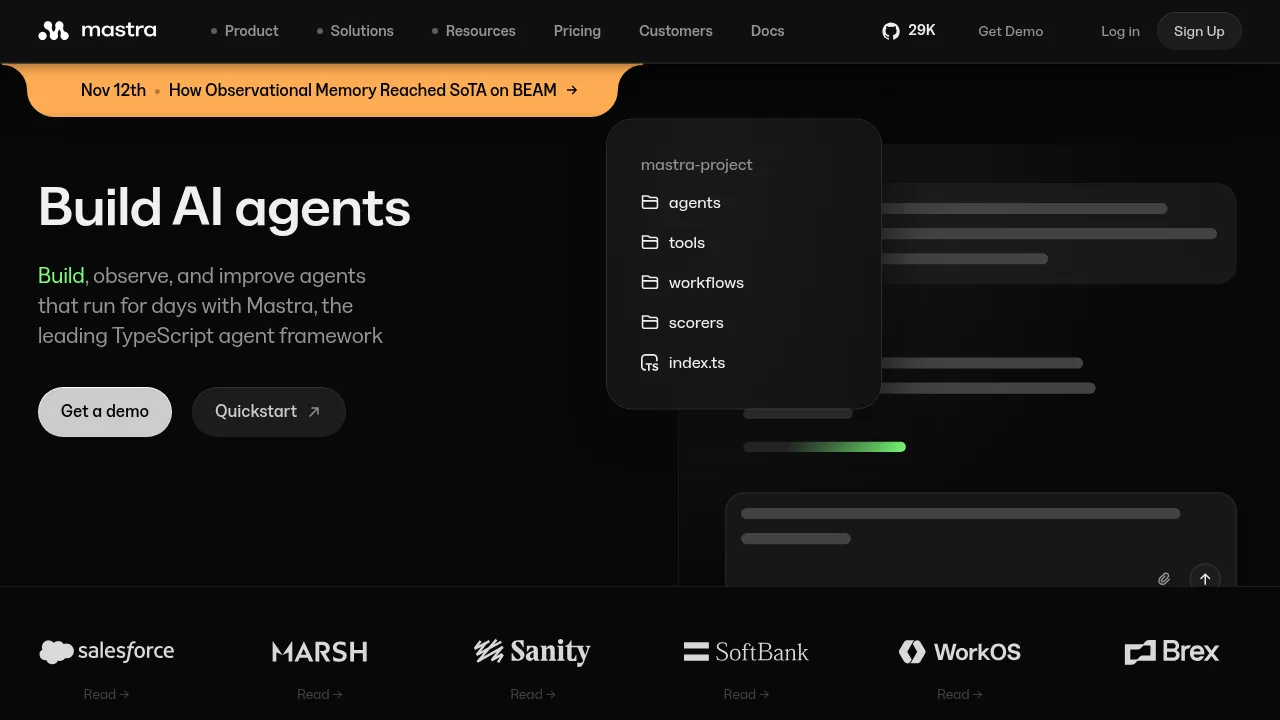
Mastra is an open-source TypeScript framework for building, observing, and deploying AI agents and applications. It integrates with frontend and backend frameworks like React, Next.js, and Node, or runs as a standalone server. The core framework is licensed under Apache 2.0, while enterprise features are source-available under the Mastra Enterprise License.
What are the features of Mastra?
- Typed agent definitionConfigure agents in code with instructions, models, tools, and runtime behavior using the
@mastra/core/agentmodule. - Graph-based workflow engineOrchestrate multi-step processes using
.then(),.branch(), and.parallel()methods, supporting retries, human-in-the-loop approval, and persistent execution state. - Agent memory systemProvide durable context through conversation history, semantic recall, observational memory, and data retrieval from APIs, databases, and files.
- Built-in observability and evaluationTrack latency, cost, model calls, and tool usage via traces, metrics, and logs, and score agent runs using model-graded, rule-based, or statistical methods.
- Model routingConnect to over 90 providers, including OpenAI, Anthropic, and Gemini, through a single standard interface.
- MCP server authoringExpose agents, tools, and structured resources via the Model Context Protocol (MCP) interface for access by compatible systems.
What are the use cases of Mastra?
- Multi-step order fulfillmentChain typed steps like inventory validation and shipment creation into inspectable production workflows that can pause and resume based on stored state.
- Internal knowledge queriesBuild conversational agents for customer support or internal questions that combine message history with retrieval from external data sources.
- Automated software deliveryUse Factory, a system of specialized AI agents, to take software development tasks from issue tracking to production deployment.
How to use Mastra?
- Create projectRun
npm create mastra@latest <project-name> -- --llm <provider>in the terminal, selecting a provider such as "openai", "anthropic", "google", or "xai". - Start development serverEnter the project directory and run
npx bgproc start -n <project-name> -w -- npm run dev. - Open local interfaceAccess Mastra Studio at
http://localhost:4111to build, test, and manage agents, workflows, and tools.
Mastra Pricing Information:
- Core frameworkFree to start with no seats or usage tiers; open source under the Apache 2.0 license.
- Enterprise featuresSource-available under the Mastra Enterprise License; specific pricing is not stated.