
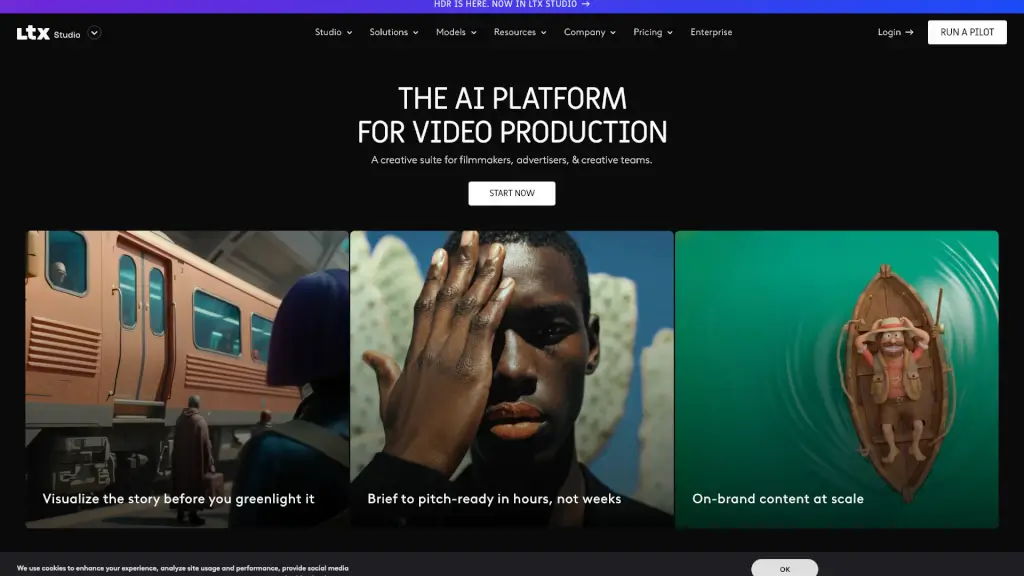
What is LTX Studio?
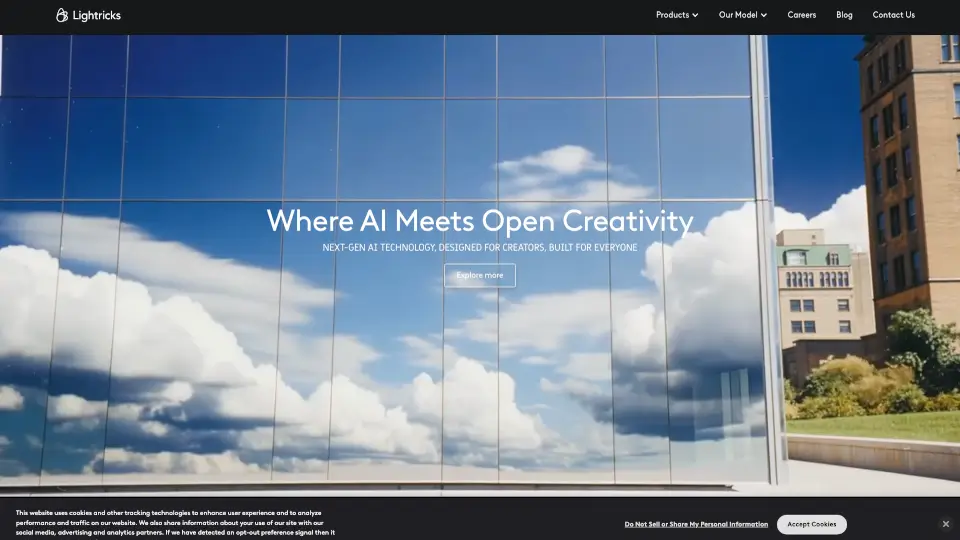
LTX is your all-in-one creative studio for AI video production, designed to help filmmakers, marketers, and creative teams turn their ideas into stunning, production-ready videos in no time. Whether you're crafting a movie, an ad, or a music video, LTX simplifies the entire process, from scripting and storyboarding to final editing. With its powerful AI tools, you can generate high-quality visuals, control every shot, and maintain consistency across scenes, making it a game-changer for anyone looking to streamline their video production workflow.
What are the features of LTX Studio?
- Text-to-Video: Convert your text prompts into professional-grade videos with just a few clicks.
- Image-to-Video: Transform images into dynamic video sequences, perfect for visual storytelling.
- Script-to-Video: Upload your script and instantly generate scenes and storyboards, saving you hours of manual work.
- AI Storyboard Generator: Quickly create detailed storyboards to visualize your project before shooting.
- Camera Keyframes: Control camera movements and define motion through keyframes for precise, cinematic shots.
- Visual Styles: Choose from a variety of preset styles, from cinematic to branded looks, to maintain visual consistency.
What are the use cases of LTX Studio?
- Movie Makers: Create full-length films with professional-grade control, from concept to final cut.
- Advertising Agencies: Produce high-impact ads that stand out, from idea to execution.
- Music Producers: Generate engaging music videos that bring your songs to life.
- In-House Studios: Streamline the creation of corporate videos, training materials, and more.
- Creative Teams: Collaborate on projects, share assets, and get real-time feedback in one platform.
- Educational Content Creators: Develop engaging, visually rich educational videos for online courses.
How to use LTX Studio?
- Start with a Concept: Describe your idea or upload a script to get started.
- Generate Visuals: Use text, images, or a mix of both to create initial visuals.
- Storyboard Your Project: Use the AI Storyboard Generator to plan your scenes.
- Refine and Edit: Adjust camera movements, add sound, and fine-tune your video.
- Collaborate and Share: Invite team members to provide feedback and make changes.
- Finalize and Export: Once satisfied, export your video in high quality.