

What is Logodiffusion?
Tired of generic logo templates that all look the same? Logo Diffusion is an AI-powered logo maker that creates unique, editable logos from scratch—not pre-made designs. Whether you describe your idea in words, draw a rough sketch, or upload an image, its smart AI generates fresh logo concepts tailored to your brand. Best of all, you can fine-tune every detail and export production-ready files like vector SVGs or transparent PNGs—no design degree required.
Used by over 1.4 million creators, Logo Diffusion combines generative AI with pro-level editing tools so you go from idea to final logo in minutes. It’s built specifically for logo design (not repurposed stock art), so results actually look like real logos—not weird AI mashups.
What are the features of Logodiffusion?
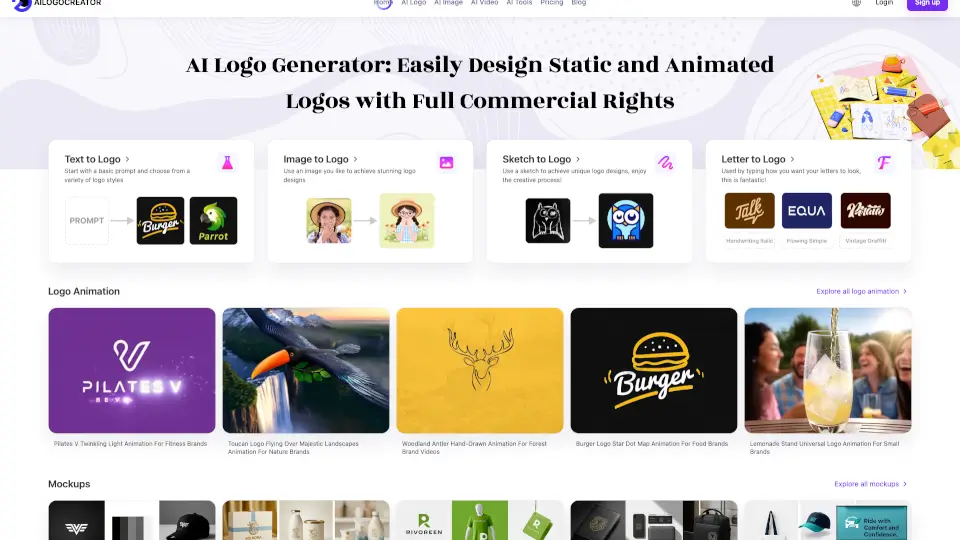
- Text-to-Logo: Turn simple text prompts into custom logos in seconds, with 11+ distinct styles to choose from.
- Sketch-to-Logo: Draw your idea directly on the canvas, and AI transforms it into polished logo options.
- Image-to-Logo: Upload any photo or existing logo, and AI reimagines it as a brand-new, scalable logo.
- Magic Editor: Swap text, adjust poses, create icon sets, or build full logo systems while keeping your original style intact.
- True Vector Export: Get clean, layered SVG files that work flawlessly in Illustrator or Figma—no messy auto-tracing.
- AI Mockups & Upscaler: Generate realistic, AI-built mockups (not stock overlays) and upscale logos to 4K resolution with edge-preserving quality.
- Style Transfer: Apply 70+ textures and materials directly to your logo—like wood, metal, or neon—while preserving its core structure.
What are the use cases of Logodiffusion?
- A solopreneur launching a coffee shop uses Text-to-Logo to generate a retro badge-style logo in under 5 minutes.
- A freelance designer turns a client’s napkin sketch into 4 refined logo options using Sketch-to-Logo, then exports vectors for branding.
- An e-commerce brand uploads their product photo via Image-to-Logo to create a matching mascot logo for packaging.
- A startup founder uses Magic Editor to quickly generate social media icons, app icons, and alternate lockups from their main logo.
- A small agency saves 40+ hours/month by replacing manual concepting with Logo Diffusion’s rapid generation and editing toolkit.
- A nonprofit creates multiple on-brand variations (light/dark backgrounds, horizontal/vertical layouts) without hiring a designer.
How to use Logodiffusion?
- Start by choosing your input method: Text, Sketch, or Image—you can switch anytime during the process.
- Pick a logo style (like Mascot, Monogram, or Line Art) and generate up to 4 options per try.
- Use the Magic Editor to change text, adjust elements, or create a full logo system while preserving your original design language.
- Refine colors to match your brand palette using the built-in color picker.
- Export your final logo as a transparent PNG or editable vector SVG—paid plans include commercial rights and unlimited downloads.
- Try the Free plan first (24 credits/month) to test the workflow before upgrading.