
What is LiveReacting AI?
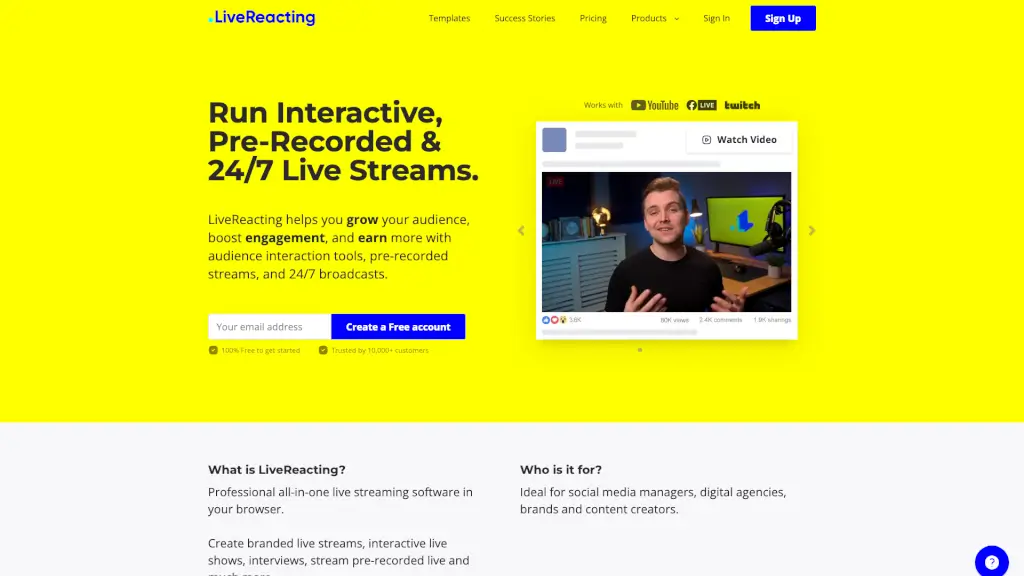
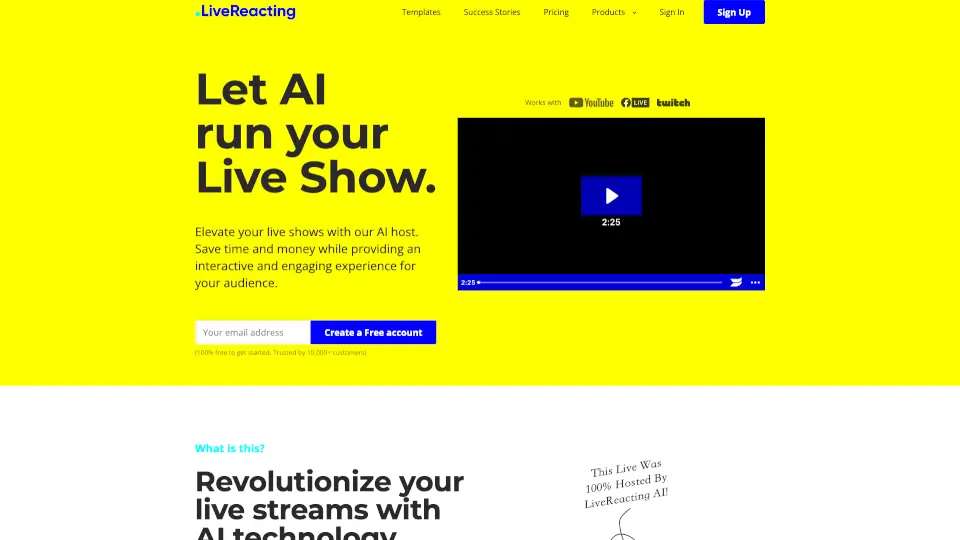
Tired of juggling cameras, scripts, and audience interaction all by yourself during live streams? Meet LiveReacting AI Host—your smart, always-on virtual co-host that transforms any live show into an engaging, interactive experience without you needing to be on screen. Whether you're running trivia nights, church services, product launches, or 24/7 content loops, the AI host handles everything from introductions to winner announcements in real time.
Powered by contextual AI, LiveReacting understands your stream’s topic and audience instantly, delivering smooth, professional hosting that feels human—but works automatically. Save hours of prep time, cut production costs, and boost viewer engagement with zero stress. Best of all? You can start for free, no software install required, and stream even when your computer is off.
What are the features of LiveReacting AI?
- AI-Powered Live Host: Understands your show’s context and hosts autonomously—from reading questions to shouting out winners.
- Interactive Games Suite: Includes Trivia, Word Search, Wordict (like Wordle), Last Comment Wins, and Closest Guess—all embedded directly in your live feed.
- 24/7 Automated Streaming: Run non-stop live channels using pre-recorded videos, countdowns, polls, and more—fully automated from LiveReacting’s servers.
- Multistreaming Support: Broadcast simultaneously to up to 20 platforms (like YouTube, Facebook, Twitch) without extra hardware.
- Custom Branding Options: Use ready-made avatars or design a custom AI host avatar that matches your brand identity.
- Multilingual Hosting: AI speaks English, Spanish, French, Ukrainian, and more—great for global audiences.
- Optional Custom Instructions: Tell the AI to mention sponsors, prizes, or special messages during the stream.
What are the use cases of LiveReacting AI?
- A church streams weekly sermons with interactive prayer requests and community polls—hosted entirely by AI.
- An online educator runs daily live trivia review sessions where the AI explains answers and celebrates student wins.
- A small business owner promotes flash sales using countdown timers and giveaways, all managed by the AI host.
- A content creator builds a 24/7 fan channel looping highlight reels, behind-the-scenes clips, and interactive games.
- A pub or bar hosts remote quiz nights with real-time scoring and player shoutouts—no staff needed on camera.
- An e-commerce brand launches new products with live unboxings, polls, and instant giveaways powered by AI.
How to use LiveReacting AI?
- Sign up for free at LiveReacting—no credit card or software download needed.
- Choose a template (like Trivia, Countdown, or 24/7 Stream) and customize your show’s content and rules.
- Upload pre-recorded videos or connect your camera if you want to appear occasionally.
- Add interactive elements like polls, games, or giveaways using the drag-and-drop studio.
- Schedule your stream or go live instantly—the AI host runs everything from LiveReacting’s cloud servers.
- Multistream to your favorite platforms and share the link while the AI engages your audience in real time.