
What is LiveReacting?
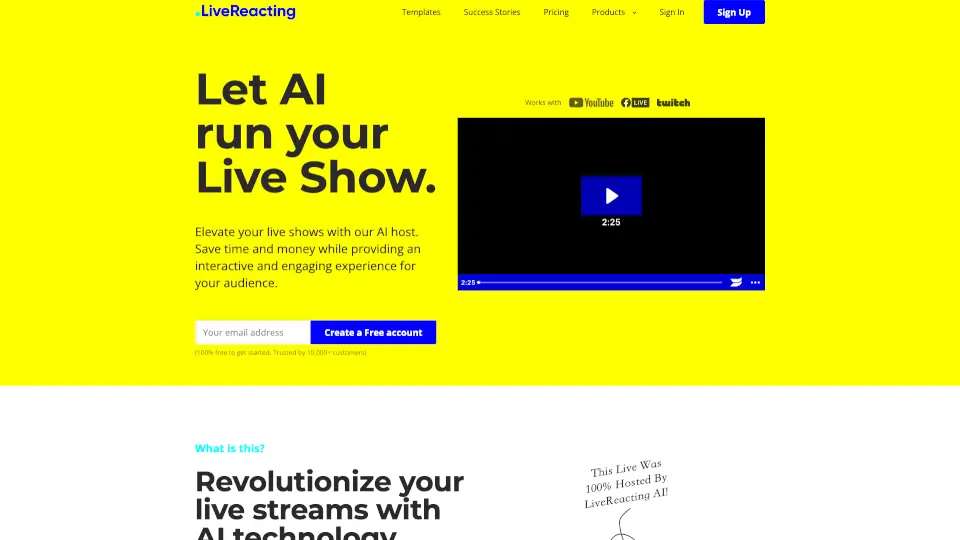
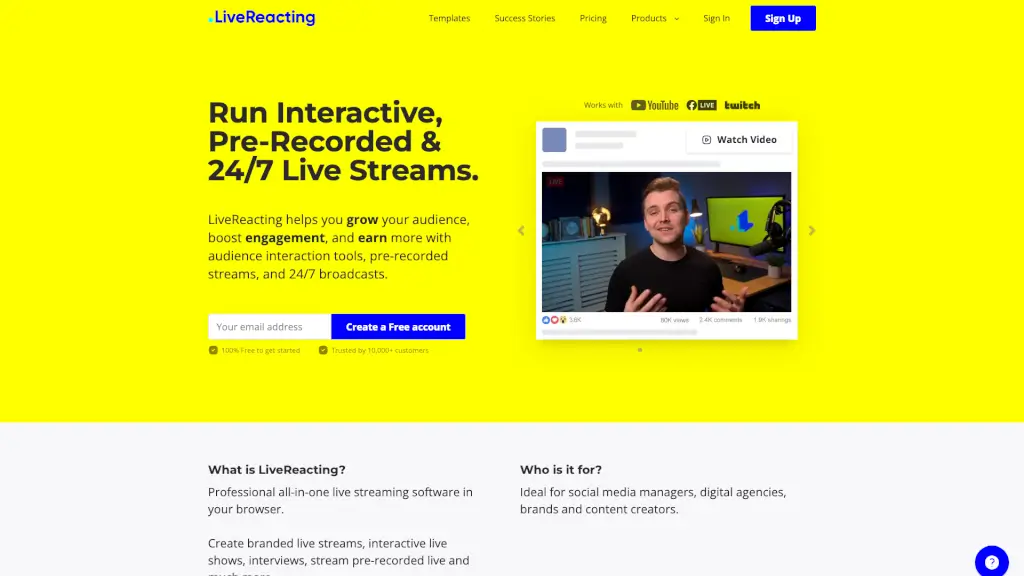
LiveReacting is an all-in-one live-streaming software that lets you create engaging, interactive broadcasts—even without going live in real time. Whether you want to run a 24/7 stream, schedule pre-recorded videos as if they’re live, or add fun audience games like trivia and polls, LiveReacting makes it easy—all from your browser, no downloads needed.
Designed for creators, brands, churches, and agencies, it helps you boost engagement, grow your audience, and even earn more by turning passive viewers into active participants. Stream seamlessly to Facebook, YouTube, Twitch, and more, with professional branding and zero technical headaches.
What are the features of LiveReacting?
- Pre-recorded Live Streams: Schedule any video to play automatically as a “live” broadcast—perfect for consistent content without real-time pressure.
- Interactive Games: Engage viewers with real-time games like Trivia, Word Search, Wordict (a Wordle-style game), Last Comment Wins, and Closest Guess.
- 24/7 Live Streaming: Create non-stop automated streams that run around the clock, ideal for background content or always-on channels.
- Polls & Giveaways: Connect instantly with your audience using live polls and on-screen giveaways to drive interaction.
- AI Host: Let an AI presenter run parts of your show, keeping your stream dynamic even when you’re not live.
- Multistreaming: Broadcast to multiple platforms (YouTube, Facebook, Twitch, RTMP) simultaneously with one click.
- Custom Branding: Add your logo, colors, music, and graphics to match your brand identity effortlessly.
- Ready-Made Templates: Launch professional streams fast with over 100+ customizable templates for churches, sales, events, and more.
What are the use cases of LiveReacting?
- A church runs weekly worship services as 24/7 streams with countdowns to special events and live comment displays for remote congregants.
- An e-commerce brand schedules product demos as “live” videos with limited-time countdown offers and real-time polls to gather customer feedback.
- A digital agency manages client streams using interactive trivia and giveaways during product launches to boost social media engagement.
- A YouTube creator uses pre-recorded content with embedded Word Search games to keep viewers watching longer and commenting more.
- A nonprofit hosts fundraising campaigns with live polls and “Last Comment Wins” contests to encourage donations and shares.
- A gaming streamer adds Closest Guess challenges during breaks to maintain audience attention between gameplay sessions.
How to use LiveReacting?
- Sign up for a free account at LiveReacting—no credit card or software install required.
- Choose a template or start from scratch in the cloud-based studio.
- Drag and drop elements like videos, polls, games, or countdowns onto your stream layout.
- Customize branding with your logo, colors, and music to match your identity.
- Connect your streaming destinations (Facebook, YouTube, etc.) via RTMP or direct integration.
- Click “Go Live”—your stream starts instantly and runs smoothly, even if you step away.