
Lex logo

Lex

0
5.0
(0 Reviews)
United States35.75%

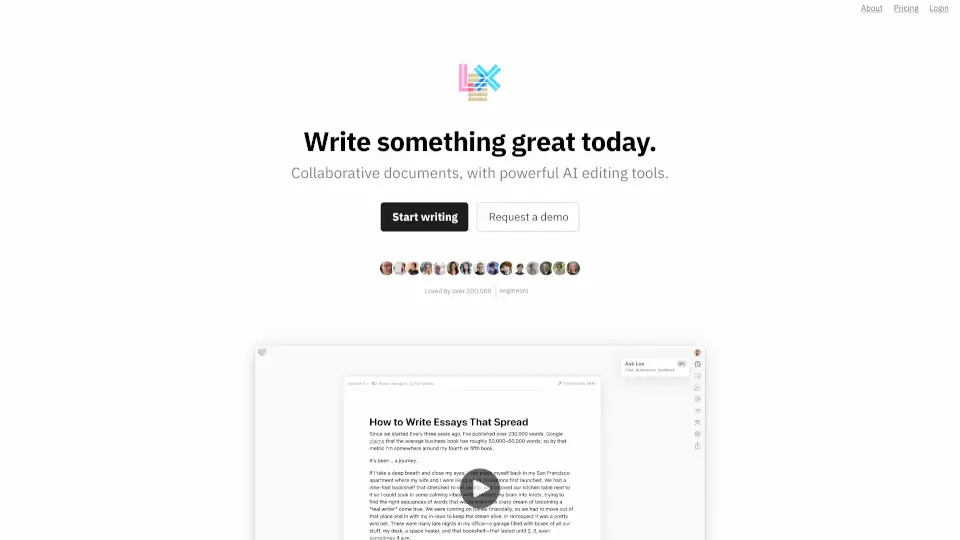
Lex is a collaborative document editor with powerful AI editing tools, offering real-time collaboration, version control, and smart writing assistance for teams and individuals.

Verified by SeekTool
Social Media:

Lex Product Information

What is Lex?

Lex is a fresh take on collaborative document editing—think Google Docs, but smarter. Built for writers, investors, and teams, it combines a clean, distraction-free interface with powerful AI tools that help you write better, faster. Whether you’re drafting a quick note or a complex report, Lex’s AI can give feedback, brainstorm ideas, rewrite sentences, and even suggest titles. Over 300,000 writers already use it to iterate more efficiently and produce polished work.

What are the features of Lex?

  • AI Feedback: Ask the AI to review your draft, suggest improvements, or rewrite any section in a different tone.
  • Live Collaboration: Share a link, log in with one click, and see edits from teammates in real time—no app download needed.
  • Versions & Track Changes: Save alternative versions of your text without losing the original; track changes coming soon for full edit history.
  • Commands & Shortcuts: Use handy AI shortcuts to find the perfect word, generate a list of ideas, or get title suggestions with one click.
  • Publishing: Generate a “read-only” link so anyone can view your final document without editing permissions.
  • Mobile Web Access: Collaborate from any device—no app required, just a browser.
  • Comments: Leave and receive comments with a polished, keyboard-navigable interface.

What are the use cases of Lex?

  • Startup founders drafting pitch decks: Use AI feedback to tighten language and get title ideas for investor presentations.
  • Marketing teams brainstorming content: Collaborate live on blog posts, then publish read-only links for client review.
  • Students writing research papers: Save multiple versions of a thesis draft and ask the AI to rephrase complex sections.
  • Freelance writers polishing articles: Use AI commands to find better synonyms or generate topic lists on the fly.
  • Remote teams co-authoring proposals: Share a link, collaborate in real time, and track changes (coming soon) to see who changed what.

How to use Lex?

  • Start a new document: Go to lex.page, sign up with one click, and begin typing immediately.
  • Get AI feedback: Highlight a paragraph, click “Ask AI” and choose “Get feedback,” “Rewrite,” or “Brainstorm ideas.”
  • Collaborate with others: Click “Share” to generate a link, send it via email or chat, and watch edits appear live.
  • Save a version: Before making big changes, use “Versions” to keep a copy of your current draft safe.
  • Publish your work: When you’re done, click “Publish” to create a read-only link for readers.
  • Use keyboard shortcuts: Press Ctrl + K (or Cmd + K) to open the commands menu and access AI tools quickly.

Lex Contact Email:

[email protected]

Do you like this tool?

Upvote to help others discover it!

Lex Alternatives

Linguix

Linguix is a free AI grammar checker and writing assistant that makes your texts grammatically correct, clear, and effective across any website in 7 languages.

US
4.59%
|
254.9K
|
5.0
Lemon

Lemon turns your voice into polished emails, docs, and presentations, making you more productive and focused.

IN
33.61%
|
95.5K
|
5.0
Writecream

Writecream is an AI-powered SEO and content creation platform that helps users generate ranking blog posts, emails, visuals, and voiceovers instantly using 75+ smart tools and the Lexi SEO Agent.

US
23.24%
|
131.4K
|
5.0
Grammarly

Grammarly is a free AI writing assistant that helps individuals and teams write clearer, more credible, and engaging content across every app and website.

US
45.83%
|
45.8M
|
5.0
editGPT - Proofread, Edit, and Track Changes in chatGPT

editGPT is a versatile AI-powered editing tool that helps you write better, faster, and more accurately. With features like grammar correction, multi-language support, and custom prompts, it’s the perfect solution for students, professionals, and casual writers alike.

US
22.33%
|
298.4K
|
5.0
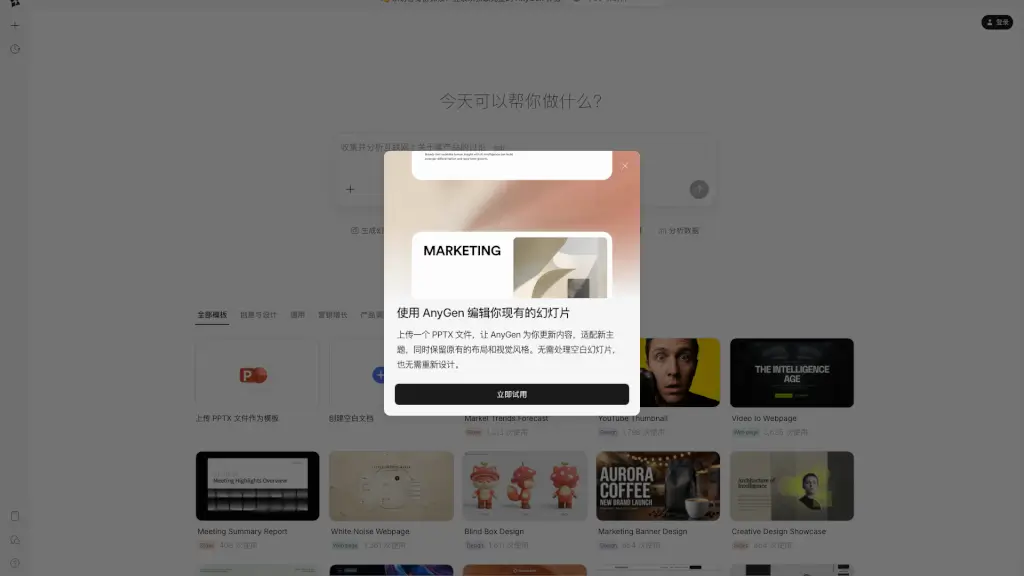
AnyGen

AnyGen is a powerful AI tool that helps you create, refine, and polish professional content through collaborative editing and real-time feedback.

CN
21.65%
|
262.1K
|
5.0
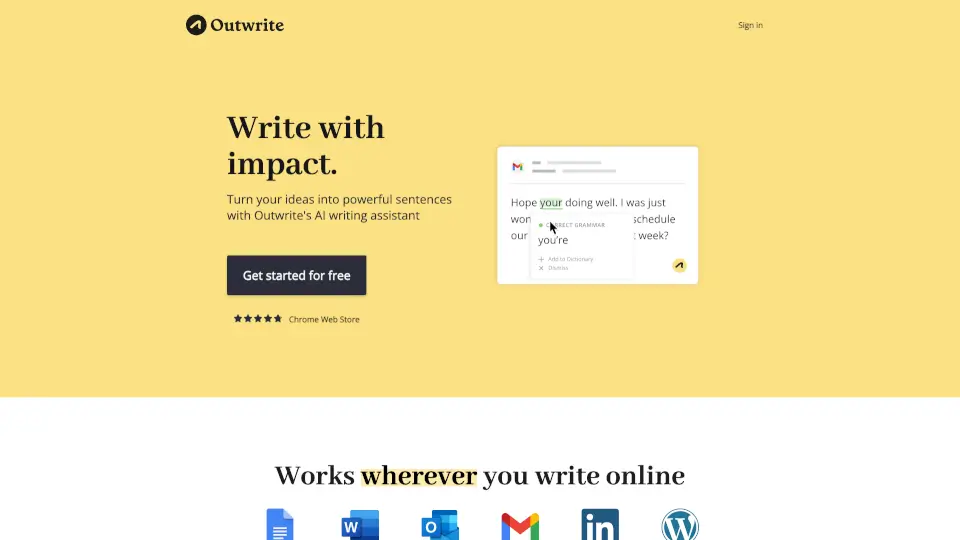
Outwrite

Outwrite helps you write with confidence—fixing errors, improving style, and boosting readability. Perfect for students, professionals, and teams.

US
19.18%
|
33.7K
|
4.0
Othersideai

HyperWrite is an AI writing assistant that boosts productivity with smart tools for drafting, editing, researching, and replying—all tailored to your unique voice.

US
35.00%
|
265.1K
|
5.0

Lex Related Other Categories

Lex Traffic Analysis

💡 Insights

🌱
Emerging Tool
10K-100K monthly visits. Niche or new tool with potential unique value.
➡️
Stable
Traffic remains stable, indicating a mature product.
💎
High Stickiness
Low bounce rate (37%) and deep engagement (3.6 pages/visit). Excellent user experience.
🎯
Strong Brand
62% direct traffic. High user loyalty.
  • Monthly Visits

    64.37K

  • Bounce Rate

    37.23%

  • Pages Per Visit

    3.60

  • Visit Duration

    00:01:04

  • Global Rank

    452330

  • Country Rank

    260073

Visits Over Time

Traffic Sources

Direct62.13%
SearchOrganic15.92%
Referrals8.87%
GenAi8.87%
SocialOrganic3.17%
Mail1.04%
SearchPaid0.00%
SocialPaid0.00%
Affiliate0.00%

Top Keywords

1
lex
CPC$0.67
1.45KTraffic
2
lex ai
CPC$2.95
650Traffic
3
text lex
100Traffic
4
ai word processor
CPC$3.31
90Traffic
5
lex.page
90Traffic

Top Regions

RegionPercentage
United States
United States
35.75%
Germany
Germany
10.33%
Canada
Canada
5.94%
United Kingdom
United Kingdom
4.00%
India
India
3.84%
Low
High

Powered by SimilarWeb

Lex FAQ

Is Lex free to use?

Lex offers a free tier for basic writing and collaboration. Premium features like advanced AI feedback and version history are available with a paid plan—check the Lex pricing page for details.

How does the AI feedback work?

You can ask the AI to review your draft for clarity, tone, or grammar. It can also rewrite selected text, brainstorm new ideas, or suggest alternative phrasings—all in real time.

Can I use Lex without creating an account?

To create or edit documents, you need a free account (one-click login). However, you can view a published “read-only” document without logging in.

Does Lex work on mobile?

Yes! Lex is fully accessible through a mobile web browser. There’s no separate app to download—just open the link and start typing or collaborating.

What’s the difference between Lex and Google Docs?

Lex offers a cleaner, minimalist interface plus built-in AI tools (feedback, rewriting, title ideas) that Google Docs doesn’t have. It also supports live collaboration and version control.

How do I revert to an older version of my document?

Use the “Versions” feature to save and name different drafts. You can restore any saved version at any time. Track changes (showing exactly who edited what) is coming soon.

Can I share my document with someone who doesn’t have a Lex account?

Yes—share a “read-only” publishing link for anyone to view. For live collaboration, recipients will need to log in (free, one-click) to edit.

Is my data secure on Lex?

Lex follows standard security practices. For specific details on data encryption and privacy, refer to the Terms of Service and Privacy Policy linked at the bottom of lex.page.

Lex Reviews

0

0

0 Reviews
Sign Into leave a review

Recent Reviews

No reviews yet

Lex Embed

Use website badges to drive community support for SeekTool.ai. They are easy to embed in your homepage or footer.

Light
Dark
Lex - Featured on SeekTool.aiLex - Featured on SeekTool.ai
How to install?

Looking for Lex Alternatives?

Compare top AI tools similar to Lex. Find the best option for your needs.

View Alternatives

Reviews

0.0

Share your experience with this tool...

Category Rankings

Ranked by monthly traffic

Trending

Featured

Subscribe to our AI Newsletter

Get the top AI stories delivered to your inbox weekly.