
What is Leetcode Wizard?
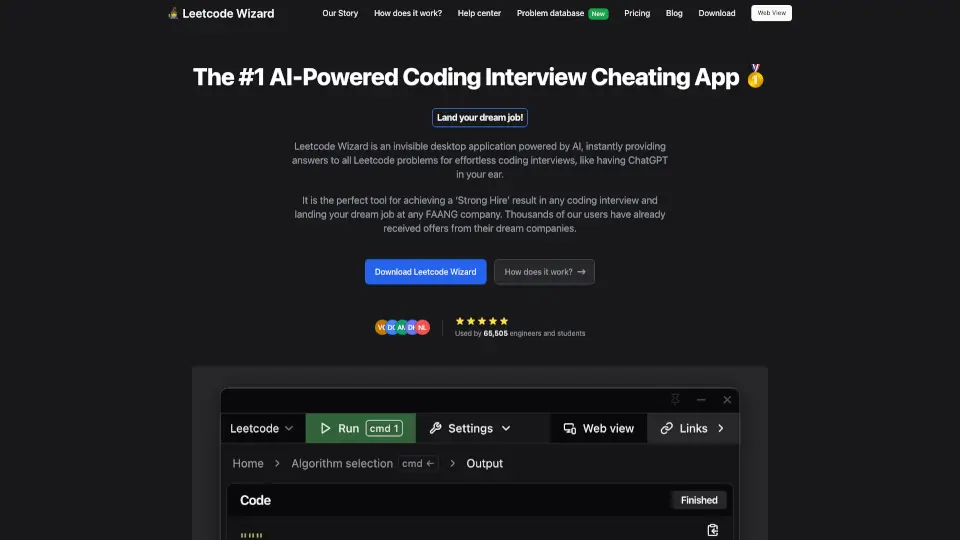
Leetcode Wizard is an invisible desktop app that uses AI to instantly give you answers to Leetcode problems during coding interviews. Think of it like having ChatGPT in your ear — it runs hidden on your computer, can’t be seen by screen-sharing software, and helps you solve even the toughest problems you’ve never seen before. Thousands of users say it helped them land offers at FAANG companies. It’s designed to bypass the broken, puzzle-heavy interview process and get you a “Strong Hire” result with minimal stress.
What are the features of Leetcode Wizard?
- Invisible Desktop App: The app has no visible window and is completely undetectable in screenshots and screen recordings. You control it with global hotkeys that run at a privileged level, so other software can’t detect them.
- Web View for Secondary Devices: Open the output on your phone, tablet, or another laptop. Perfect for proctored interviews where your main screen is recorded.
- Algorithm Suggestion Engine: AI inspects your problem and lists possible algorithms sorted from worst to best time complexity. Works on any Leetcode problem, including new or unknown ones.
- Humanized Output: The generated code, test cases, and complexity analysis pass through a “humanizer” to avoid AI detection tools used by interview platforms.
- Fast Response: Returns answer within seconds, so you never pause awkwardly.
- 93% Pass Rate: Based on internal tests in real coding interviews (as of April 2026).
- Multi-Language Support: Choose your preferred programming language during setup.
What are the use cases of Leetcode Wizard?
- Facing a tough Leetcode problem you’ve never seen during a live coding interview — the app solves it on the spot.
- Taking a proctored coding test where your entire screen is recorded — use the web view on a second device and hide the desktop app.
- Short on prep time due to family, work, or school — skip months of grinding and get answers instantly.
- Experienced engineers who hate puzzle-style interviews but want to land a six-figure FAANG role without memorizing algorithms.
- Mock interviews or trial runs — test the app with a friend on Zoom before using it in the real thing.
How to use Leetcode Wizard?
- Configure your setup – Log in, select your preferred programming language and input source.
- Press “Solve” – Use undetectable hotkeys to start the app without leaving the interview window.
- For proctored tests – Open the web view on a secondary device (phone or tablet) and set the desktop app to hidden mode.
- Pick an algorithm – After the AI inspects your problem, choose from the list of possible algorithms (sorted by complexity).
- Get output – The AI generates fully humanized code, edge-case tests, and complexity analysis instantly.