
What is Jetpack AI?
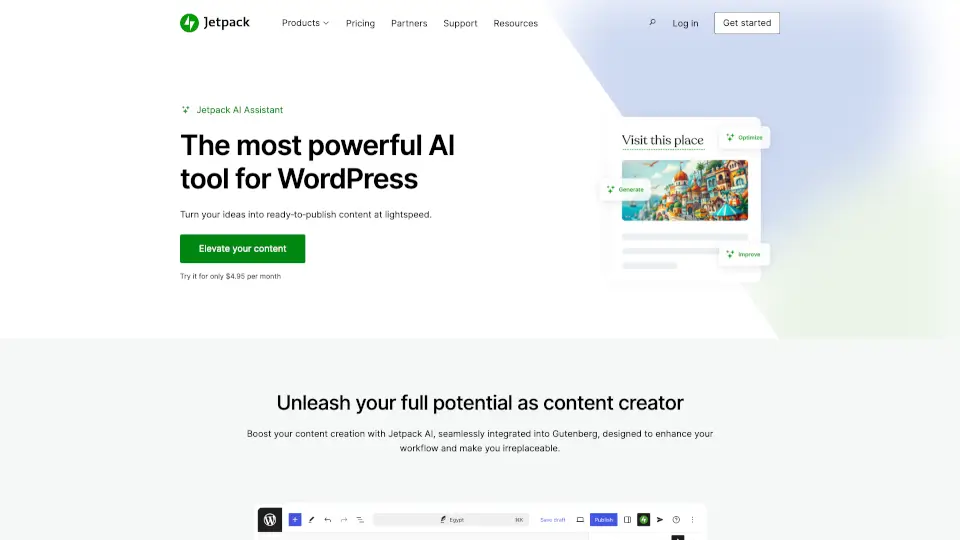
Jetpack AI Assistant is your smart writing sidekick built right into WordPress. Whether you're drafting a blog post, building a landing page, or polishing an old article, it helps you create high-quality, ready-to-publish content in seconds—not hours. No more staring at a blank screen wondering how to start.
Designed specifically for WordPress users, Jetpack AI Assistant works seamlessly inside the Gutenberg editor, so you never have to leave your familiar workspace. It’s not just about generating text—it also helps you edit smarter, optimize for readers, and even create custom images, all while keeping your unique voice intact.
What are the features of Jetpack AI?
- AI-Powered Content Generation: Instantly create blog posts, pages, lists, tables, and forms using simple prompts—all from within the WordPress editor.
- AI Image Generation: Generate custom illustrations, featured images, or even logos based on your site’s content or your own creative prompts.
- Readability & Clarity Tools: Automatically spot long sentences, complex words, or confusing phrasing, then suggest clear, reader-friendly improvements.
- One-Click Publishing Optimization: Improve your post title, generate a matching featured image, and collect feedback with a single click to boost engagement.
- Smart Content Editing: Change tone (formal vs. casual), translate, summarize, expand, or refine any block of text using intuitive toolbar options.
- Built-in Grammar & Spelling Correction: Get real-time suggestions that go beyond basic spellcheck to enhance clarity and correctness.
What are the use cases of Jetpack AI?
- A blogger struggling with writer’s block uses a prompt to draft a full post outline in under a minute.
- An online store owner quickly generates product descriptions with consistent tone and SEO-friendly language.
- A nonprofit creates multilingual versions of donation pages without hiring translators.
- A small business builds contact forms with pre-filled fields using AI-generated templates.
- A content marketer improves readability scores before publishing to keep readers engaged longer.
- A solopreneur designs a custom logo and hero image for a new service page—no designer needed.
How to use Jetpack AI?
- Install and activate the Jetpack plugin on your WordPress site.
- Open the Gutenberg editor and click the “+” button to add a new block—search for “AI Assistant” and select it.
- Type a clear prompt like “Write a 300-word intro about sustainable gardening for beginners.”
- Choose your preferred tone (e.g., friendly, professional) and click “Generate.”
- Review, edit, or refine the output directly in the block—use toolbar tools to summarize, translate, or simplify.
- When ready, publish your post just like any other WordPress content.