
What is Jetpack?
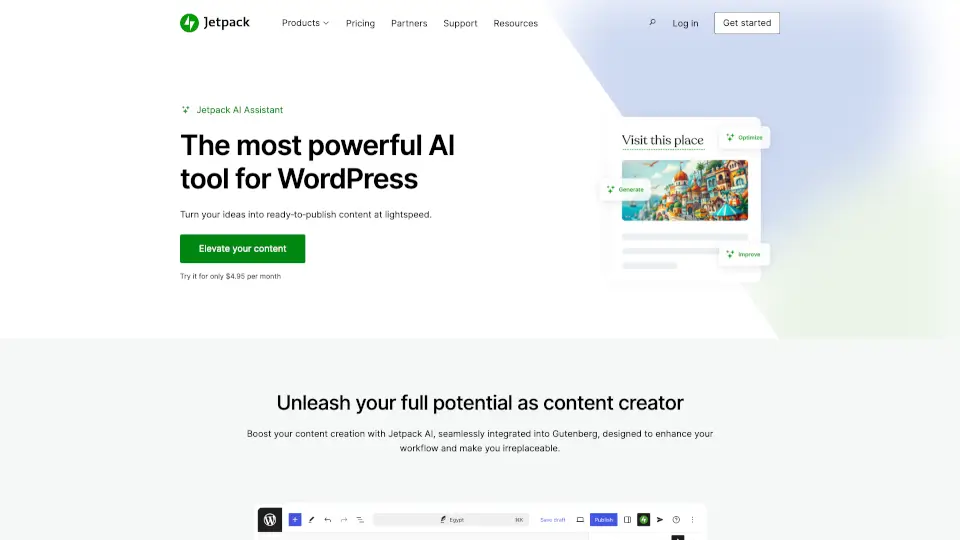
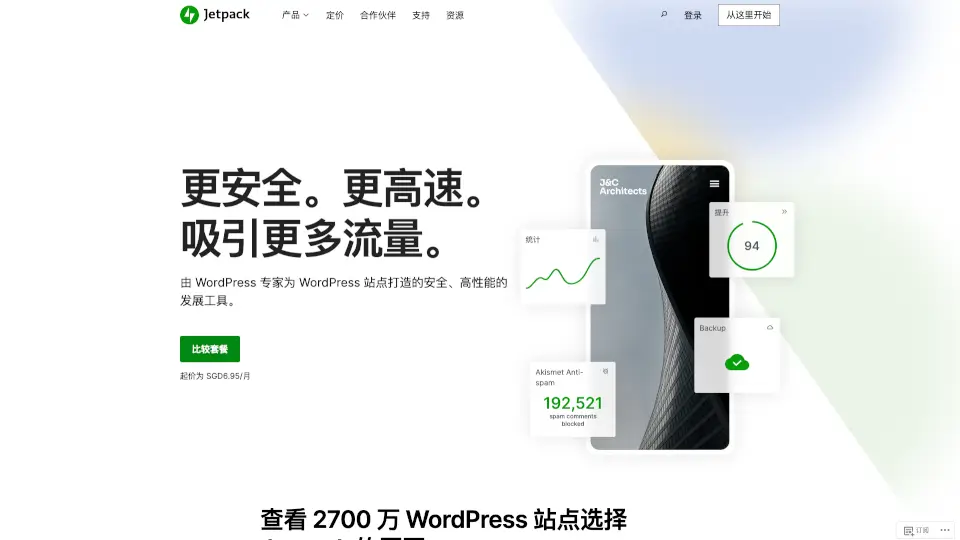
Jetpack is an AI-powered WordPress plugin suite for site owners who need security, performance, and growth tools in one place. Built by the team behind WordPress.com, it combines real-time cloud backup, malware scanning, spam protection, site search, video hosting, social sharing, and an AI content assistant. Over 27 million WordPress sites trust Jetpack to keep their site safe, fast, and engaging. It fits directly into the WordPress admin dashboard, so you manage everything without leaving your site.
What are the features of Jetpack?
- VaultPress Real-Time BackupAutomatically saves every change to your site and enables one-click restore. Starts with 10GB cloud storage and 30-day activity archive.
- Jetpack Scan with WAFContinuously scans for malware and vulnerabilities. Includes a web application firewall (WAF) and one-click fix for detected threats.
- Akismet Anti-SpamBlocks spam comments and form submissions using machine learning. Includes 10,000 API calls per month for comment and form protection.
- VideoPressHost full-HD, ad-free videos directly in the WordPress editor. Comes with 1TB storage on the Complete plan.
- Jetpack SearchProvides instant, real-time site search for visitors. Supports up to 100,000 records and 100,000 requests per month on the Advanced plan.
- AI AssistantHelps create and refine content within the WordPress editor. Includes spell check, grammar correction, translation, tone adjustment, and smart feedback on drafts.
What are the use cases of Jetpack?
- WordPress site owner wanting real-time backup and one-click restore to prevent data loss.
- Blogger or news site needing to block spam comments and form submissions without manual review.
- E-commerce or content site looking to improve visitor experience with fast, relevant site search.
- Business or creator who wants to automatically share new posts to social media on a schedule.
- Team or agency that needs a built-in CRM to manage leads and customer relationships directly in WordPress.
How to use Jetpack?
- Install the Jetpack plugin from the WordPress plugin directory and connect it to a WordPress.com account.
- Choose a plan (VaultPress Backup, Security, or Complete) that matches your security and performance needs.
- Activate the features you want (backup, scan, anti-spam, search, social sharing, etc.) from the Jetpack dashboard.
- For AI Assistant, open any post or page editor and use the Jetpack AI block to generate or refine content.
- Review the activity log and backup archives regularly to ensure your site data is protected.