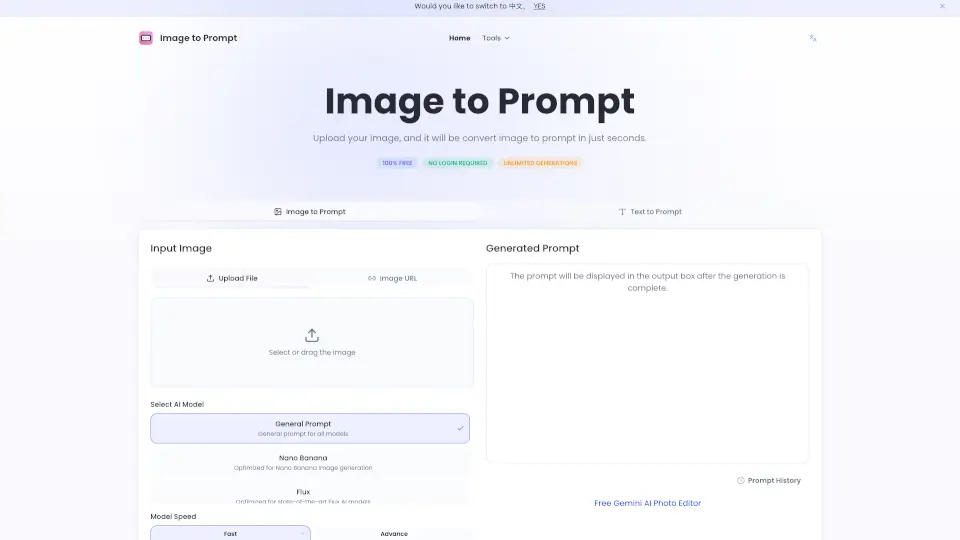
What is Image to Prompt?
Welcome to Image to Prompt, the ultimate tool for converting images into vivid and accurate text prompts. Whether you're a content creator, marketer, or just someone looking to enhance their creative projects, this tool is designed to make your life easier. Simply upload an image, and our advanced AI will generate a detailed prompt that you can use in various applications. No more struggling to find the right words—let Image to Prompt do the work for you!
What are the features of Image to Prompt?
- Free and Unlimited: Use Image to Prompt as much as you want, with no limits on the number of generations.
- No Login Required: Get started immediately without the need to create an account or log in.
- Multiple AI Models: Choose from different AI models like Nano Banana, Flux, Midjourney, and Stable Diffusion to tailor the prompt to your needs.
- Fast and Accurate: Our AI quickly generates high-quality prompts that are both accurate and detailed.
- Privacy-Focused: Your images are not stored or shared, ensuring your privacy is protected.
What are the use cases of Image to Prompt?
- Content Creation: Generate text descriptions for images to use in blog posts, articles, and social media.
- Marketing: Create engaging marketing copy that matches your visual content.
- Design Collaboration: Convert design sketches into text descriptions for better communication with team members.
- Education: Enhance classroom materials by providing detailed descriptions of images.
- Research: Organize and analyze image data more effectively with generated text prompts.
- Software Development: Improve communication between designers and developers by converting design concepts into text.
How to use Image to Prompt?
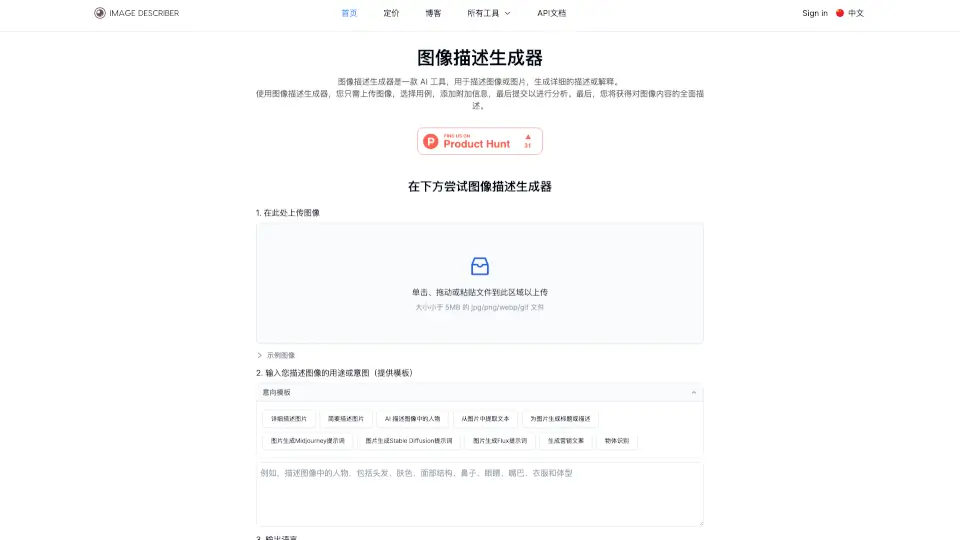
- Select Image: Click to choose an image or drag and drop it into the designated area.
- Choose AI Model: Select the AI model that best fits your needs (e.g., General, Nano Banana, Flux, Midjourney, Stable Diffusion).
- Generate Prompt: Click the "Generate Prompt" button and wait a few seconds.
- Copy Result: Once the prompt is generated, select and copy the text to use in your project.
- Edit if Needed: If the prompt isn't perfect, feel free to edit and adjust the text to better suit your needs.