
What is Othersideai?
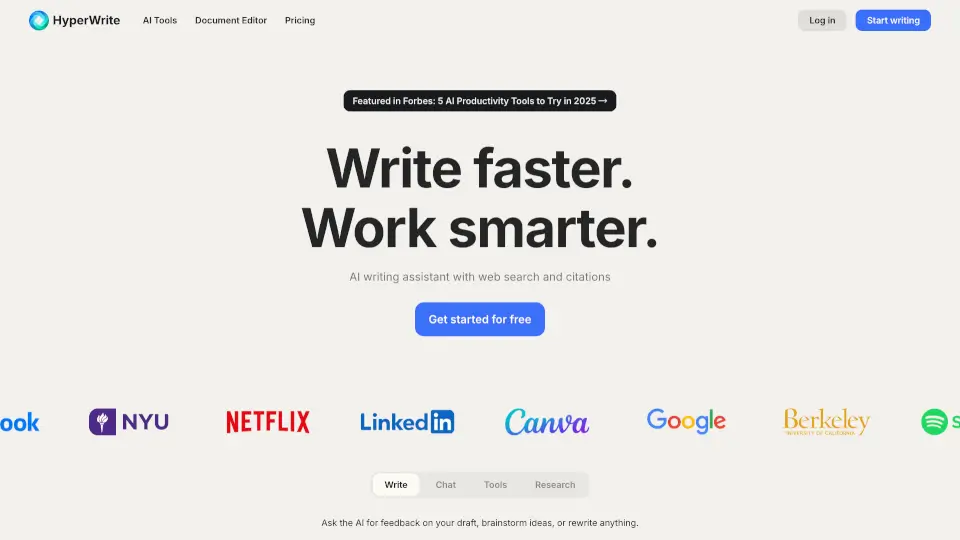
Tired of staring at a blank screen or spending hours crafting emails and reports? HyperWrite is your AI-powered writing sidekick that helps you create, edit, and research faster—without sacrificing quality. Built with cutting-edge artificial intelligence, it works right in your browser and favorite apps to give you smart suggestions, rewrite clunky sentences, and even draft entire documents from just a few words.
Whether you're a student tackling essays, a professional drowning in emails, or a content creator on deadline, HyperWrite adapts to your voice and workflow. With tools like real-time research, tone refinement, and custom AI personas, it doesn’t just write for you—it writes like you.
What are the features of Othersideai?
- AutoWrite: Generate full paragraphs, emails, or articles instantly by describing what you need.
- TypeAhead: Get context-aware sentence completions as you type—perfect for beating writer’s block.
- Email Responder: Turn short notes into polished, professional replies directly in Gmail.
- Scholar AI: Access peer-reviewed research and scholarly sources in seconds for credible, cited content.
- Custom Personas: Train the AI to mimic your unique writing style (up to 10 with Ultra plan).
- Chrome Extension: Use all AI tools on any website—Docs, Gmail, LinkedIn, and more.
- AI Speech Writer: Create compelling speeches fast by inputting your key points or theme.
- Rewriter & Summarizer: Rephrase content clearly or distill long texts into key takeaways.
What are the use cases of Othersideai?
- A student uses Scholar AI to find credible sources and draft a well-cited research paper.
- A marketer crafts personalized cold emails in seconds using AutoWrite and Email Responder.
- A busy manager clears their inbox faster by turning “Thanks!” into a full reply with one click.
- A blogger overcomes creative block with TypeAhead suggestions that match their casual tone.
- A presenter generates a persuasive keynote speech using the AI Speech Writer tool.
- A researcher simplifies complex findings using the Explain Like I'm Five feature for broader audiences.
- A freelancer builds a custom AI tool to auto-generate client reports based on templates.
How to use Othersideai?
- Install the free HyperWrite Chrome Extension to access AI tools on any webpage.
- Click the extension icon and choose a tool like AutoWrite, Rewrite, or Email Responder.
- Type a prompt (e.g., “Write a friendly follow-up email about our meeting”) and hit generate.
- Use TypeAhead while typing in Google Docs or Gmail—just press Tab to accept suggestions.
- Save time on research by using Scholar AI instead of manual database searches.
- Upgrade to Premium or Ultra to unlock Custom Personas and unlimited messages.