HitPaw VoicePea logo

HitPaw VoicePea

5.0
(0 Reviews)
United States16.27%

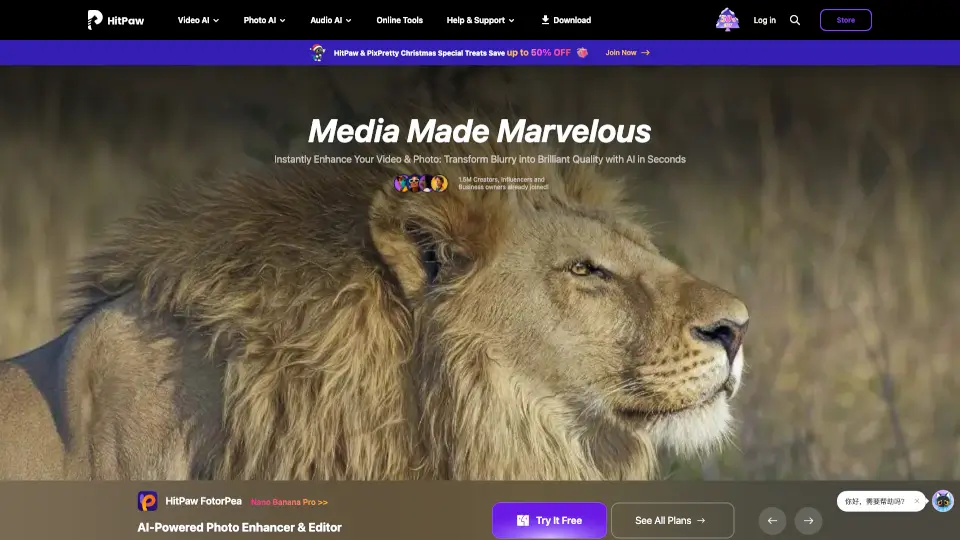
HitPaw is an AI-powered toolkit that enhances videos, photos, and audio files, helping creators and professionals achieve stunning results in seconds.

Verified by SeekTool
Social Media:
HitPaw VoicePea

HitPaw VoicePea Product Information

What is HitPaw VoicePea?

HitPaw is your go-to AI-powered solution for enhancing videos, photos, and audio files. Whether you're a creator, photographer, or just someone who loves great media, HitPaw makes it easy to transform blurry, low-quality content into stunning, professional-grade material. With tools like AI video enhancers, photo editors, and real-time voice changers, HitPaw helps you achieve amazing results in seconds.


What are the features of HitPaw VoicePea?

  • AI Video Enhancement: Upscale videos up to 8K, remove noise, and restore old footage with cutting-edge AI technology.
  • Photo Editing: Enhance photo quality, remove blur, and retouch images effortlessly with AI-powered tools.
  • Audio Enhancement: Remove background noise, enhance audio quality, and even generate music with AI.
  • Video Conversion & Compression: Convert, compress, and edit videos 170x faster without losing quality.
  • Real-Time Voice Changer: Change your voice in real-time with 200+ unique character voices.
  • AI Avatar & Image Generation: Create stunning AI avatars and artworks from your photos.

What are the use cases of HitPaw VoicePea?

  • Photographers: Enhance low-light photos, fix blurry images, and batch-process hundreds of photos quickly.
  • Content Creators: Optimize videos for TikTok, YouTube, and Instagram in just a few clicks.
  • Video Editors: Upscale footage, remove grain, and sharpen details without advanced editing skills.
  • E-commerce Sellers: Transform dull product photos into high-quality visuals to boost sales.
  • Educators: Bridge language gaps with AI-powered translations for global classrooms.

How to use HitPaw VoicePea?

  1. Download and install HitPaw's desktop or mobile app.
  2. Upload your video, photo, or audio file to the platform.
  3. Select the AI tool you need (e.g., video enhancer, photo editor, voice changer).
  4. Let HitPaw work its magic—enhance, convert, or edit your file in seconds.
  5. Export and share your transformed media.
HitPaw VoicePea Contact Email:

[email protected]


Do you like this tool?

Upvote to help others discover it!

HitPaw VoicePea Alternatives

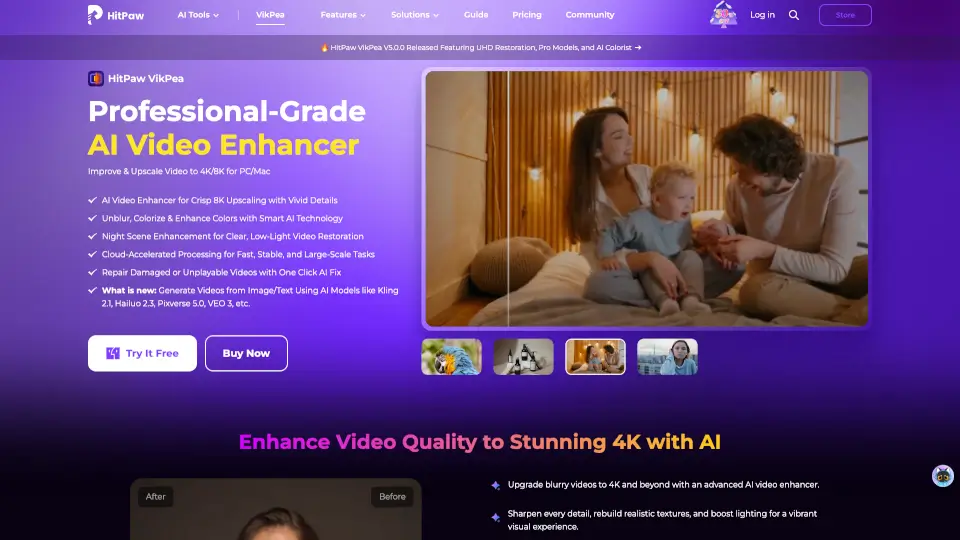
HitPaw VikPea

HitPaw VikPea

HitPaw VikPea is the easiest way to upscale, sharpen, and restore videos using AI. Perfect for nostalgia buffs, creators, and pros who want cinematic quality without the hassle.

US
16.27%
902.0K
5.0
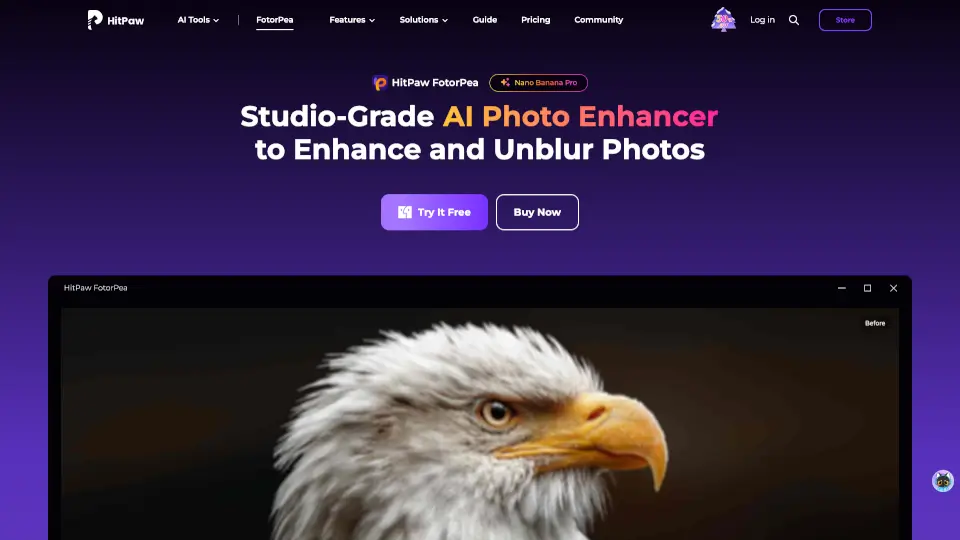
HitPaw FotorPea

HitPaw FotorPea

HitPaw FotorPea is your go-to AI photo enhancer for sharpening, upscaling, and restoring images effortlessly. Perfect for pros and beginners alike!

US
16.27%
902.0K
5.0
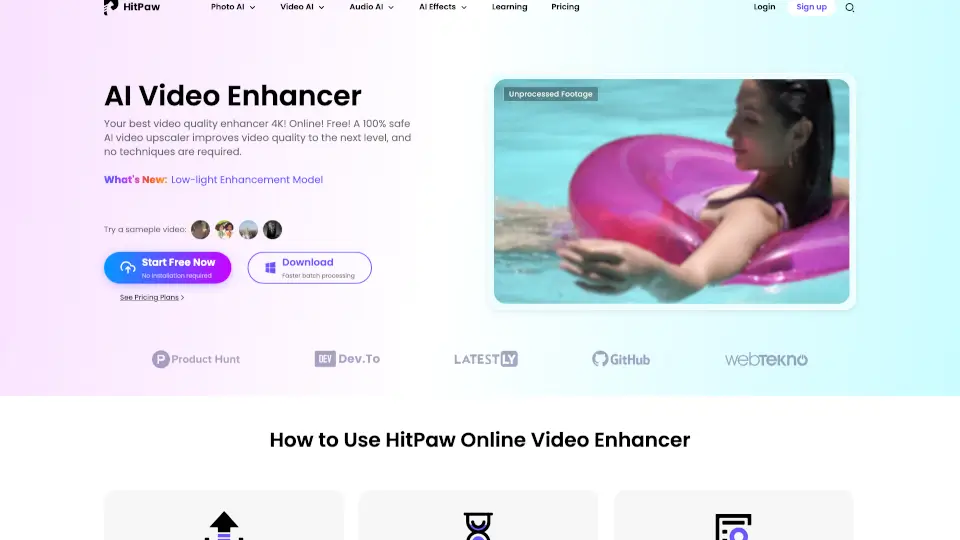
HitPaw Online Video Enhancer

HitPaw Online Video Enhancer

HitPaw Online Video Enhancer is a powerful, user-friendly tool that brings your videos to life with AI-powered upscaling, noise reduction, and color restoration. Perfect for both casual users and professionals!

US
21.15%
222.6K
5.0
HitPaw Edimakor

HitPaw Edimakor

HitPaw Edimakor is an intuitive AI video editor that transforms ideas into professional-quality videos fast—perfect for creators, educators, and businesses.

US
16.27%
902.0K
5.0
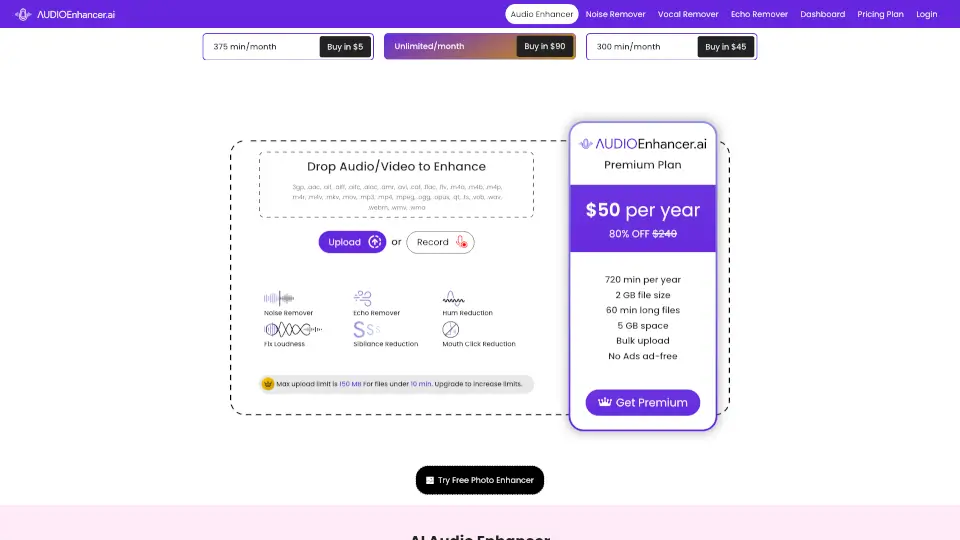
Audio Enhancer

Audio Enhancer

Audio Enhancer is an AI-powered tool that improves audio quality by removing noise, correcting loudness, and enhancing clarity. Perfect for podcasts, videos, and music.

US
12.90%
134.6K
5.0
Ai|coustics

Ai|coustics

Enhance your audio effortlessly with ai|coustics' AI-driven tools for creators.

IN
23.24%
84.1K
5.0
PixNova AI

PixNova AI

PixNova AI is a free, all-in-one AI photo and video generator platform that lets you create, enhance, and transform your content with ease, from face swaps to photo enhancements and more.

ID
17.47%
201.5K
5.0
TensorPix

TensorPix

TensorPix makes video enhancement easy and free. Boost quality, fix flaws, and share sharper videos in seconds—no hassle.

US
21.06%
357.7K
5.0

HitPaw VoicePea Related Other Categories

HitPaw VoicePea Traffic Analysis

💡 Insights

Medium Scale
100K-1M monthly visits. Growing tool with active development.
⚠️
Slight Decline
Traffic has slightly decreased recently.
👍
Good Experience
Bounce rate of 48%. Users are willing to explore features.
🌐
Global Reach
Balanced user distribution worldwide.
  • Monthly Visits

    902.00K

  • Bounce Rate

    48.20%

  • Pages Per Visit

    2.59

  • Visit Duration

    00:01:13

  • Global Rank

    58615

  • Country Rank

    22999

Visits Over Time

Traffic Sources

SearchOrganic36.28%
Direct29.23%
SocialPaid12.63%
Referrals8.61%
SocialOrganic4.41%
DisplayAds3.76%
Affiliate2.32%
GenAi1.93%
Mail0.66%
SearchPaid0.18%

Top Keywords

1
hitpaw
CPC$1.36
17.71KTraffic
2
totalsportek
CPC$1.77
15.01KTraffic
3
methstreams
CPC$3.29
12.53KTraffic
4
hitpaw watermark remover
CPC$0.46
6.95KTraffic
5
hitpaw vikpea
CPC$1.10
5.05KTraffic

Top Regions

RegionPercentage
United States
United States
16.27%
India
India
6.82%
China
China
5.55%
Brazil
Brazil
3.21%
Indonesia
Indonesia
2.99%
Low
High

Powered by SimilarWeb

HitPaw VoicePea FAQ

What file formats does HitPaw support?

HitPaw supports most popular formats, including MP4, JPG, PNG, MP3, and more.

Can I use HitPaw on both Windows and Mac?

Yes, HitPaw offers desktop apps for both Windows and Mac.

Is HitPaw free to use?

HitPaw offers free trials, but some features require a subscription.

Can I remove vocals from a video or audio file?

Yes, HitPaw allows you to remove vocals and background noise easily.

How fast is video conversion?

HitPaw converts videos up to 170x faster than other tools.


HitPaw VoicePea Reviews

0

0

0 Reviews
Sign Into leave a review

Recent Reviews

No reviews yet

HitPaw VoicePea Embed

Use website badges to drive community support for SeekTool.ai. They are easy to embed in your homepage or footer.

Light
Dark
HitPaw VoicePea - Featured on SeekTool.aiHitPaw VoicePea - Featured on SeekTool.ai
How to install?