
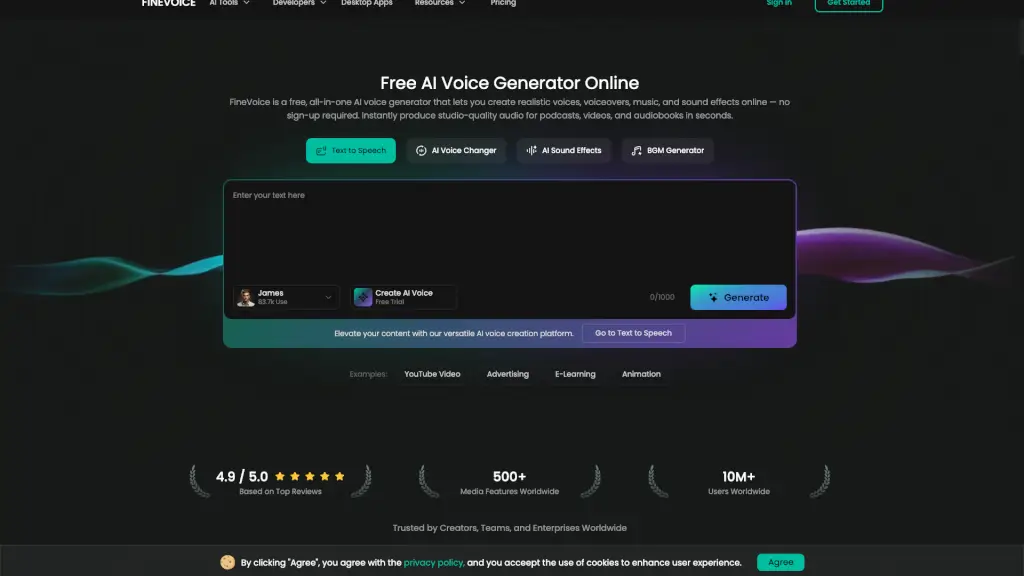
O que é FineVoice?
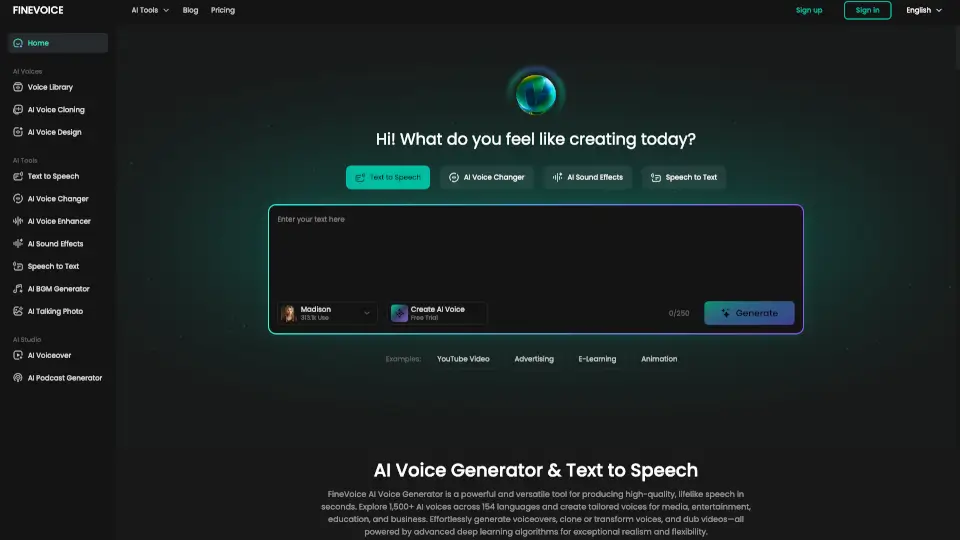
FineVoice é uma plataforma de geração de voz AI que permite criar vozes, narrações, músicas e efeitos sonoros realistas em segundos. Sem necessidade de cadastro, você pode produzir áudio de qualidade profissional para podcasts, vídeos e audiolivros. Com uma ampla variedade de vozes e recursos avançados, FineVoice é a solução ideal para criadores, educadores e desenvolvedores que buscam elevar o nível do seu conteúdo com áudio de alta qualidade.
Quais são as características de FineVoice?
- Geração de Voz Realista: Crie vozes naturais e expressivas em mais de 154 idiomas e sotaques.
- Clonagem de Voz Instantânea: Clone qualquer voz em apenas 30 segundos, mantendo a entonação e o ritmo originais.
- Efeitos Sonoros Royalty-Free: Gere efeitos sonoros originais e sem direitos autorais a partir de texto ou vídeo.
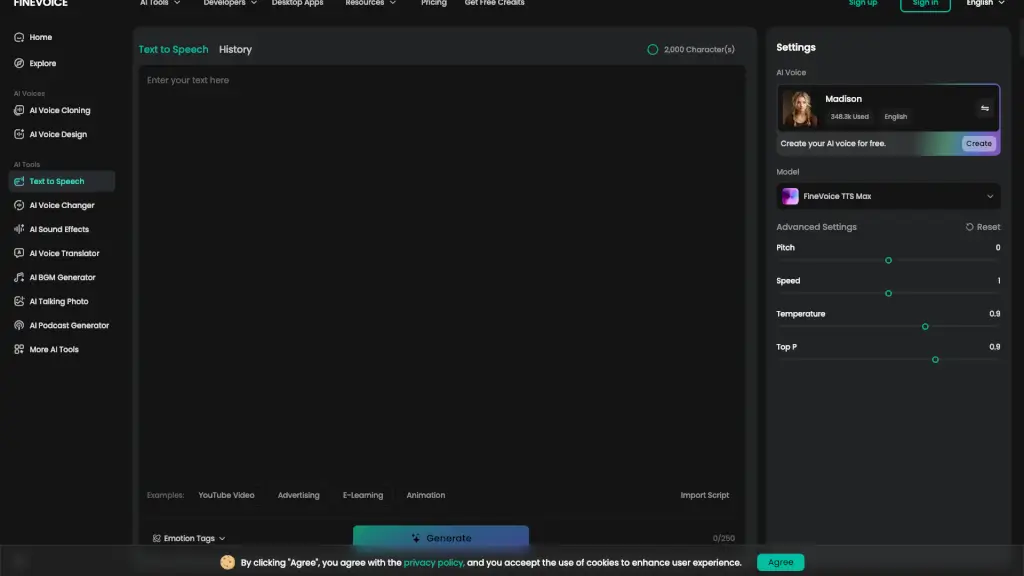
- Personalização Avançada: Ajuste a emoção, velocidade e estilo da voz para atender às suas necessidades específicas.
- Conversão de Texto em Fala: Transforme qualquer texto em fala natural e expressiva.
- Integração Fácil: Use APIs seguras e escaláveis para integrar a geração de voz em seus projetos e fluxos de trabalho.
Quais são os casos de uso de FineVoice?
- Criadores de Conteúdo: Adicione narrações profissionais e efeitos sonoros a seus vídeos no YouTube, anúncios e animações.
- Educadores: Converta materiais didáticos em áudio para melhorar a acessibilidade e o engajamento dos alunos.
- Desenvolvedores de Jogos: Crie diálogos e narrações realistas para personagens em jogos e aplicações interativas.
- Empresas: Produza narrações e efeitos sonoros para apresentações, treinamentos e publicidade corporativa.
- Podcasters: Gere vozes personalizadas para seus podcasts, adicionando variedade e profissionalismo ao seu conteúdo.
Como usar FineVoice?
- Escolha a voz desejada na biblioteca de vozes.
- Insira o texto que deseja converter em fala.
- Personalize as configurações de emoção, velocidade e estilo.
- Clique em "Gerar" para criar o áudio.
- Baixe o arquivo gerado ou use diretamente no seu projeto.