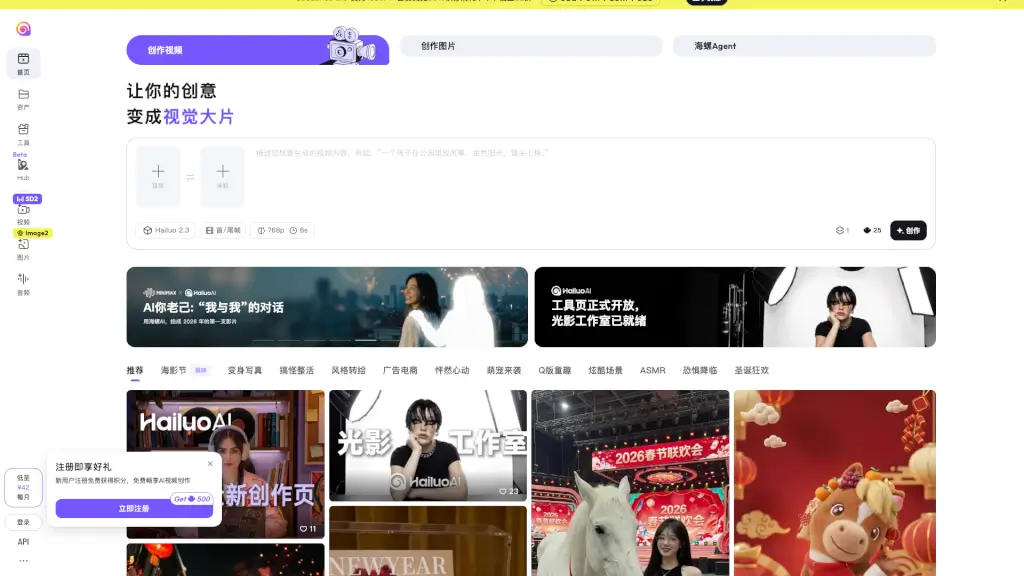
What is Hailuo AI?
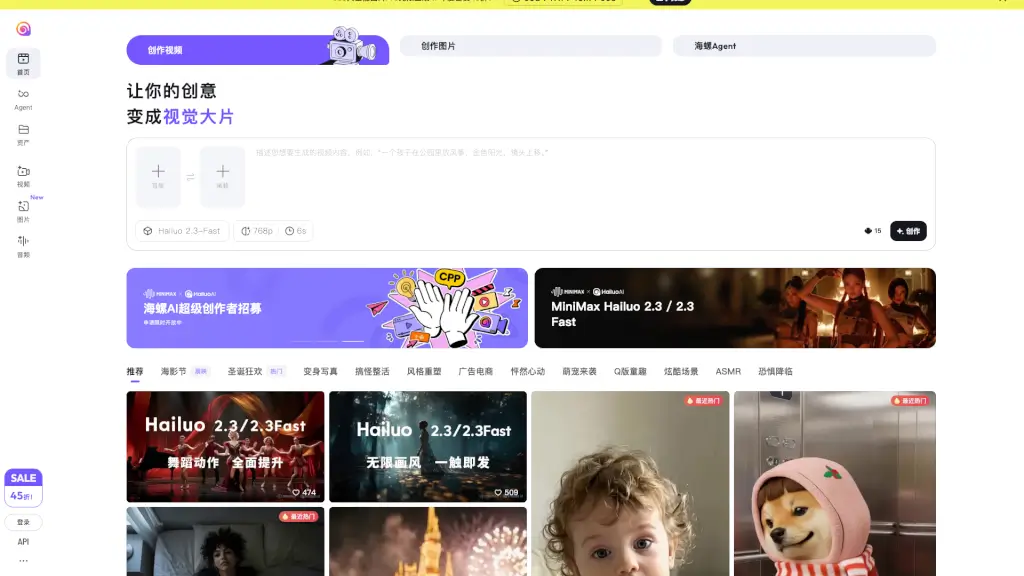
Welcome to the world of Hailuo Video, where every idea can become a visual masterpiece. This innovative AI video generator and prompt tool is designed to transform your thoughts into stunning AI-generated videos in no time. Whether you're a student, a creative professional, or just someone with a story to tell, Hailuo Video makes it easy to bring your visions to life. Just type in a description, and let the cutting-edge AI technology do the rest. It’s like having a personal film crew at your fingertips!
What are the features of Hailuo AI?
- AI Video Generation: Transform your text descriptions into high-quality, visually engaging videos.
- Prompt Tool: Use advanced prompts to guide the AI in creating the perfect video for your needs.
- 1080P Support: Enjoy crisp, clear visuals with Seedance 2.0, which supports full HD resolution.
- Membership Benefits: Get up to 50% off on credit usage and enjoy discounts on annual subscriptions.
- Customizable Frames: Set the first and last frames of your video to give it a unique touch.
- Versatile Styles: Choose from a wide range of styles, from realistic scenes to artistic renditions.
What are the use cases of Hailuo AI?
- Educational Content: Create engaging educational videos for students or online courses.
- Marketing and Advertising: Produce eye-catching ads and promotional content for businesses.
- Personal Projects: Turn your personal stories and memories into beautiful, shareable videos.
- Social Media: Generate short, attention-grabbing clips for platforms like Instagram, TikTok, and YouTube.
- Film and Animation: Experiment with different styles and techniques to create short films or animations.
- Event Promotions: Make dynamic videos to promote events, festivals, and special occasions.
How to use Hailuo AI?
- Describe Your Idea: Start by typing a detailed description of the video you want to create.
- Select Style and Resolution: Choose the style and resolution that best fits your vision.
- Set First and Last Frames: Customize the start and end of your video to make it more personalized.
- Generate the Video: Click the "Create" button and let the AI work its magic.
- Review and Edit: Preview your video and make any necessary adjustments.
- Download and Share: Once satisfied, download your video and share it with the world.