
GrapeJS logo

GrapeJS

5.0
(0 Reviews)
United States21.48%

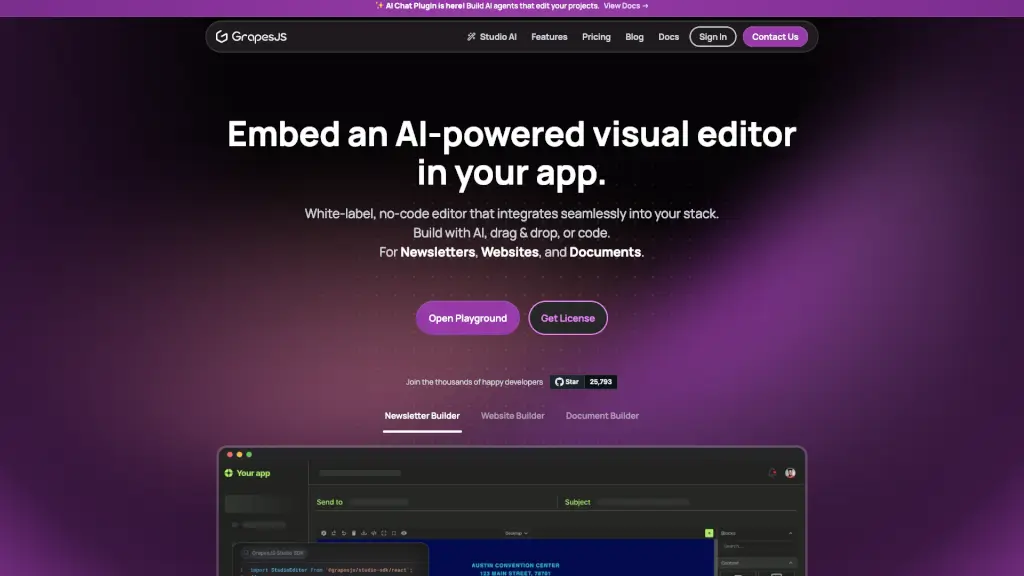
Embed a white-label, AI-powered visual editor SDK to let users build newsletters, websites, and documents with drag-and-drop ease and clean HTML output.

Verified by SeekTool
Social Media:
GrapeJS

GrapeJS Product Information

What is GrapeJS?

Looking to add a powerful, no-code visual editor to your app? The Embedded Visual Editor SDK lets you seamlessly integrate a white-label, AI-powered design tool that works for newsletters, websites, and documents. Built on the trusted GrapesJS framework, it gives your users drag-and-drop simplicity, code-level control, and clean HTML output—all without locking you into a specific hosting model.

Whether you're building a marketing platform, a content management system, or a SaaS product, this SDK helps you deliver a professional-grade editing experience under your own brand. With built-in AI features, responsive design tools, and full customization options, it’s designed for developers who want flexibility without sacrificing user experience.

What are the features of GrapeJS?

  • White-Label Visual Editor: Fully customizable UI that matches your brand—no third-party logos or forced styling.
  • AI-Powered Editing: Use the new Studio AI Chat Plugin to build AI agents that help users edit and generate content directly in the editor.
  • Multi-Format Support: Create newsletters, websites, landing pages, and documents with one unified tool.
  • Drag-and-Drop + Code Editing: Users can design visually or dive into the code—your editor supports both workflows.
  • Responsive Design Tools: Ensure content looks great on any device with built-in mobile/desktop preview and styling controls.
  • Custom Components & Symbols: Let users create and reuse branded components across projects with Symbols and custom blocks.
  • Flexible Hosting Options: Choose between cloud or self-hosted—no vendor lock-in.
  • HTML/CSS/JS Export: Get clean, production-ready code output plus JSON for easy storage and versioning.

What are the use cases of GrapeJS?

  • SaaS platforms adding email newsletter builders for marketers
  • Web agencies embedding a client-friendly website editor into their CMS
  • Document automation tools enabling users to design branded PDFs or reports
  • E-learning platforms letting instructors build interactive course pages
  • Internal tools for non-technical teams to create landing pages without developer help
  • White-labeled solutions for digital agencies offering custom editors to clients

How to use GrapeJS?

  • Start by signing up for a free account and accessing the Studio SDK Playground to test the editor.
  • Integrate the SDK into your frontend using npm or a script tag—documentation includes React, Vue, and vanilla JS examples.
  • Customize the toolbar, panels, and default components to match your app’s workflow and branding.
  • Enable the AI Chat Plugin if you want to offer generative editing features (requires API setup).
  • Connect to your own asset library or CMS using the built-in Assets Manager and external data hooks.
  • Choose your hosting strategy: use Grapes Studio’s cloud or deploy the editor fully self-hosted.

Do you like this tool?

Upvote to help others discover it!

GrapeJS Alternatives

Onlook

Onlook

Onlook is a powerful visual code editor that lets you design React websites with AI help, writing changes directly to code in real-time. Perfect for designers and product managers who want to build and iterate faster without deep coding skills.

US
34.07%
15.9K
4.0
Unlayer

Unlayer

Unlayer is the best embeddable, white-label email, page, and document builder for SaaS, offering powerful, no-code design tools that save development costs and accelerate go-to-market strategies.

US
16.11%
122.9K
5.0
STUDIO AI

STUDIO AI

Studio.Design is the ultimate no-code tool for creating beautiful websites with ease. Perfect for portfolios, landing pages, and more, it offers intuitive design tools, real-time collaboration, and one-click publishing.

JP
93.74%
766.5K
5.0
Tiptap

Tiptap

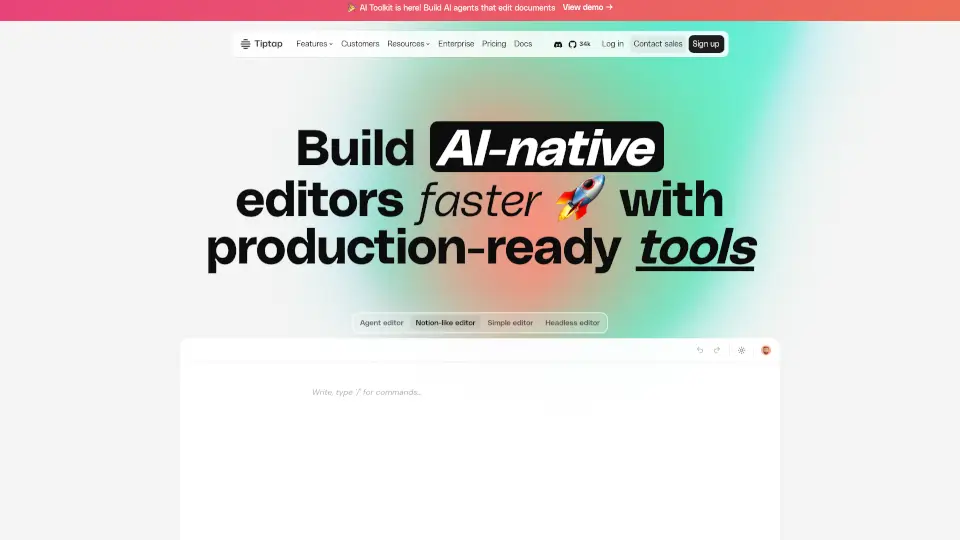
Tiptap lets you build custom editors faster, with real-time collab, AI smarts, and total control.

US
15.89%
283.5K
5.0
WeWeb

WeWeb

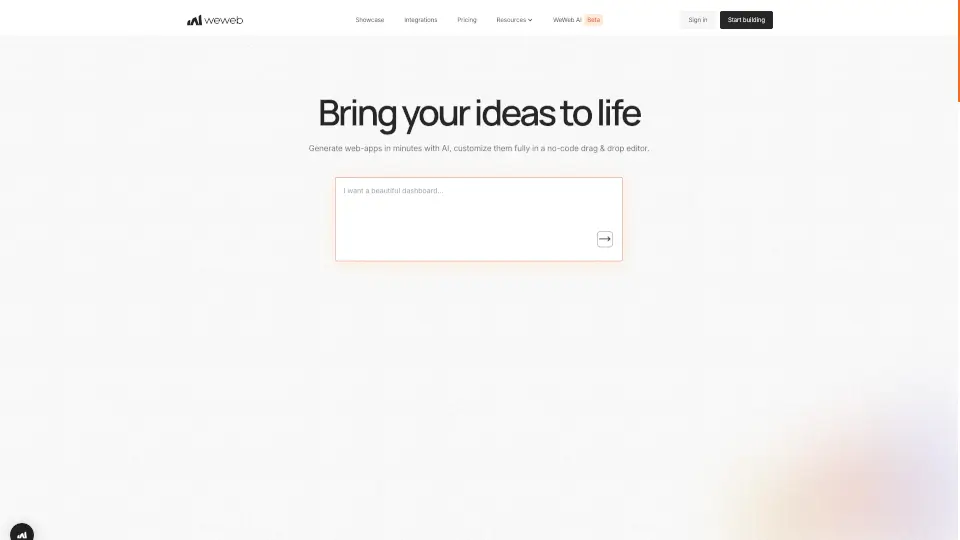
Build web apps 100x faster with WeWeb's AI-driven no-code platform.

US
19.07%
350.4K
5.0
Template.net

Template.net

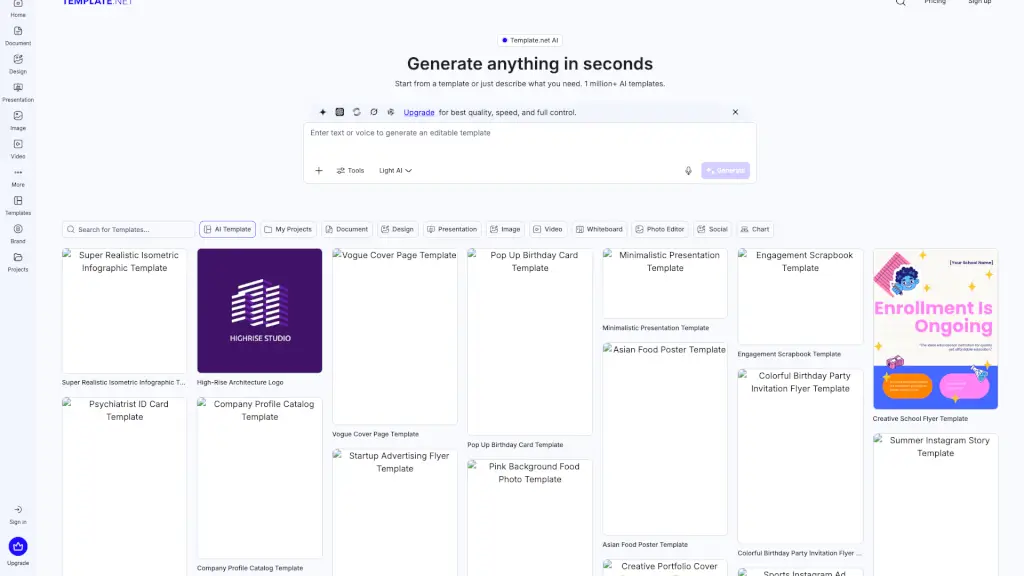
Template.net uses AI to turn simple prompts into fully editable, branded documents, presentations, and designs ready for real-world use—no signup required.

US
32.53%
2.8M
5.0
editGPT - Proofread, Edit, and Track Changes in chatGPT

editGPT - Proofread, Edit, and Track Changes in chatGPT

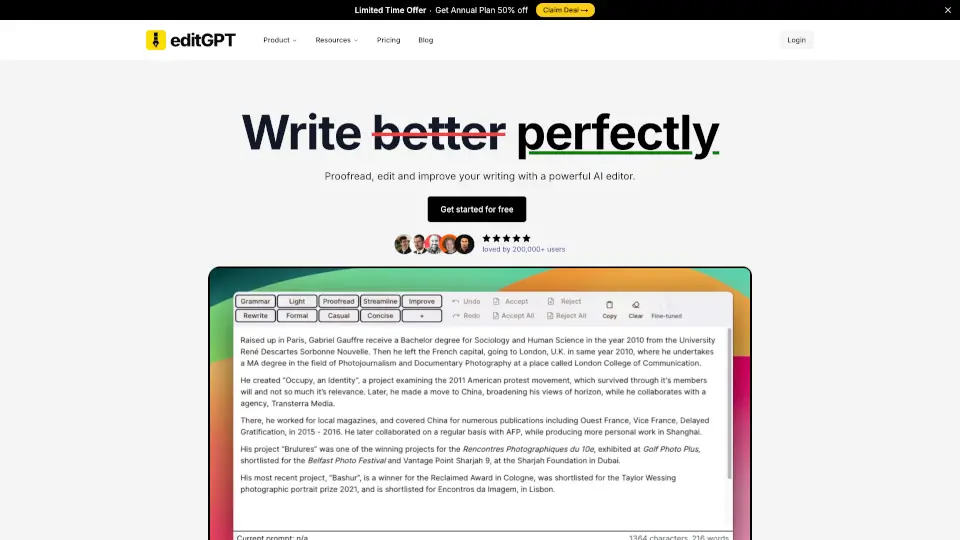
editGPT is a versatile AI-powered editing tool that helps you write better, faster, and more accurately. With features like grammar correction, multi-language support, and custom prompts, it’s the perfect solution for students, professionals, and casual writers alike.

US
35.45%
259.8K
5.0
assistant-ui

assistant-ui

assistant-ui is an open-source React toolkit for building production-ready, ChatGPT-style AI chat interfaces with streaming, tools, and persistent conversations.

US
16.33%
100.9K
5.0

GrapeJS Related Other Categories

GrapeJS Traffic Analysis

💡 Insights

🌱
Emerging Tool
10K-100K monthly visits. Niche or new tool with potential unique value.
⚠️
Slight Decline
Traffic has slightly decreased recently.
💎
High Stickiness
Low bounce rate (36%) and deep engagement (3.2 pages/visit). Excellent user experience.
  • Monthly Visits

    64.63K

  • Bounce Rate

    35.92%

  • Pages Per Visit

    3.15

  • Visit Duration

    00:00:59

  • Global Rank

    467238

  • Country Rank

    330819

Visits Over Time

Traffic Sources

Search Organic47.60%
Direct37.84%
Gen Ai5.87%
Referrals4.92%
Social Organic2.53%
Search Paid0.71%
Social Paid0.49%
Mail0.03%
Affiliate0.00%

Top Keywords

1
grapesjs
CPC$2.66
17.99KTraffic
2
grapejs
CPC$0.82
3.86KTraffic
3
grape js
1.53KTraffic
4
grapes js
CPC$0.97
680Traffic
5
grapesjs web builder
270Traffic

Top Regions

RegionPercentage
United States
United States
21.48%
India
India
13.27%
Brazil
Brazil
6.37%
France
France
4.47%
Thailand
Thailand
4.15%
Low
High

Powered by SimilarWeb

GrapeJS FAQ

Can I white-label the visual editor completely?

Yes! You can remove all branding, customize colors, icons, and layout, and make it feel like a native part of your app.

Does it support responsive design for mobile and desktop?

Absolutely. The editor includes device-specific styling tools, so users can preview and adjust layouts for phones, tablets, and desktops.

Can I export the content as HTML?

Yes—the editor outputs clean, semantic HTML, CSS, and JavaScript, plus a JSON structure for saving and reloading projects.

Is there an AI feature included?

Yes! The Studio AI Chat Plugin lets you build AI agents that assist users in generating or editing content inside the visual editor.

Do I have to use your cloud hosting?

No. You can choose cloud hosting for convenience or go fully self-hosted with no lock-in.

Can I add my own custom components?

Definitely. Developers can register custom blocks, symbols, and styles that users can drag and drop into their designs.

Is there a free plan available?

Yes—you can get unlimited access to all SDK features for free while you’re building and testing.

What kind of support is offered?

The GrapesJS team provides dedicated support, especially for teams using the Studio SDK in production.

GrapeJS Reviews

0

0

0 Reviews
Sign Into leave a review

Recent Reviews

No reviews yet

GrapeJS Embed

Use website badges to drive community support for SeekTool.ai. They are easy to embed in your homepage or footer.

Light
Dark
GrapeJS - Featured on SeekTool.aiGrapeJS - Featured on SeekTool.ai
How to install?

Category Rankings

Ranked by monthly traffic