
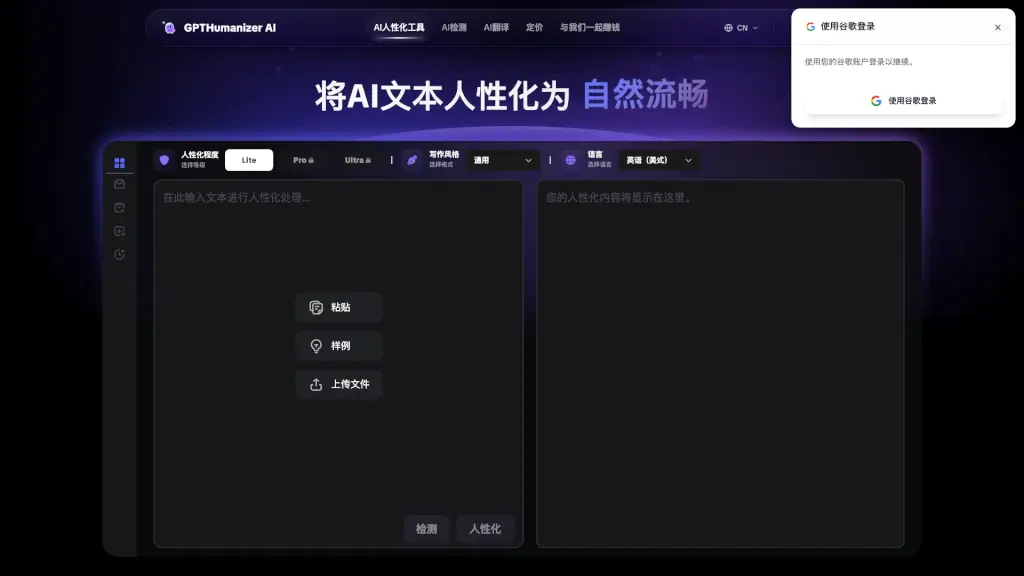
What is GPTHumanizer AI?
GPTHumanizer is a powerful and user-friendly tool designed to transform AI-generated text into more natural, engaging, and human-like content. Whether you're a blogger, marketer, or content creator, GPTHumanizer helps you enhance the quality of your writing, making it more appealing to readers and search engines alike. With its advanced algorithms, GPTHumanizer ensures that your content sounds authentic and reader-friendly, without losing the original meaning.
What are the features of GPTHumanizer AI?
- AI Detection: Automatically checks if your text is identified as AI-generated, ensuring it passes through popular AI detection tools.
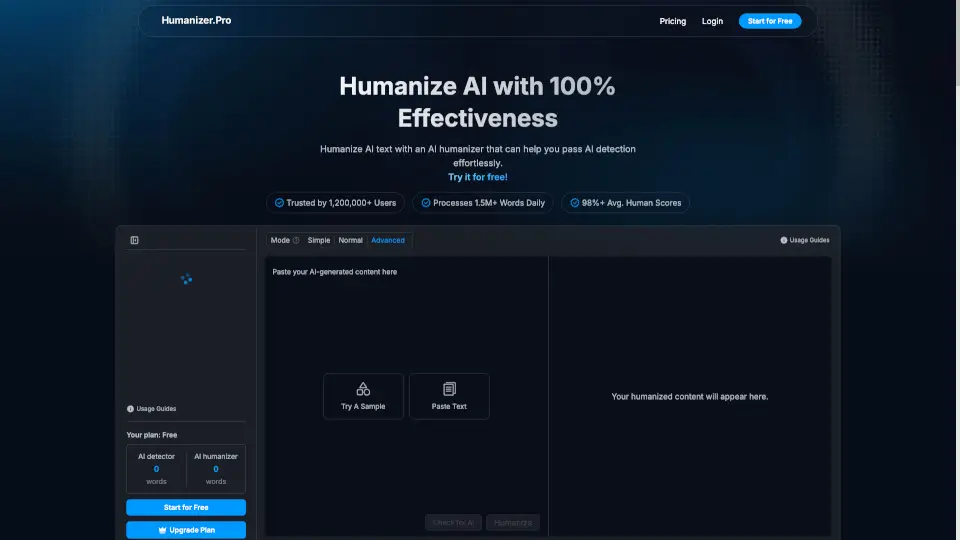
- Humanization Levels: Choose from Lite, Pro, and Ultra levels to customize the degree of humanization based on your needs.
- Style and Tone Control: Adjust the style and tone to match your brand's voice, maintaining consistency in your content.
- Multi-Language Support: Input text in one language and get optimized output in the same or a different language, with automatic language detection.
- SEO Optimization: Enhances your content with appropriate keywords to improve SEO rankings while keeping the text natural.
- High-Quality Text Rewriting: Revises AI-generated text to make it more fluent and authentic, preserving the original message.
What are the use cases of GPTHumanizer AI?
- Blog Posts: Transform AI-generated blog content into engaging, human-like articles that attract and retain readers.
- Marketing Copy: Create compelling and natural-sounding marketing materials that resonate with your audience.
- Academic Papers: Improve the readability and authenticity of AI-generated research papers and academic content.
- Social Media Posts: Craft social media posts that sound like they were written by a real person, increasing engagement.
- Email Campaigns: Write more personal and effective email campaigns that connect with your subscribers.
- Website Content: Enhance the quality and readability of your website content, making it more appealing to both users and search engines.
How to use GPTHumanizer AI?
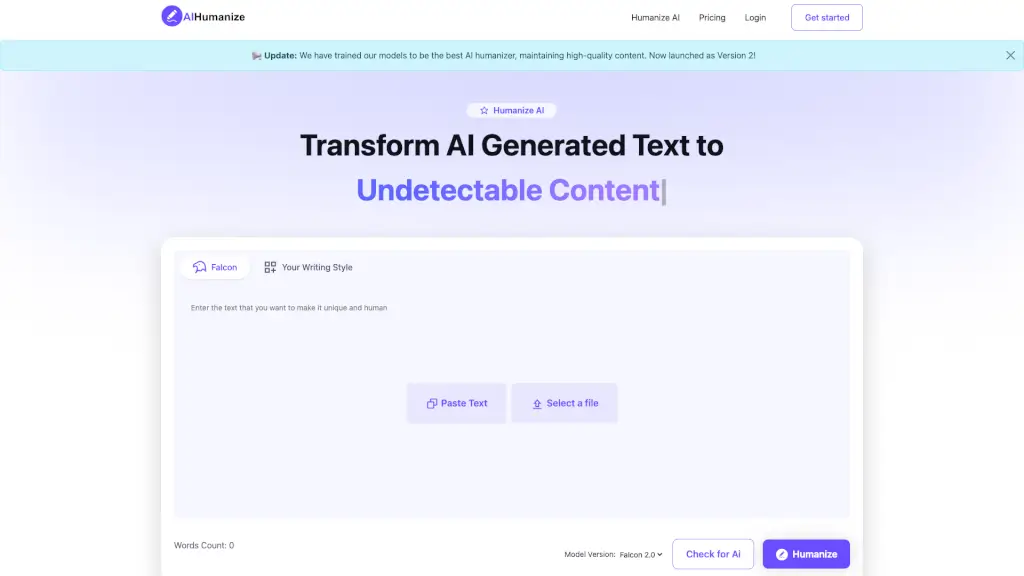
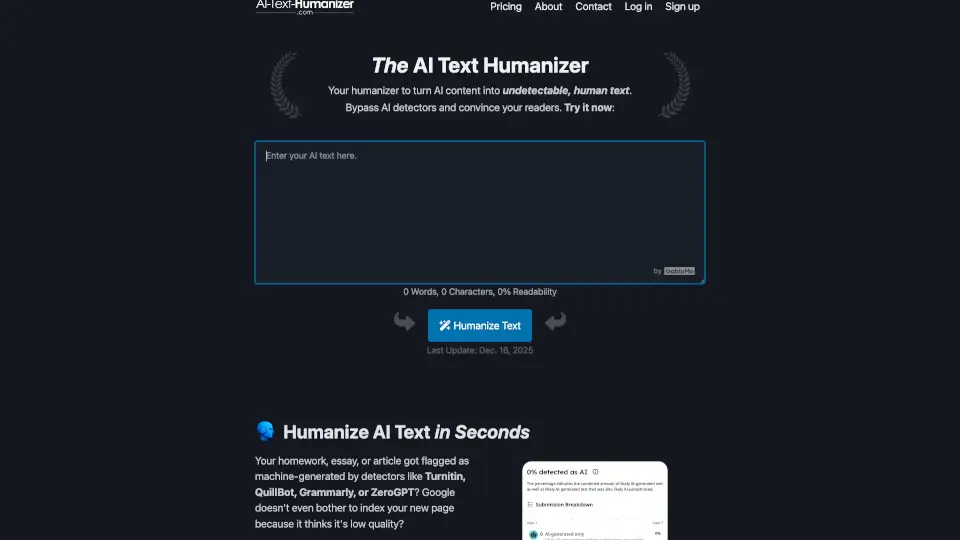
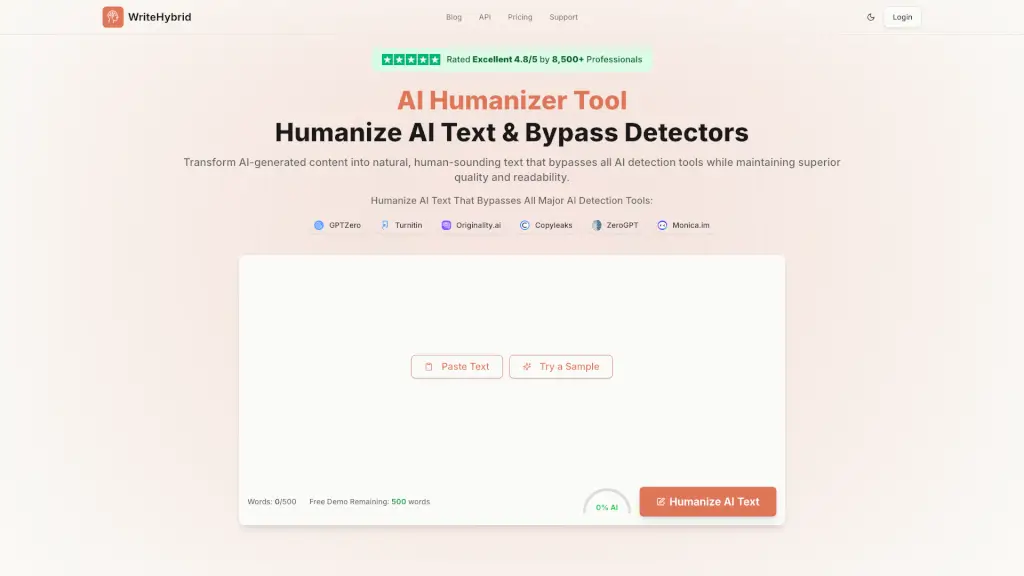
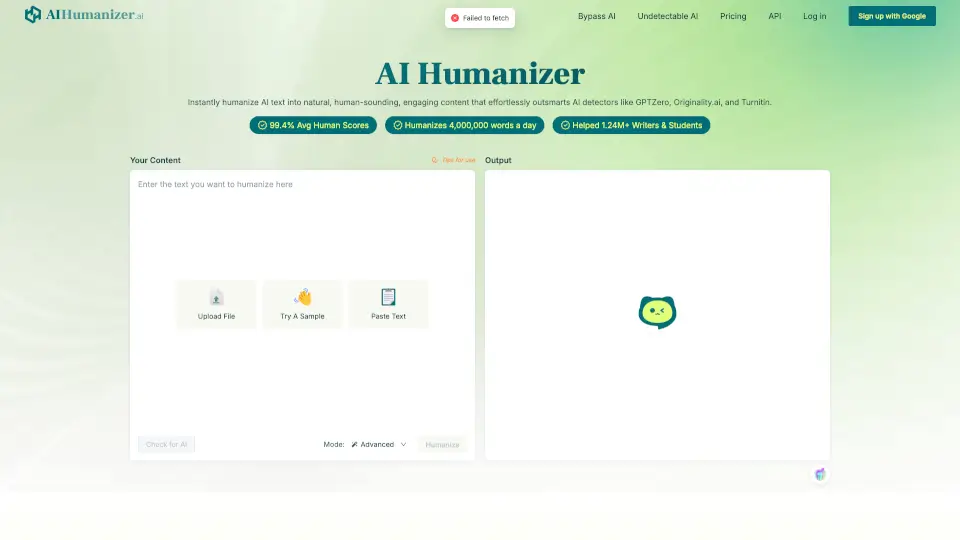
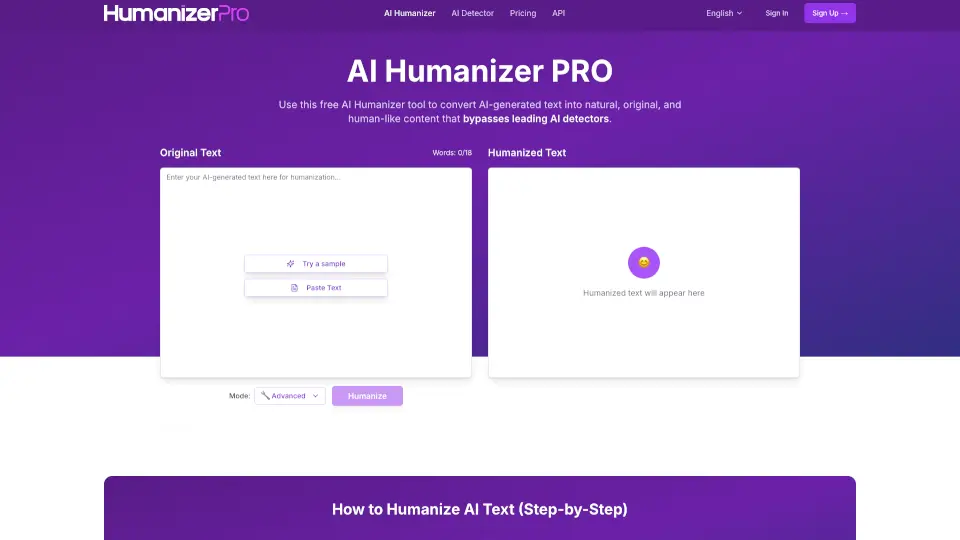
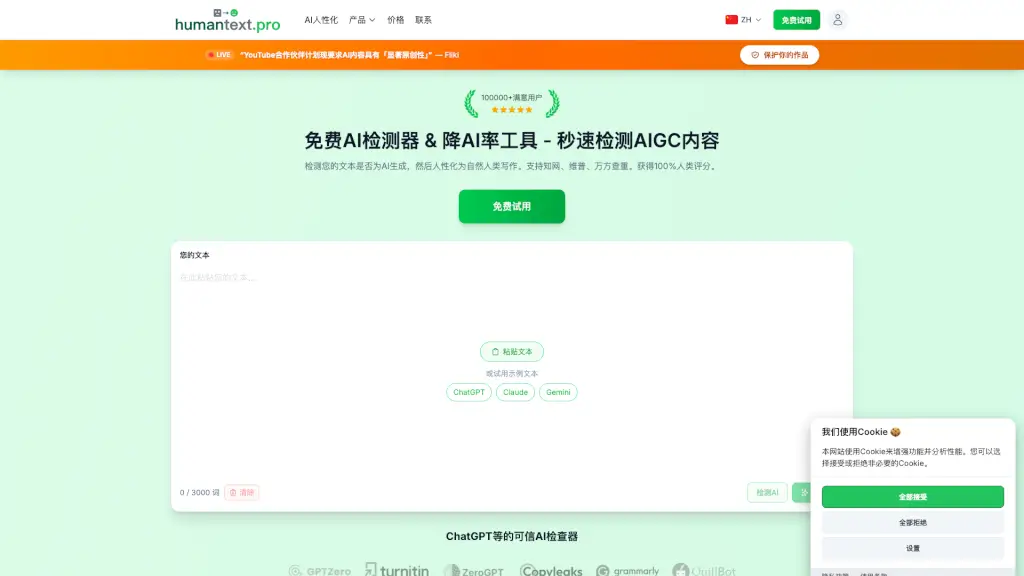
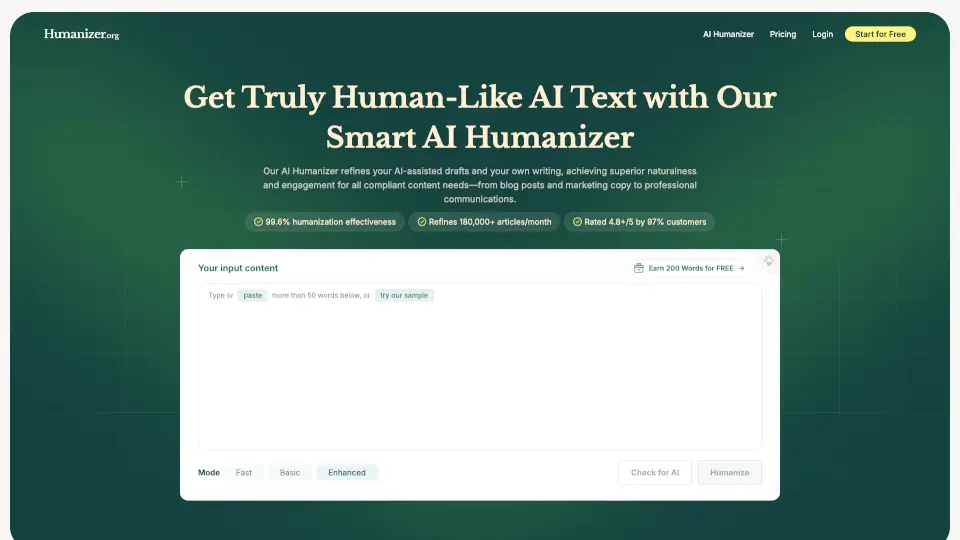
- Paste Your Text: Copy and paste the AI-generated text into the GPTHumanizer input box.
- Select Humanization Level: Choose the desired level (Lite, Pro, or Ultra) based on your content needs.
- Adjust Style and Tone: Customize the style and tone to match your brand's voice.
- Choose Output Language: Select the language for the output text, if different from the input.
- Click "Humanize": Press the button to start the humanization process.
- Review and Edit: Review the humanized text and make any necessary edits before finalizing.