
What is Glorify?
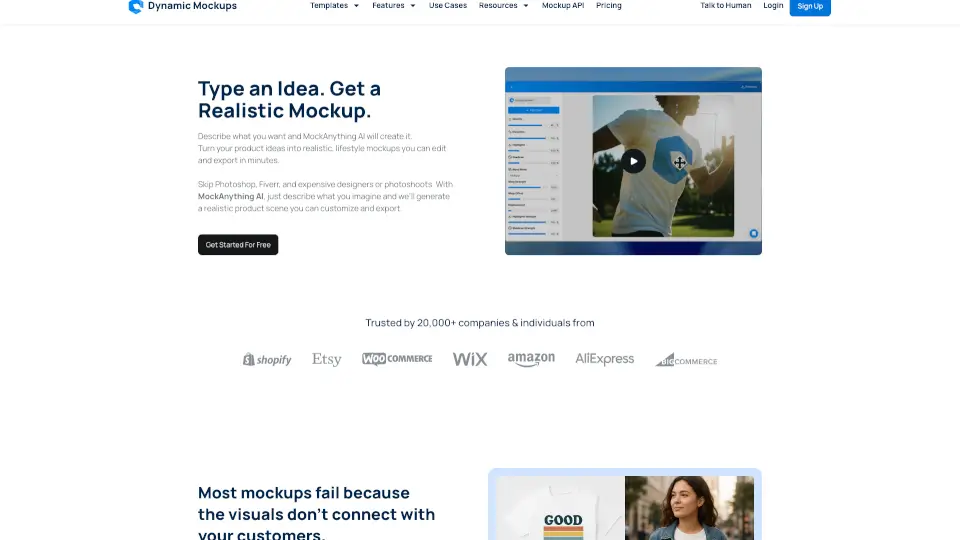
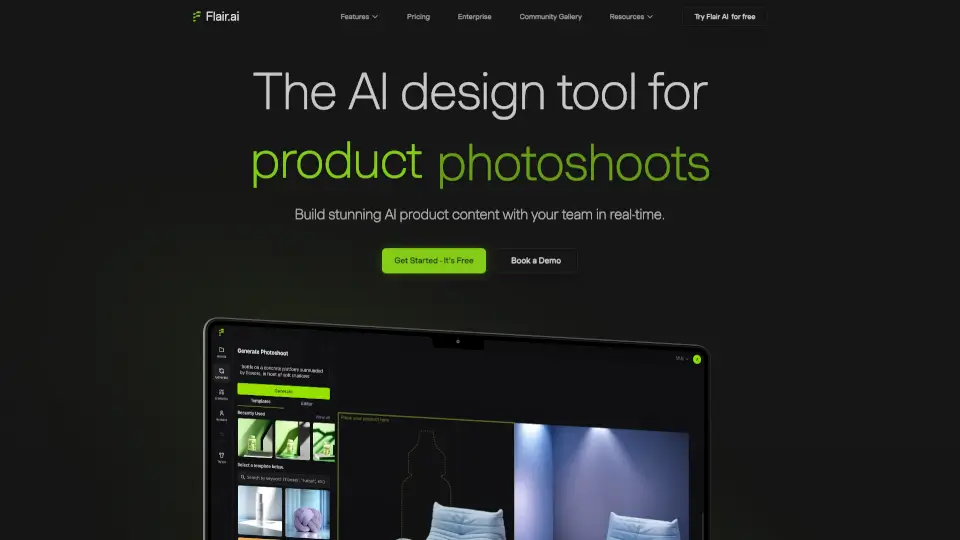
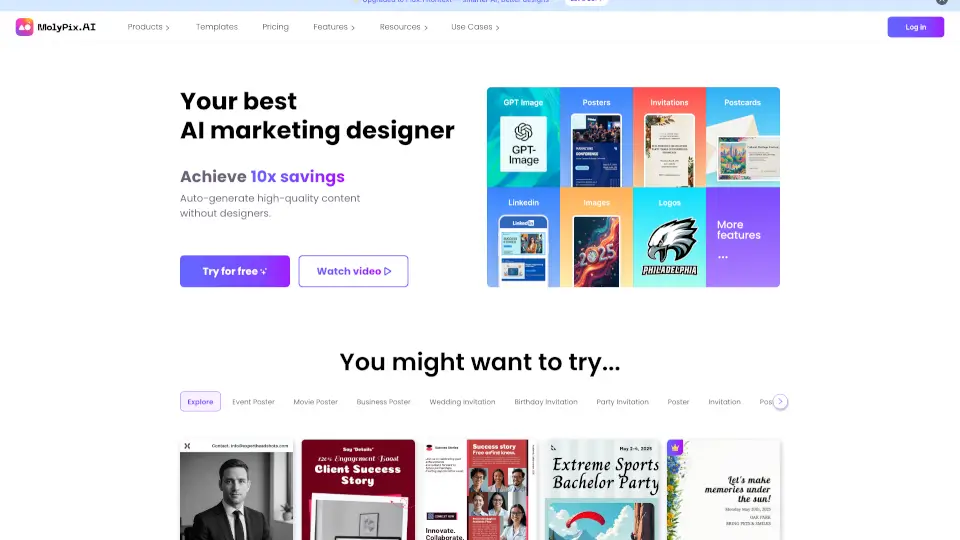
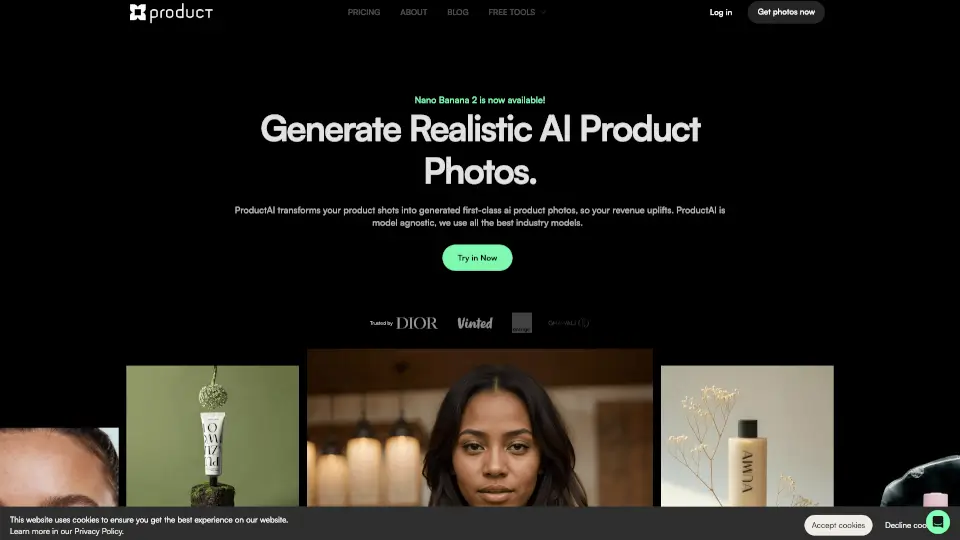
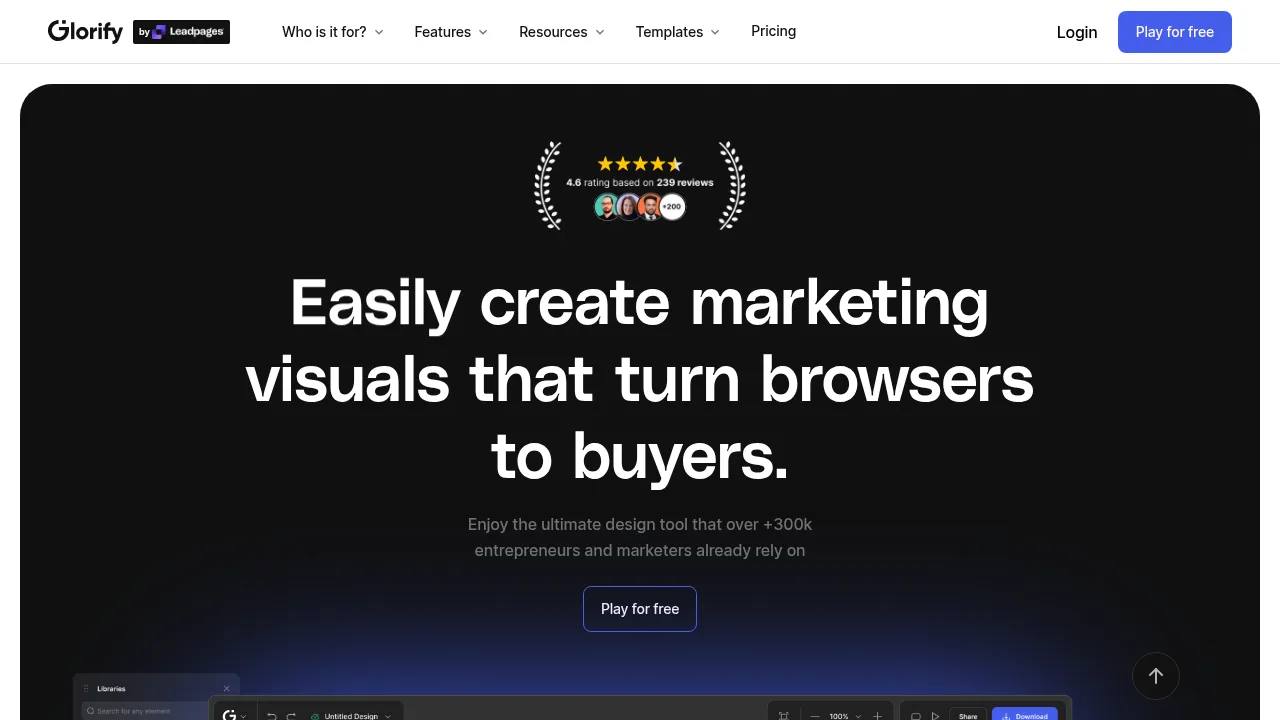
Glorify is a web-based graphic design tool built for e-commerce business owners and marketers to create product visuals, animations, PDFs, and presentations. It provides an infinite canvas workspace with integrated AI tools powered by Leonardo.ai. A free trial is available for new users.
What are the features of Glorify?
- Infinite canvasA limitless whiteboard workspace for organizing and creating multiple graphics, videos, and designs in a single space.
- AI image generationGenerates images from text prompts using Leonardo.ai; also includes AI-powered product backgrounds, copywriting, and background removal.
- Product photo editingAdds realistic shadows and reflections to product images, and includes an annotation tool for informative graphics.
- Asset libraryProvides stock photos, illustrations, mockups, and over 11,000 templates available for commercial use without additional premium costs.
- Export and batch downloadExports designs in digital and print-ready PDF formats, with a batch export option to download multiple files simultaneously.
- Brand kitCentralizes logos, fonts, text styles, and color palettes for consistent branding across projects.
What are the use cases of Glorify?
- Creating product mockups and marketing graphics for e-commerce listings.
- Generating custom product imagery or backgrounds using text prompts.
- Collaborating on design files by inviting unlimited guests to edit and adding comments directly to projects.
Glorify Pricing Information:
- Free trial: Available to start; specific duration and feature limits are not stated.
- Paid plans: Mentioned as having no hidden costs for templates and stock assets, but specific prices, tiers, and billing periods are not provided in the source.