
What is GhostInterview?
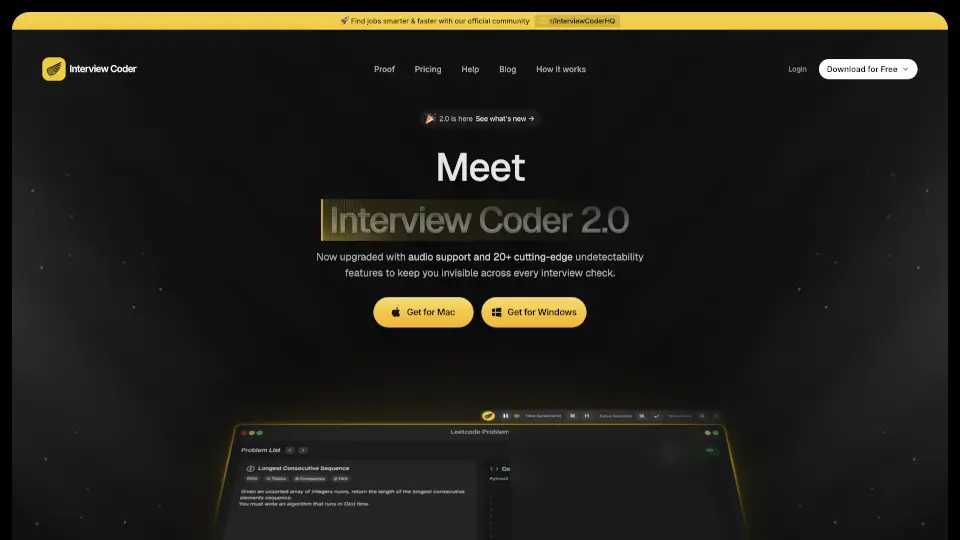
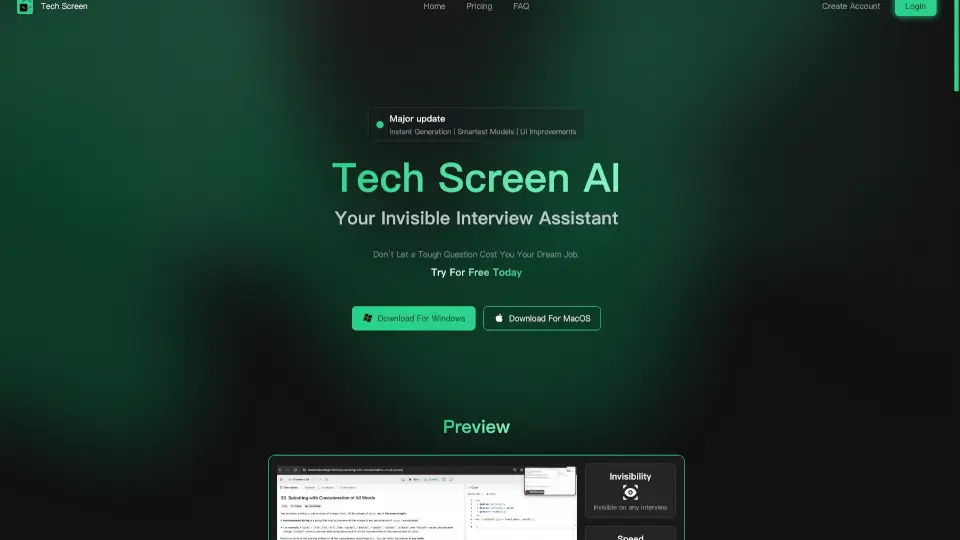
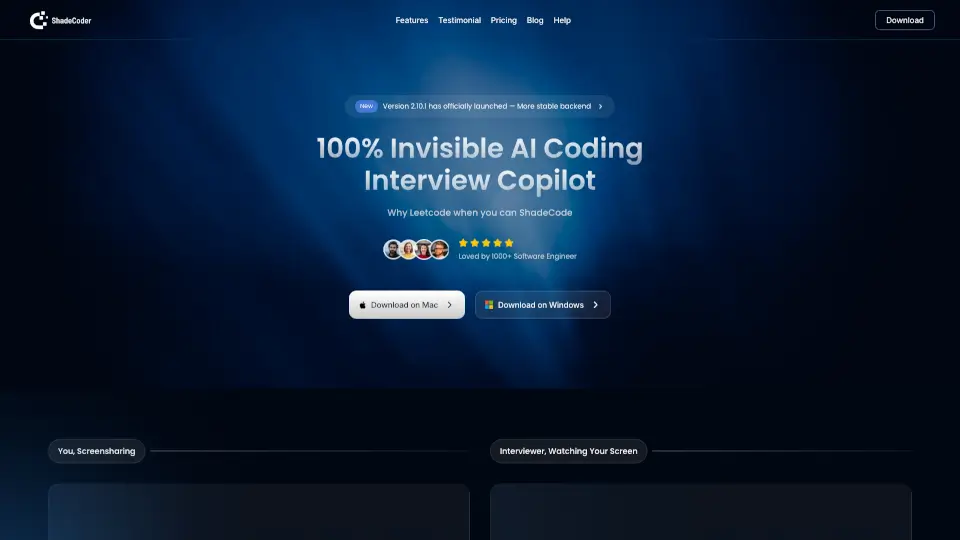
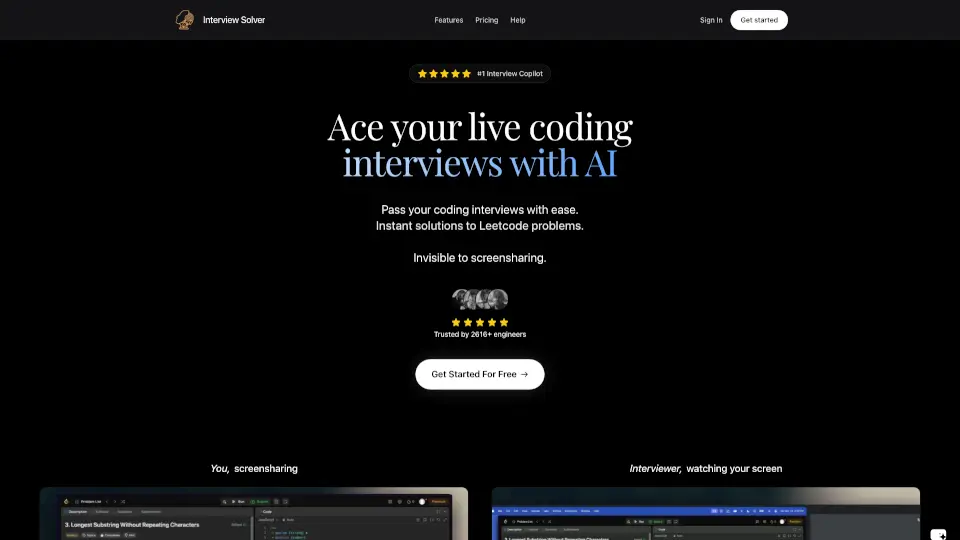
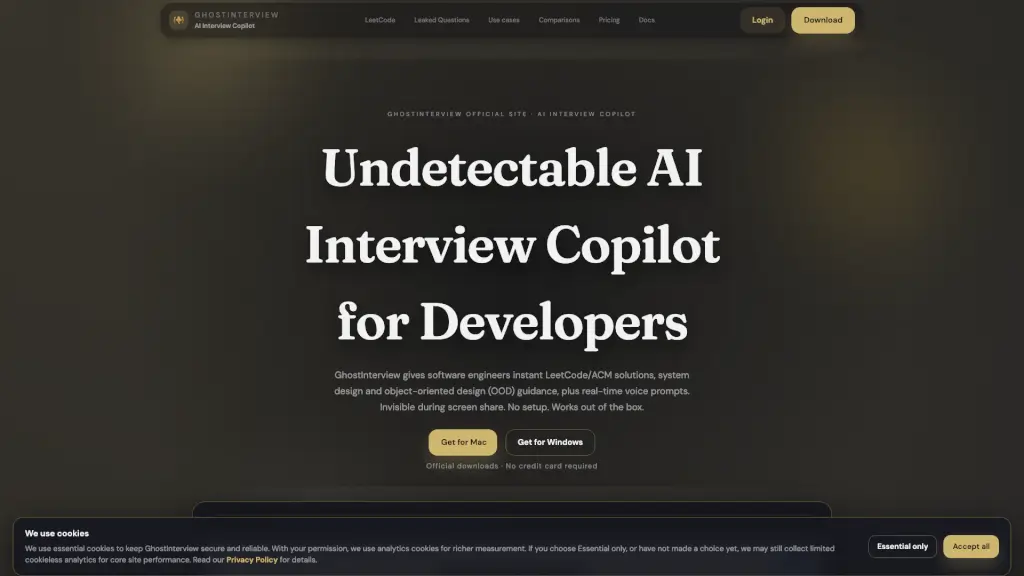
GhostInterview is an AI interview copilot built specifically for software engineers preparing for real-time technical interviews. Unlike practice-only tools, it provides live assistance during actual coding, system design, and object-oriented design (OOD) interviews—without showing up on screen shares. Whether you're tackling a LeetCode problem on CoderPad or whiteboarding architecture in Zoom, GhostInterview delivers instant hints, solution outlines, and voice prompts while staying completely hidden.
The tool’s standout value lies in its undetectable stealth technology, designed to keep you compliant with interview integrity policies while giving you just-in-time support. Trusted by over 67,000 developers hired at companies like Google, Meta, and Netflix, it works out of the box with no setup, credit card, or visible footprint on your desktop.
What are the features of GhostInterview?
- Invisible Screen-Share Overlay: Renders hints in a transparent layer that never appears in Zoom, Teams, Meet, or CoderPad screen shares—even in recordings.
- Real-Time Interview Guidance: Offers live help for coding problems, system design trade-offs, and OOD class modeling during actual interviews.
- 20+ Undetectability Layers: Hides from Dock/taskbar, Activity Monitor/Task Manager, and browser environments using OS-level techniques.
- Click-Through, Zero Focus Steal: Overlay doesn’t interrupt your workflow or trigger UI artifacts when you click or type.
- LeetCode & Platform Integration: Automatically parses questions from screenshots or text on LeetCode, HackerRank, and CoderPad.
- Voice Recognition & Prompts: Transcribes spoken interview questions and surfaces relevant AI hints via subtle audio cues.
- No Setup Required: Install and start using immediately—no accounts, extensions, or complex configuration needed.
What are the use cases of GhostInterview?
- Getting real-time hints during a live LeetCode-style coding round on CoderPad without the interviewer noticing.
- Receiving architecture suggestions for a system design question (e.g., “Design Twitter”) while sharing your screen on Zoom.
- Modeling classes and relationships on-the-fly for an OOD interview with clear, AI-generated responsibility breakdowns.
- Using voice prompts to recall optimal algorithms or time complexity during a high-pressure Google interview.
- Preparing for a Meta loop by following their tailored company guide integrated with GhostInterview workflows.
- Staying undetected during recorded interviews at companies that review session footage post-interview.
How to use GhostInterview?
- Download the correct version for your OS (Mac Silicon, Mac Intel, or Windows) from the official site.
- Launch the app before your interview—it runs silently with no visible icons or notifications.
- During the interview, use keyboard shortcuts or voice commands to trigger hints; the overlay appears only on your local screen.
- Verify stealth compatibility using the platform-specific guides (e.g., Zoom’s “Advanced capture” settings).
- Start with the Free plan (3 credits) to test invisibility in your exact setup before upgrading.
- Always check the “Last tested” timestamp for your meeting platform to ensure current stealth support.