

Bonkers logo

Bonkers

5.0
(0 Reviews)
United States17.23%

Merlin AI is an all-in-one browser extension that summarizes content, writes emails, generates visuals, and codes using top AI models—all in one place.

Verified by SeekTool
Social Media:
Bonkers

Bonkers Product Information

What is Bonkers?

Merlin AI is a powerful all-in-one AI assistant that works right inside your browser to help you summarize, write, research, and create—without switching tabs or juggling multiple tools. Whether you're watching a YouTube video, reading a dense PDF, or drafting an email, Merlin delivers instant answers, smart summaries, and AI-powered content with just one click.

Trusted by over 20 million users worldwide, Merlin combines the best large language models—including GPT-4o, Claude 3.5, Gemini 1.5 Pro, and Llama 3.1—into a single, easy-to-use Chrome extension and mobile app. It’s designed for students, marketers, developers, and professionals who want to work smarter, not harder.

What are the features of Bonkers?

  • One-Click Summaries: Instantly summarize YouTube videos, articles, PDFs, and websites with time-stamped highlights.
  • Multi-AI Model Access: Use top models like GPT-4o, Claude Opus, and Gemini Pro—all in one place, no separate accounts needed.
  • Smart Writing Assistant: Draft emails, social media posts, and replies directly in Gmail, LinkedIn, and X (Twitter).
  • Custom Knowledge Bases: Upload documents or create “Projects” to train Merlin on your course notes, brand guidelines, or codebase.
  • AI-Powered Visuals: Generate charts, mind maps, flowcharts, and social media images using built-in tools like Crafts and Flux 1.1 Pro.
  • Code & App Builder: Create React/Shadcn UI components and debug code with contextual awareness from your own files.
  • Real-Time Web + o1 Reasoning: Combine live internet data with OpenAI o1’s advanced reasoning for deeper research.
  • AI Detector & Plagiarism Checker: Ensure your content sounds human and original before submitting or publishing.

What are the use cases of Bonkers?

  • A student summarizes a 1-hour lecture video into key points and creates flashcards for exam prep.
  • A marketer turns a competitor’s blog post into SEO-friendly social content that matches their brand voice.
  • A developer uploads API docs to Merlin and instantly generates working code snippets with explanations.
  • An entrepreneur brainstorms startup ideas using interactive mind maps and validates them with real-time market data.
  • A consultant analyzes a CSV file, extracts insights, and turns them into a presentation-ready infographic.
  • A teacher creates quiz questions from a textbook PDF and checks student submissions with the AI detector.

How to use Bonkers?

  • Install the Merlin Chrome extension from the Chrome Web Store and pin it for quick access.
  • Press Cmd+M (Mac) or Ctrl+M (Windows) on any webpage to open Merlin and ask questions.
  • On supported sites like YouTube, Gmail, or LinkedIn, click the Merlin button to summarize or draft content in context.
  • Upload PDFs, PPTs, or spreadsheets to “Projects” to build a reusable knowledge base.
  • Use the web or mobile app to access your chat history, custom prompts, and AI tools across devices.
  • Track your free daily queries (102 per day) in the top-left corner of the Merlin window.

Bonkers Contact Email:

[email protected]

Do you like this tool?

Upvote to help others discover it!

Bonkers Alternatives

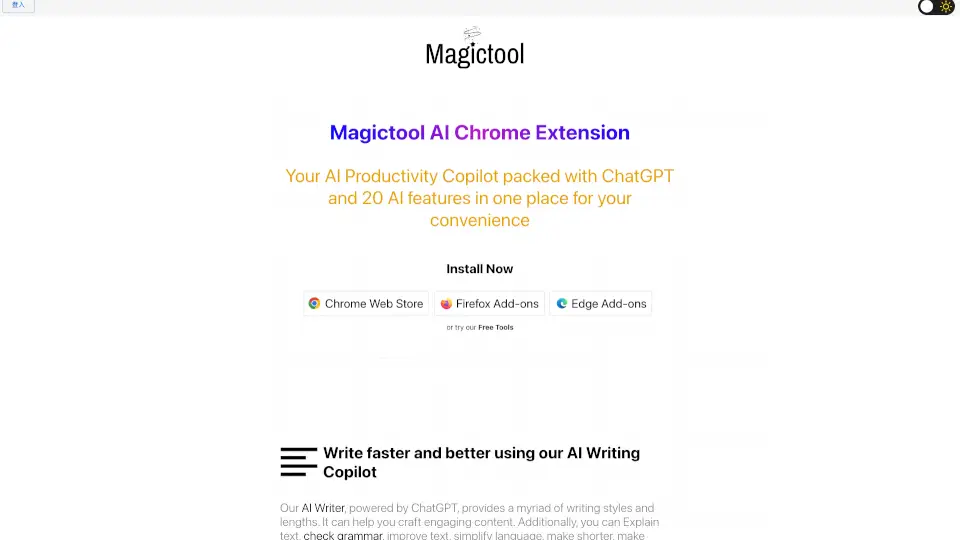
Magic Tool AI

Magic Tool AI is a powerful browser extension that acts as an AI productivity copilot, packing ChatGPT, writing tools, video summarization, image generation, and PDF chat into one convenient hub.

MX
22.30%
|
122.0K
|
5.0
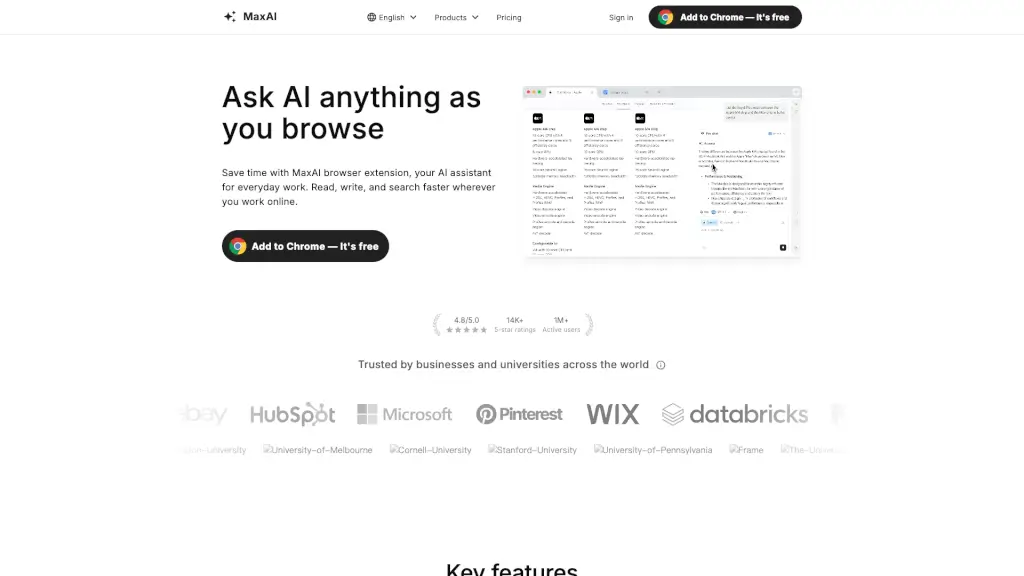
MaxAI.me

MaxAI is a free, privacy-friendly browser extension that brings contextual AI assistance to every webpage for faster reading, writing, and research.

US
33.72%
|
2.4M
|
5.0
Sider

Sider AI is a browser-based AI assistant that helps you research faster, automate tasks, and understand online content using top models like ChatGPT and Claude—all from a smart sidebar.

US
10.22%
|
3.0M
|
5.0
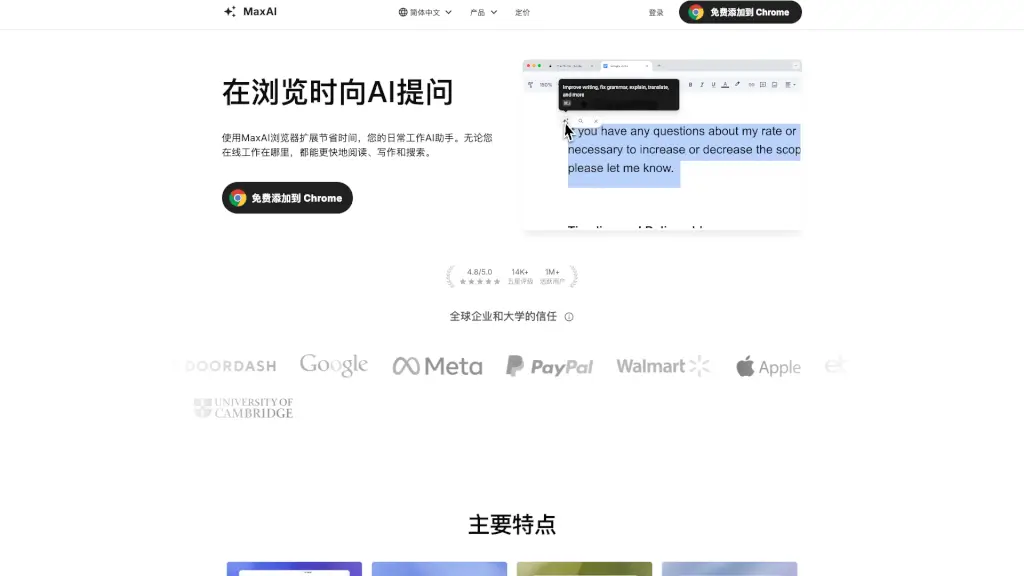
MaxAI

MaxAI is a free browser extension that delivers contextual AI assistance for faster reading, writing, research, and translation directly on any webpage.

US
15.78%
|
1.3M
|
5.0
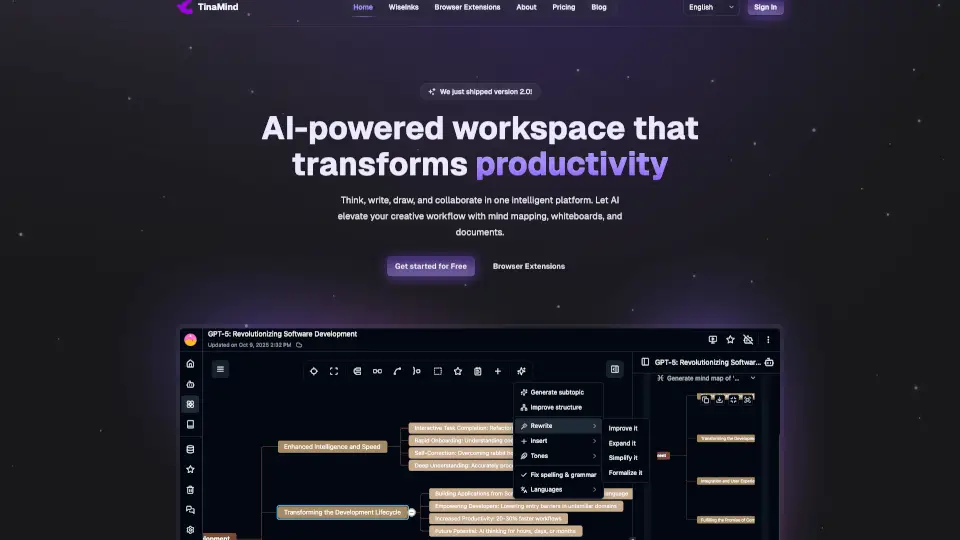
TinaMind

TinaMind is a powerful AI browser extension that enhances your browsing experience with features like smart search, document summarization, and content creation. It’s perfect for students, professionals, and teams looking to boost productivity.

TW
47.18%
|
21.4K
|
4.0
Merlio

Merlio combines AI chatbots, image tools, and custom solutions in one affordable platform. Perfect for boosting productivity—no expensive subscriptions needed!

US
21.02%
|
38.3K
|
4.0
Deepsider

DeepSider is a free, browser-integrated AI assistant that offers instant access to top AI models, helping you with content creation, coding, translation, and more, all within a single, easy-to-use side panel.

CN
58.23%
|
71.2K
|
5.0
Briefy

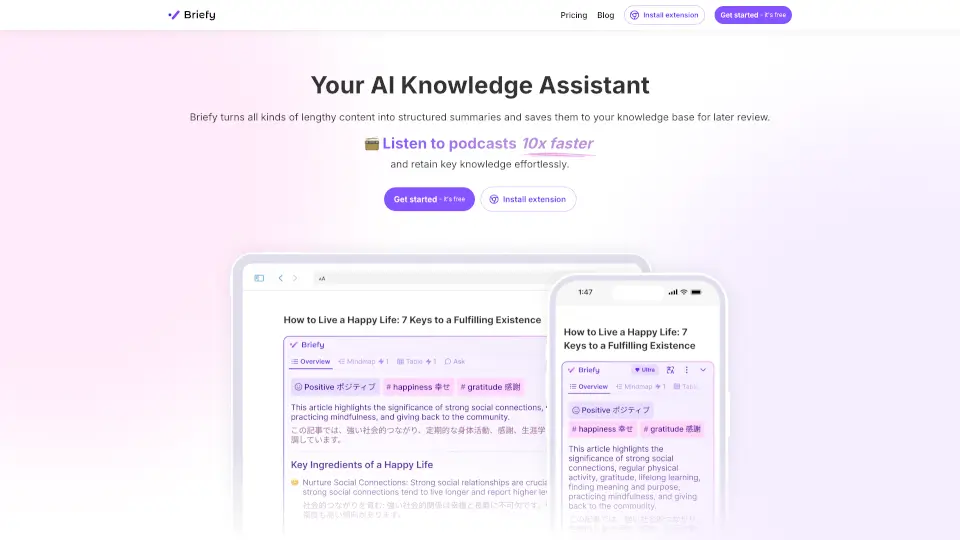
Briefy is the ultimate AI tool for summarizing lengthy content into easy-to-digest formats, helping you save time and stay informed.

US
17.65%
|
31.2K
|
4.0

Bonkers Related Other Categories

Bonkers Traffic Analysis

💡 Insights

📈
High Traffic
Over 1M monthly visits. Widely recognized and stable choice.
➡️
Stable
Traffic remains stable, indicating a mature product.
👍
Good Experience
Bounce rate of 47%. Users are willing to explore features.
🎯
Strong Brand
56% direct traffic. High user loyalty.
  • Monthly Visits

    1.39M

  • Bounce Rate

    46.65%

  • Pages Per Visit

    2.61

  • Visit Duration

    00:04:20

  • Global Rank

    42846

  • Country Rank

    15572

Visits Over Time

Traffic Sources

Direct56.02%
SearchOrganic16.11%
SocialOrganic10.94%
Referrals5.85%
DisplayAds3.50%
GenAi2.63%
SearchPaid2.21%
Mail1.96%
SocialPaid0.78%
Affiliate0.00%

Top Keywords

1
merlin ai
CPC$0.28
54.54KTraffic
2
merlin
CPC$0.43
11.26KTraffic
3
getmerlin
CPC$0.13
2.90KTraffic
4
merlin ai chat
CPC$0.37
2.03KTraffic
5
english to bengali
CPC$0.07
1.40KTraffic

Top Regions

RegionPercentage
United States
United States
17.23%
India
India
17.04%
Italy
Italy
6.01%
China
China
4.80%
Bangladesh
Bangladesh
3.76%
Low
High

Powered by SimilarWeb

Bonkers FAQ

What is Merlin AI?

Merlin is an AI Chrome extension and web app that acts as your all-in-one assistant for summarizing videos/articles/PDFs, writing emails and social posts, coding, and researching—using top models like GPT-4o, Claude, and Gemini without needing separate accounts.

How does the Merlin Chrome extension work?

Once installed, press Cmd/Ctrl+M on any website to open Merlin. On sites like YouTube, Gmail, or LinkedIn, you’ll also see a Merlin button for one-click actions like summarizing or drafting replies.

Is Merlin free to use?

Yes! Merlin offers 102 free queries per day. Light models (like GPT-3.5 or Claude Haiku) use 1 query; heavy models (like GPT-4o or Gemini 1.5 Pro) use 30 queries per request.

Do I need separate accounts for ChatGPT, Claude, or Gemini?

No. Merlin gives you access to all major AI models through one free account at getmerlin.in—no extra logins required.

Which search engines does Merlin support?

Merlin works with Google, Bing, Yahoo, DuckDuckGo, Yandex, and Baidu.

How do I install Merlin in my browser?

Go to the Chrome Web Store, search “Merlin AI,” click “Add to Chrome,” and follow the setup. Then press Cmd+M to start using it!

What counts as a query?

Each time you type a question and hit Enter in Merlin, it counts as one query. But Merlin’s automatic answers on Google search results are free and unlimited.

Why isn’t Merlin showing up after installation?

Refresh any tabs that were open before installing Merlin. New tabs should work immediately—but when in doubt, refresh!

Bonkers Reviews

0

0

0 Reviews
Sign Into leave a review

Recent Reviews

No reviews yet

Bonkers Embed

Use website badges to drive community support for SeekTool.ai. They are easy to embed in your homepage or footer.

Light
Dark
Bonkers - Featured on SeekTool.aiBonkers - Featured on SeekTool.ai
How to install?