
What is F5-TTS?
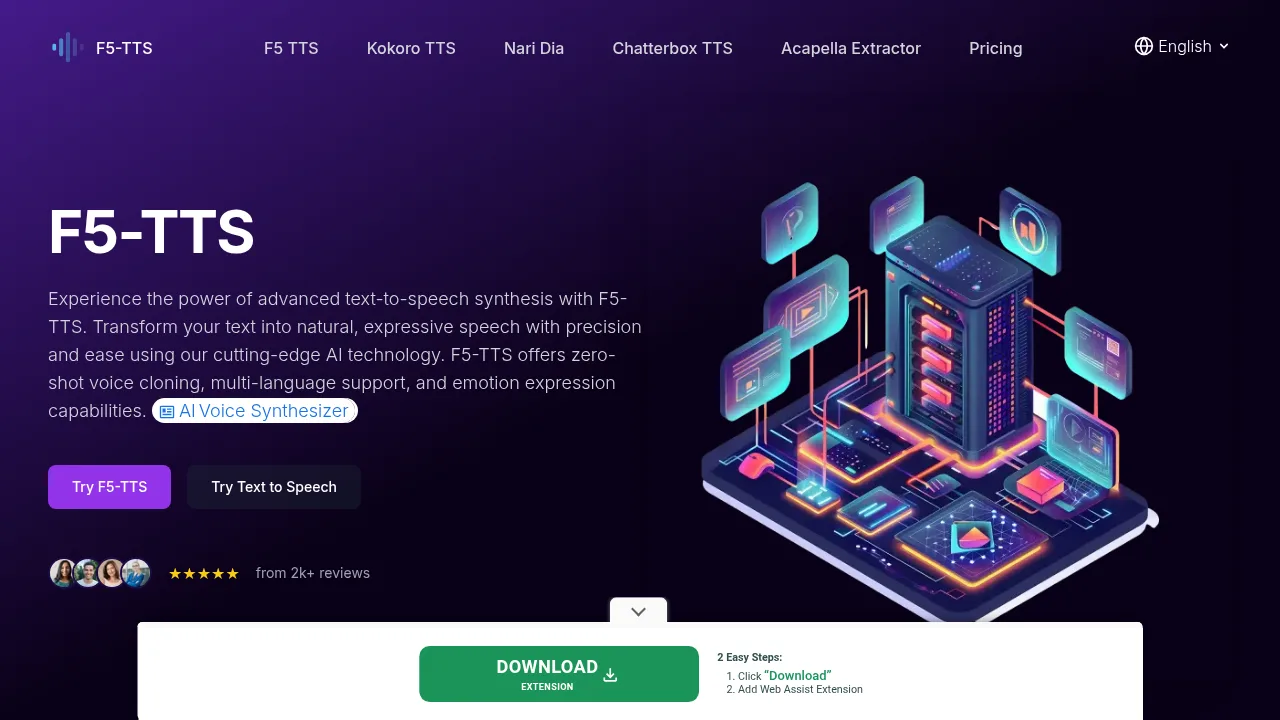
F5-TTS is a web-based text-to-speech tool that converts text into audio using Flow Matching and Diffusion Transformer techniques. It supports zero-shot voice cloning from an uploaded reference audio file and processes input in multiple languages, including English and Chinese. The tool does not offer fine-tuning options for speech output.
What are the features of F5-TTS?
- Zero-shot voice cloningGenerates speech mimicking a provided reference audio file without requiring extensive training data.
- Multi-language supportProcesses text input in multiple languages, including English and Chinese.
- Emotion and speed controlAdjusts the emotional expression and playback speed of the generated speech.
- Real-time processingUses a Sway Sampling strategy to generate speech efficiently.
- Audio preview and downloadAllows users to listen to the synthesized speech in the browser before downloading the file.
What are the use cases of F5-TTS?
- Voice-over productionCreates diverse character or narrator voices by uploading different reference audio files and adjusting emotional tone.
- Multilingual narrationGenerates voice-overs for educational modules or global projects in supported languages such as English and Chinese.
How to use F5-TTS?
- Upload reference audioProvide a clear audio recording via the Upload Audio button to serve as the voice source for cloning.
- Input text contentEnter plain text or formatted documents via the Upload Text button and specify the language if needed.
- Synthesize and downloadClick the Synthesize button to process the input, preview the result in the browser, and save the audio file using the Download button.