What is Doclingo?
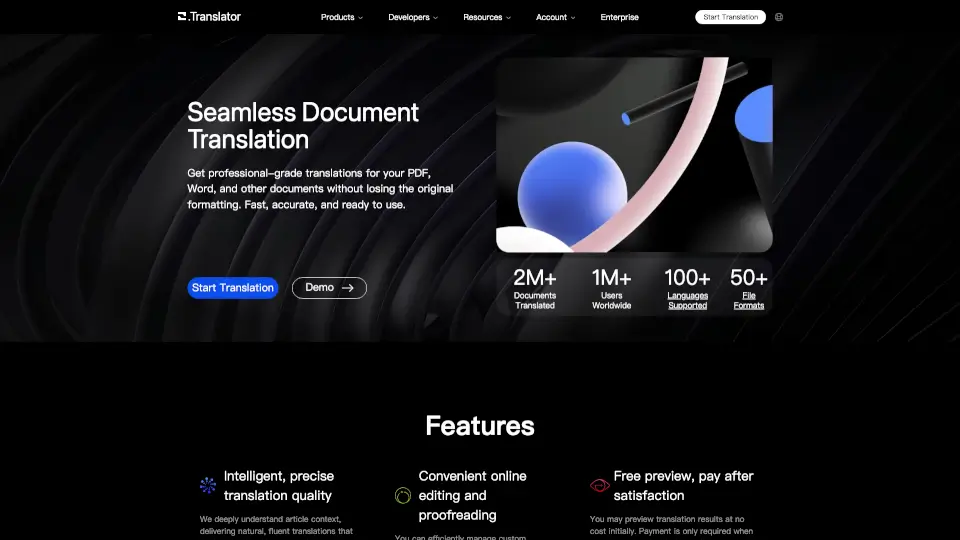
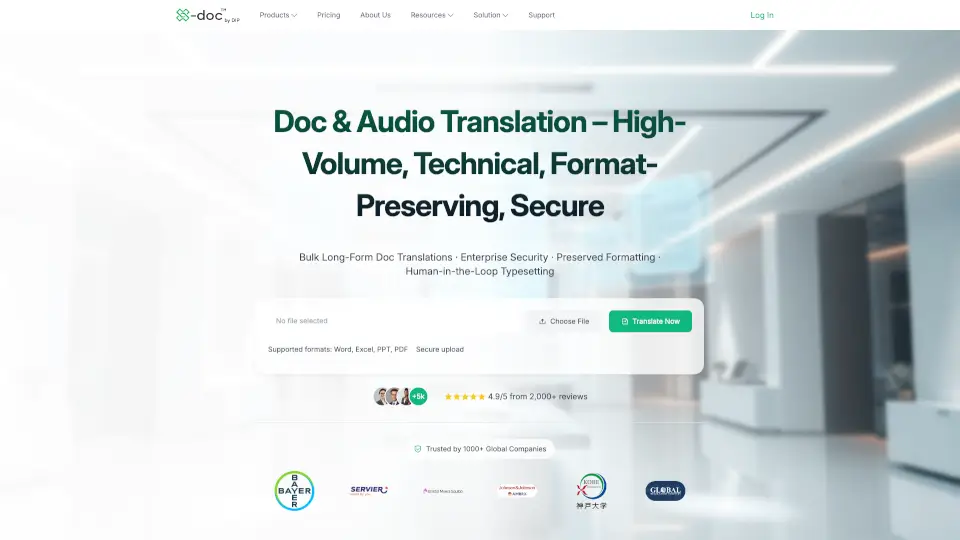
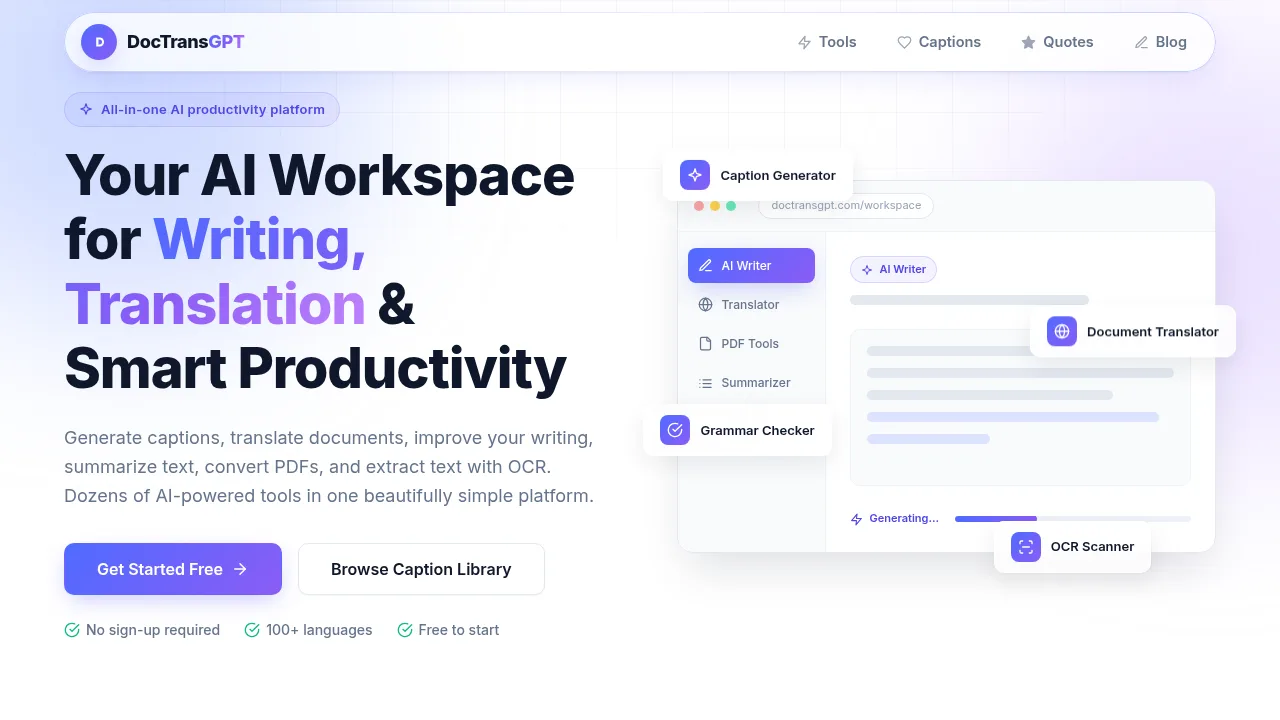
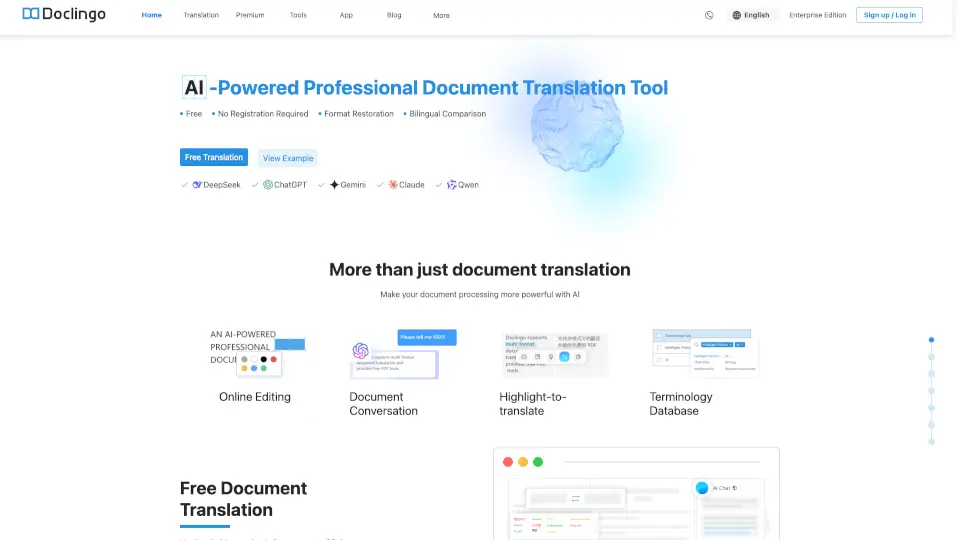
Doclingo is a smart document translation platform that makes translating PDFs, Word files, and research papers easy and accurate. It keeps your original formatting intact, so your documents look professional after translation. With support for over 90 languages and strong privacy protection, Doclingo is perfect for students, researchers, and businesses who need fast, reliable translations.
What are the features of Doclingo?
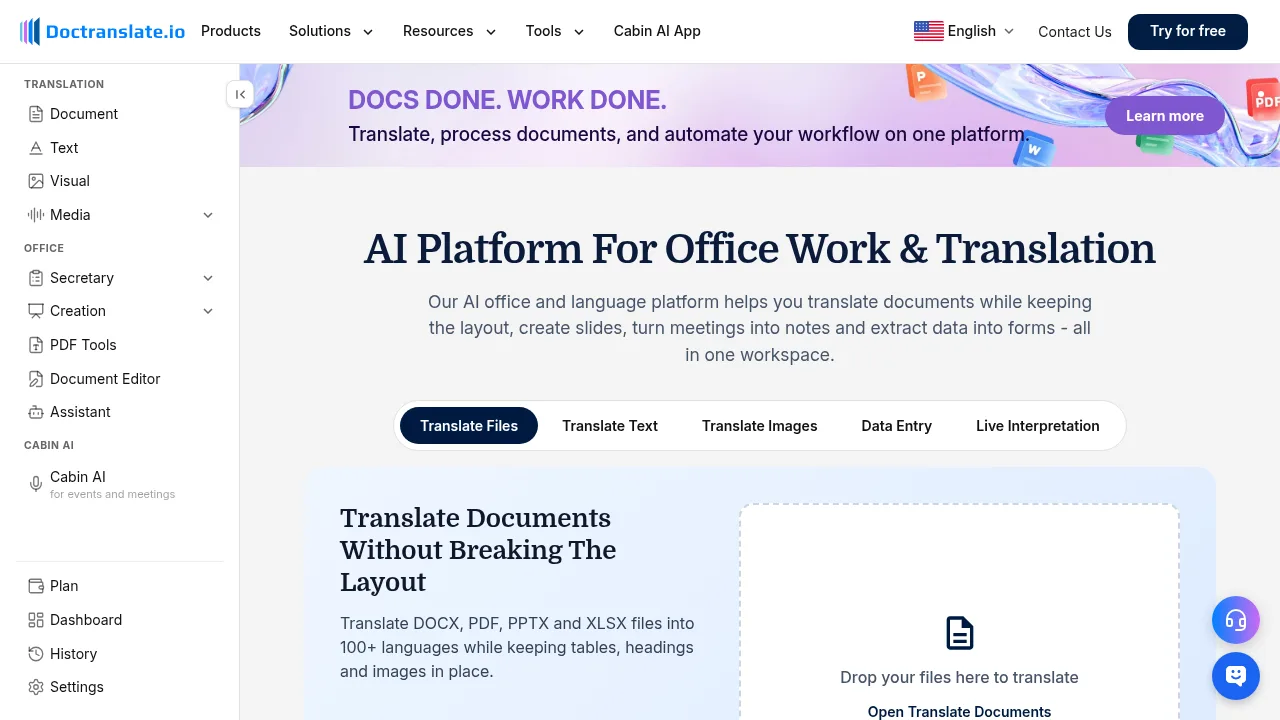
- Format PreservationTranslates documents while keeping layouts, tables, and images just like the original.
- Multi-Format SupportWorks with PDF, Word, Excel, PowerPoint, images, and more.
- Smart OCRDetects and translates text inside images and scanned PDFs.
- Batch TranslationTranslate multiple files at once for maximum efficiency.
- Online EditingEdit translations directly online to perfect your documents.
- Bilingual ComparisonView original and translated text side by side.
- Terminology DatabaseKeeps technical terms consistent across translations.
- API IntegrationAutomate translation workflows for developers and enterprises.
- Data SecurityEnd-to-end encryption and GDPR compliance for privacy.
- Free & Premium OptionsUnlimited free translation, with premium features for advanced needs.
What are the use cases of Doclingo?
- Academic ResearchTranslate research papers and theses quickly, keeping citations and formatting.
- Business DocumentsHandle contracts, design drawings, and presentations with professional results.
- Language LearningRead foreign materials and compare translations for study.
- Website OwnersAdd translated documents to your site easily.
- Professional TranslatorsSpeed up projects and handle complex terminology.
How to use Doclingo?
- Go to Doclingo’s website.
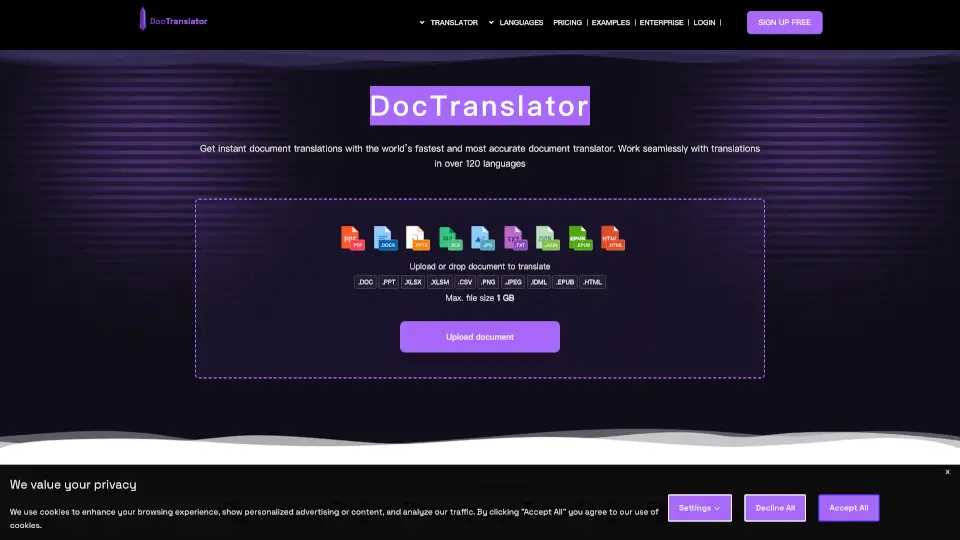
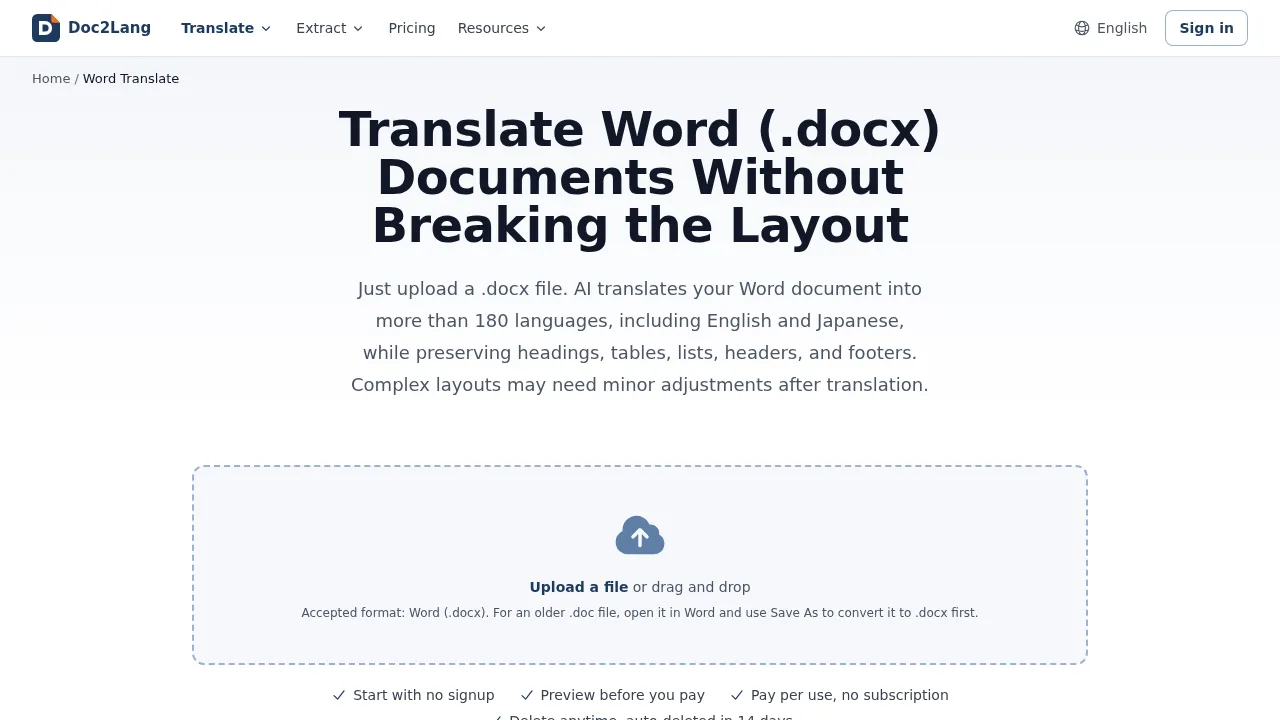
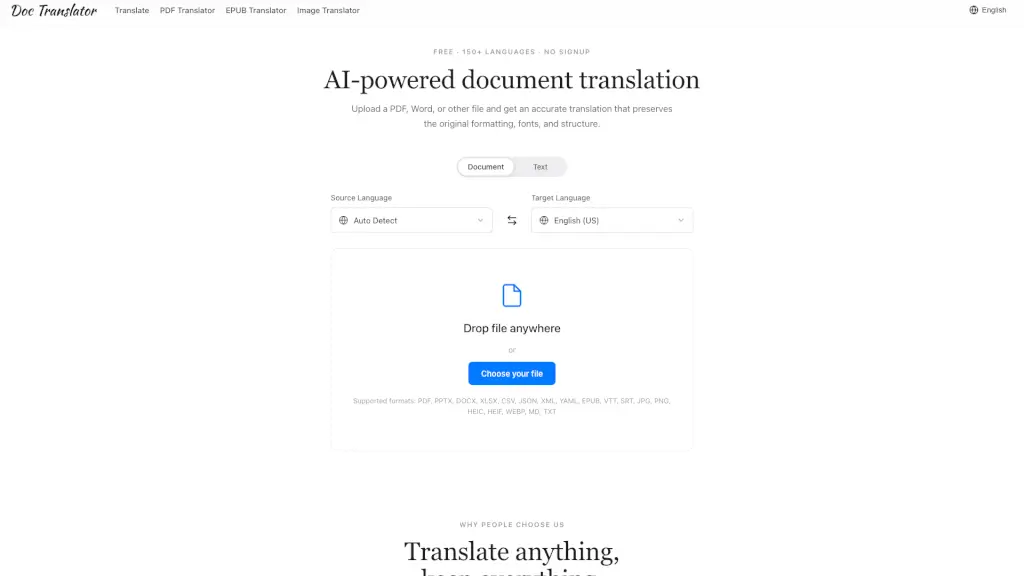
- Upload your document (PDF, Word, Excel, PPT, image, etc.).
- Choose your target language.
- Click to translate—your document will keep its original formatting.
- Edit translations online if needed.
- Download or share your translated file.