What is DeepSwapFace?
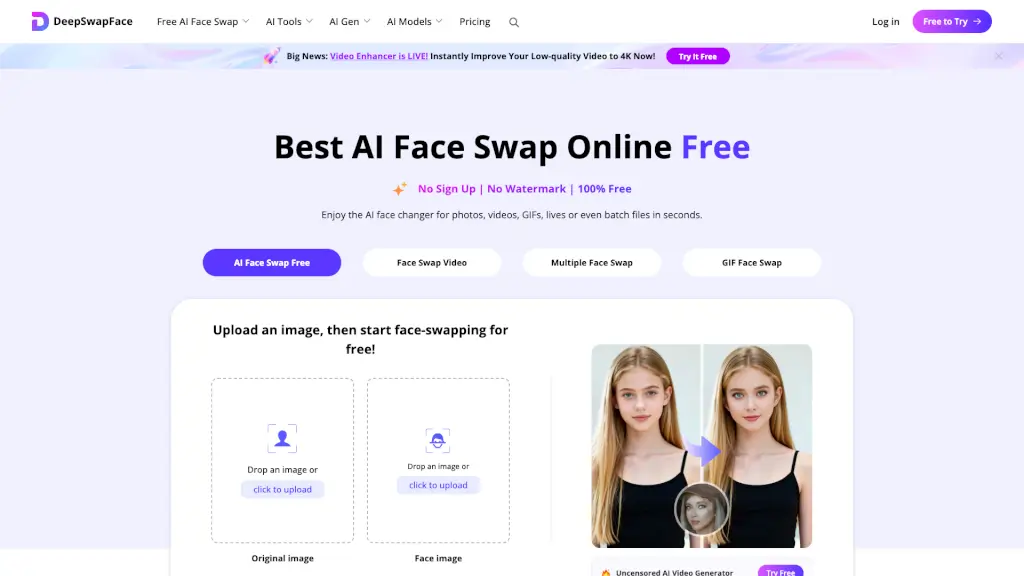
DeepSwapFace is a next-generation AI-powered platform that lets you swap faces and bodies in photos, videos, and GIFs — instantly, for free, and without any sign-up. No watermarks, no login, just pure creative fun. Whether you want to turn yourself into a celeb, change your gender, or create hilarious memes, DeepSwapFace makes it happen in seconds. Think of it as the best free AI face swap online, combining power and simplicity in one click.
What are the features of DeepSwapFace?
- No Sign-Up, No Watermark: Use the face swap tool immediately without creating an account, and download clean, watermark-free results.
- Multiple Face Swap: Swap several faces in a single photo or video at once — perfect for group edits.
- Face Swap Video & GIF: Apply face swaps to moving content, from short clips to animated GIFs.
- Video Enhancer (New!): Instantly upscale low-quality videos to 4K resolution for crisper results.
- AI Body Swap & Gender Swap: Go beyond faces — swap entire bodies or transform your gender with one tap.
- NSFW & Uncensored Tools: Create adult content like AI clothes swap, breast enlargement, bikini generator, and more — all unrestricted.
- Batch Processing: Swap faces in multiple files at once, saving time on bulk edits.
- Meme & Anime Face Changer: Turn any moment into a shareable meme or give yourself an anime makeover.
What are the use cases of DeepSwapFace?
- Social Media Fun: Swap your face onto a celebrity or famous movie scene to surprise your friends.
- Meme Creation: Generate hilarious memes by face-swapping yourself into popular templates.
- Gender Exploration: Use the gender swap feature to see a different version of yourself in seconds.
- Digital Art & Animation: Apply anime face swaps or create Disney-style character edits.
- NSFW Content Creation: Generate adult images or videos with AI clothes removal, body enhancement, and more.
- Video Enhancement: Upscale old or low-quality videos to 4K for better playback quality.
- Group Photos: Swap multiple faces in a family picture or group selfie seamlessly.
How to use DeepSwapFace?
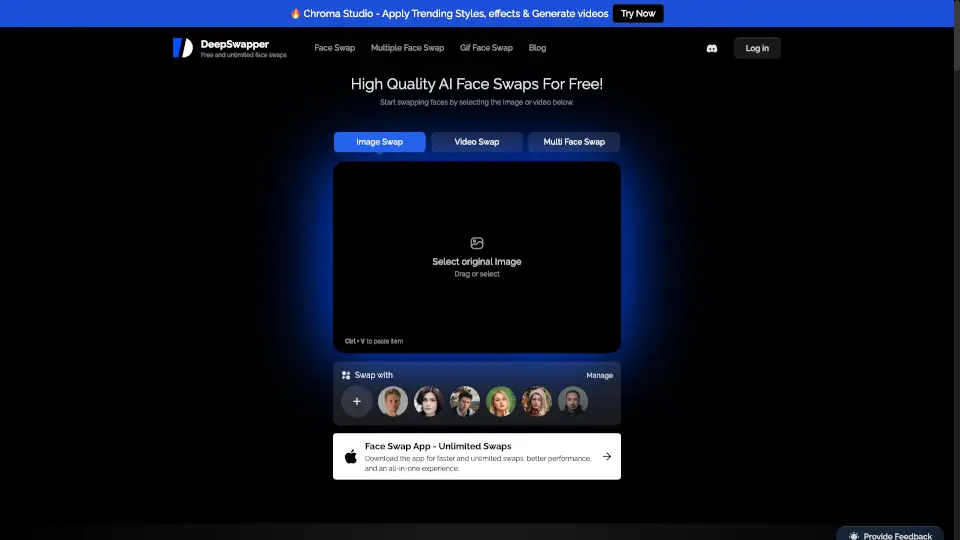
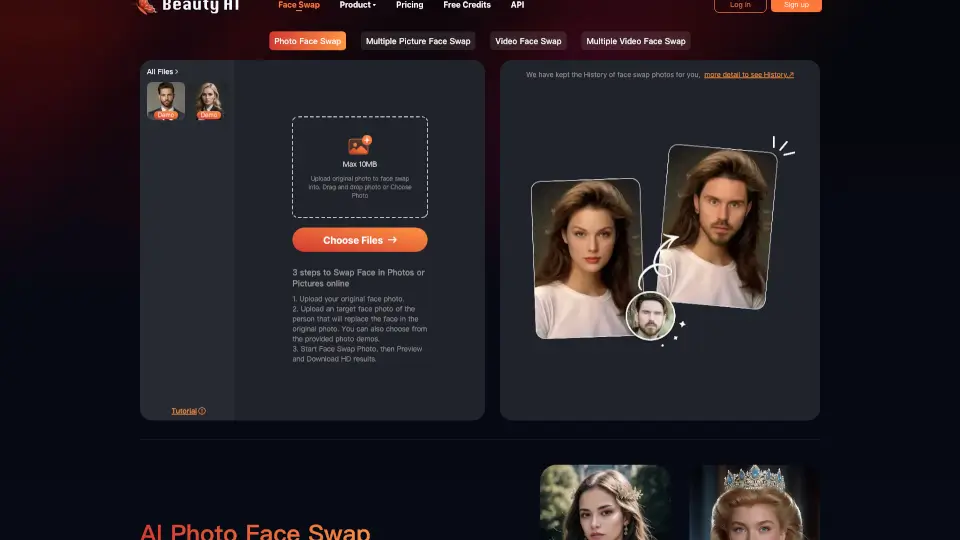
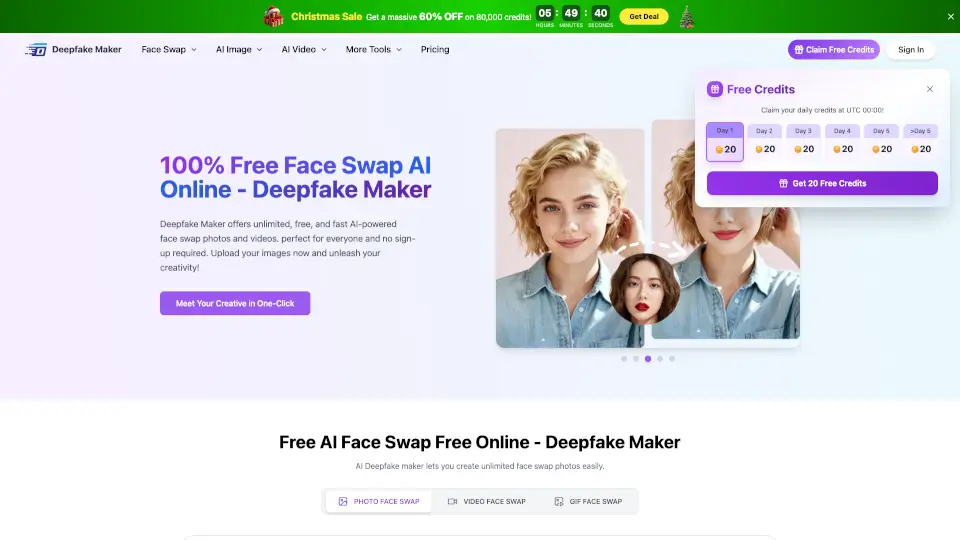
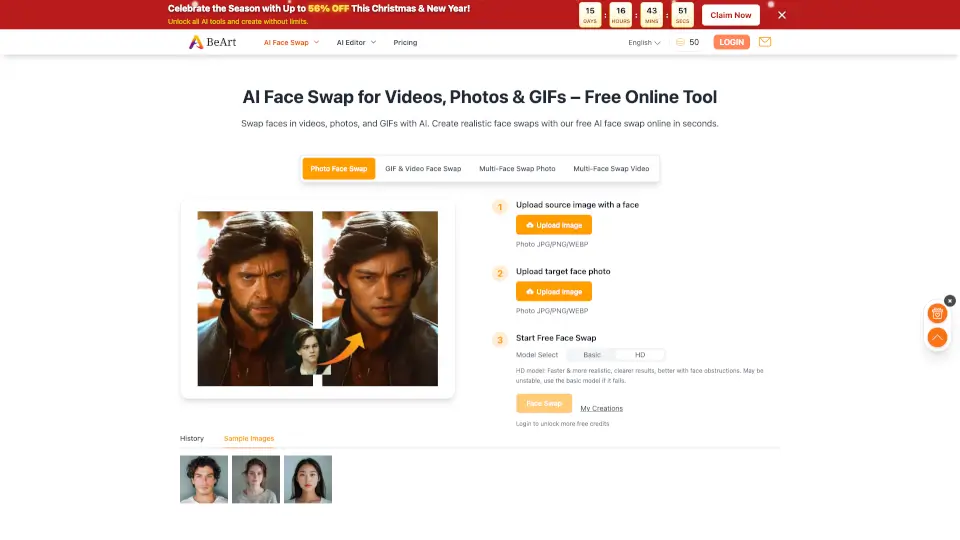
- Upload an Image, Video, or GIF: Click the upload area or drag-and-drop your file onto the DeepSwapFace homepage.
- Choose Your Swap: Select the source face (the face you want to change) and the target face (the face to replace it with). For multiple face swap, pick all faces involved.
- Click "Start Face Swap": Let the AI automatically detect all faces and bodies — no manual selection needed.
- Wait a Few Seconds: The AI processes the swap, matching lighting, skin tone, and expressions for a natural look.
- Download Your Result: Get your high-quality, watermark-free file instantly. Share it anywhere!