What is DeepMake?
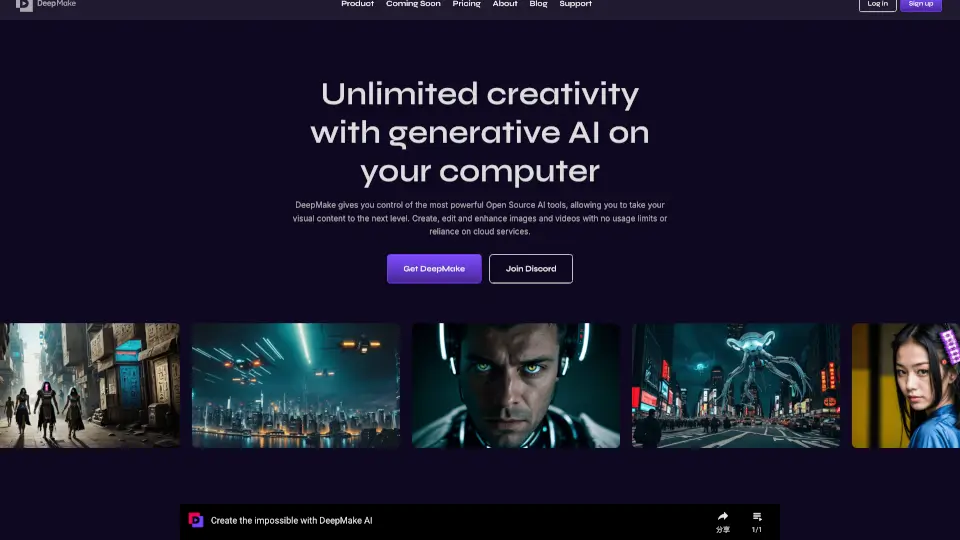
DeepMake is your go-to tool for unlimited creativity using generative AI right on your computer. It’s designed to make content creation fast, easy, and accessible, giving you full control over AI-powered tools without relying on cloud services. Whether you’re creating stock videos, enhancing images, or segmenting layers, DeepMake has you covered.
What are the features of DeepMake?
- AI running locally on your computer: No usage limits or cloud dependency.
- No usage fees: Create without worrying about extra costs.
- Higher level of control: Fine-tune AI-generated outputs to your liking.
- Text-to-image generation: Turn written prompts into high-quality images.
- Image-to-image generation: Refine or create new images from existing ones.
- Smart masking for faces and objects: Automatically isolate elements in your videos.
- Image and video upscaling: Enhance the quality of your visuals with AI.
What are the use cases of DeepMake?
- Content creators: Generate unique visuals for social media or marketing.
- Video editors: Quickly mask and edit complex scenes.
- Designers: Upscale and refine images for professional projects.
- AI enthusiasts: Experiment with cutting-edge AI tools locally.
How to use DeepMake?
- Download and install DeepMake on your computer.
- Choose the AI tool you need (e.g., text-to-image, smart masking).
- Follow the on-screen prompts to create or enhance your content.
- Save and export your work directly from the app.