
What is Deepdub?
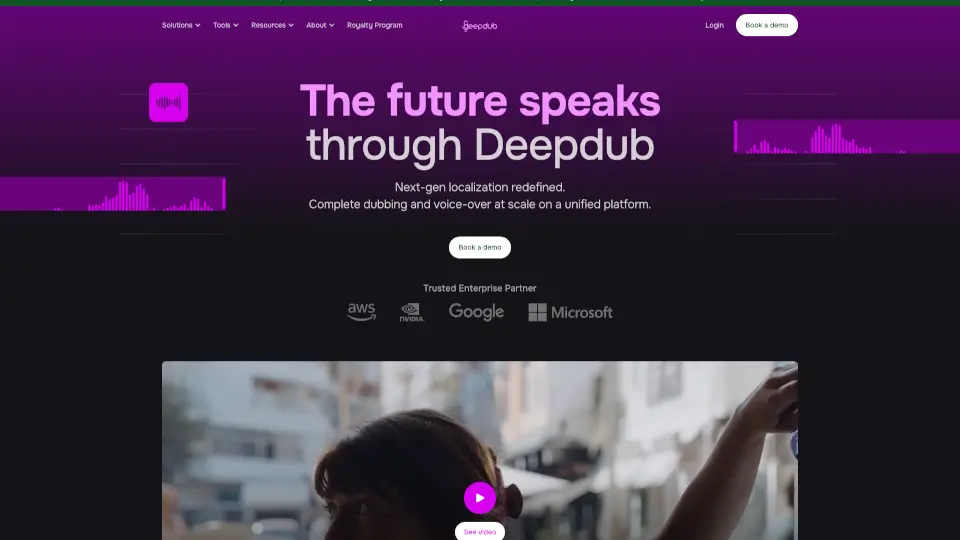
Deepdub.ai is an AI dubbing and voiceover platform for video creators, studios, and content teams that need to localize video content into multiple languages. It uses AI voice cloning and lip-sync technology to replace original audio with natural-sounding translated voices while preserving the speaker’s tone and mouth movements. The tool helps users scale video localization without hiring voice actors or re-recording sessions. It integrates with standard video editing workflows, making it suitable for marketing, entertainment, education, and enterprise training content.
What are the features of Deepdub?
- AI Voice Cloning: Clone a speaker’s voice from source audio to maintain consistent tone and style across all dubbed versions, ideal for series or branded content.
- Real-Time Lip-Sync: Adjust the dubbed audio to match the original speaker’s lip movements, reducing unnatural visual mismatches in talking-head videos.
- Multi-Language Support: Translate and dub videos into dozens of languages, allowing a single source video to reach global audiences without manual re-recording.
- Cloud-Based Collaboration: Teams can upload video files, assign dubbing tasks, review translations, and approve final versions within a shared workspace.
- Video Format Compatibility: Accepts common video formats (MP4, MOV, etc.) and exports synchronized dubbed files ready for publishing or post-production.
What are the use cases of Deepdub?
- Video marketers localizing ad campaigns into multiple languages to target international audiences without re-shooting.
- E-learning producers dubbing training videos for global teams, keeping the instructor’s voice consistent across languages.
- Content creators on YouTube or social media adding multilingual voiceovers to expand viewer reach and engagement.
- Studio dubbing teams handling large-scale series localization, cloning lead actors’ voices to preserve character authenticity.
- Enterprise communications departments translating internal video announcements for employees in different regions.
How to use Deepdub?
- Upload your source video file and select the original language spoken in the audio track.
- Choose the target language(s) and review the AI-generated transcript and translation for accuracy.
- Select the voice you want to use – either clone a specific speaker or choose from the library of stock voices.
- Preview the lip-synced output and make adjustments to timing, tone, or pronunciation if needed.
- Export the final dubbed video in your preferred format and share or publish directly.