
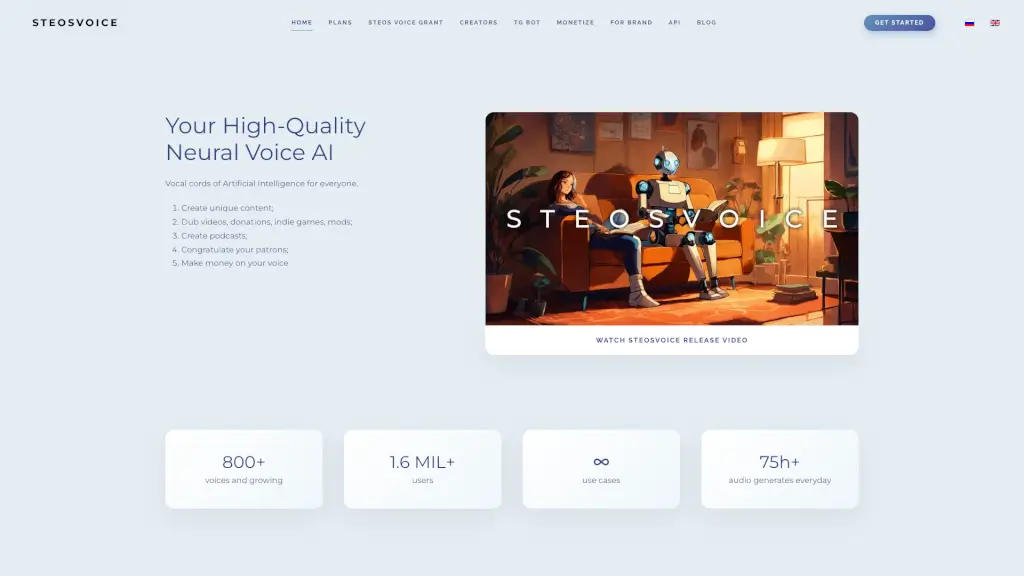
What is Cybervoice (SteosVoice)?
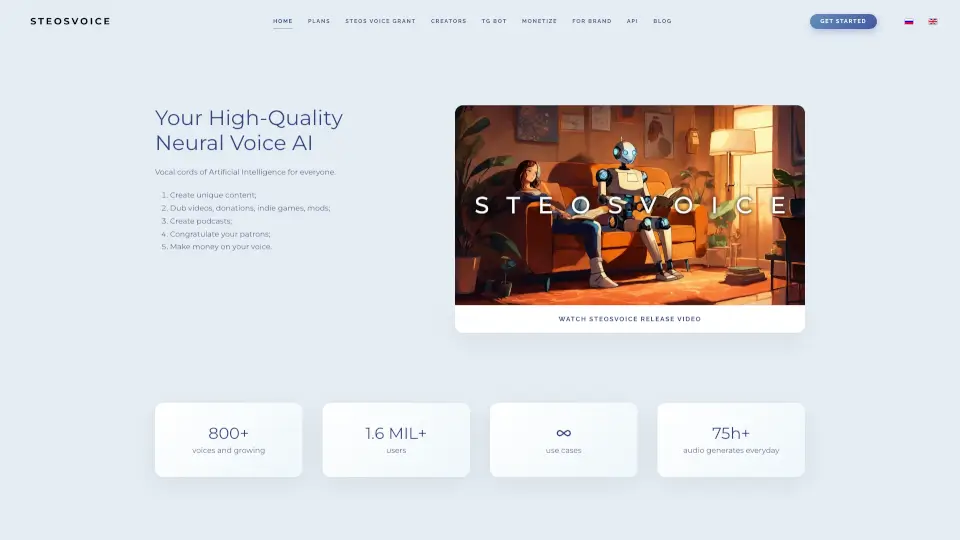
SteosVoice, formerly known as CyberVoice, is a cutting-edge AI-powered speech synthesis tool that brings ultra-realistic voices to your content. Whether you're a content creator, game developer, or business owner, SteosVoice offers over 800 unique and high-quality voices to choose from. This tool is perfect for dubbing videos, creating podcasts, adding voiceovers to articles, and much more. With its easy-to-use interface and versatile applications, SteosVoice is a game-changer for anyone looking to add a professional touch to their audio content.
What are the features of Cybervoice (SteosVoice)?
- Ultra-Realistic Speech Synthesis: Generate high-quality, natural-sounding voices that can be used in a variety of contexts.
- Wide Range of Voices: Choose from over 800 unique voices, including character voices, to find the perfect match for your project.
- Convenient Telegram Bot: Get free limited access to HQ neural voice AI with 800 voices via the SteosVoice Telegram Bot.
- Endless Use Cases: From YouTube localization to game modding, the possibilities are endless.
- Monetization Opportunities: License your voice on the platform and earn passive income through royalties.
- High-Quality Audio Output: Enjoy studio-quality sound at 44.1 kHz, ensuring your audio content sounds professional and polished.
What are the use cases of Cybervoice (SteosVoice)?
- YouTube Localization: Create videos in non-native languages or add character voices to enhance storytelling.
- Game Development: Voice new quests in mods or dub indie games in multiple languages.
- Business and Media: Add voiceovers to articles, news, podcasts, and technical support.
- Podcasting: Create engaging and professional-sounding podcasts with a variety of voices.
- Donations and Streams: Use famous dubbing voices or your own voice for voice donations on streams.
- Educational Content: Produce educational videos, audiobooks, and other learning materials with high-quality voices.
How to use Cybervoice (SteosVoice)?
- Sign Up: Register for a free account on the SteosVoice website.
- Choose a Voice: Browse the extensive library of over 800 voices and select the one that best fits your project.
- Input Text: Enter the text you want to convert into speech.
- Customize Settings: Adjust settings like speed, pitch, and tone to get the desired output.
- Generate Audio: Click the generate button to create your high-quality audio file.
- Download and Use: Download the audio file and integrate it into your project.