
What is Cursor?
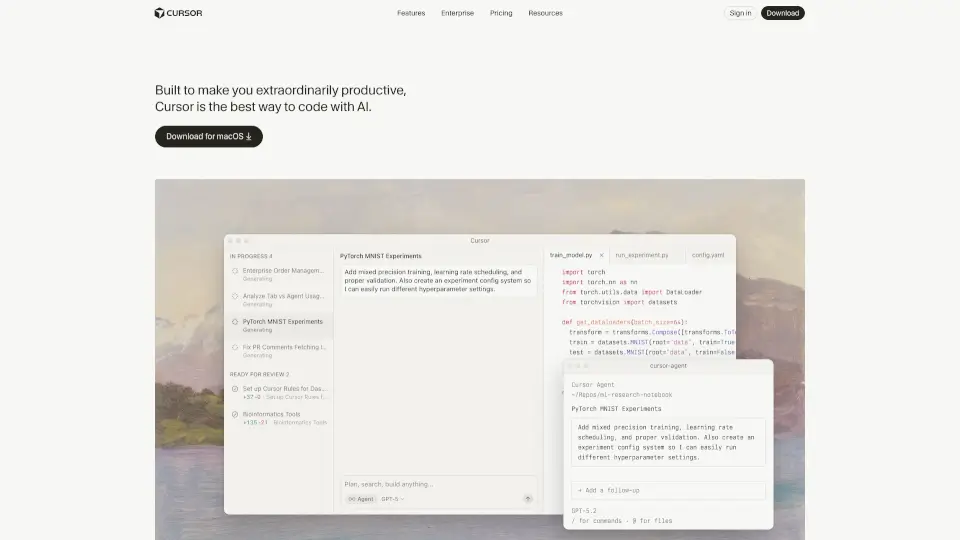
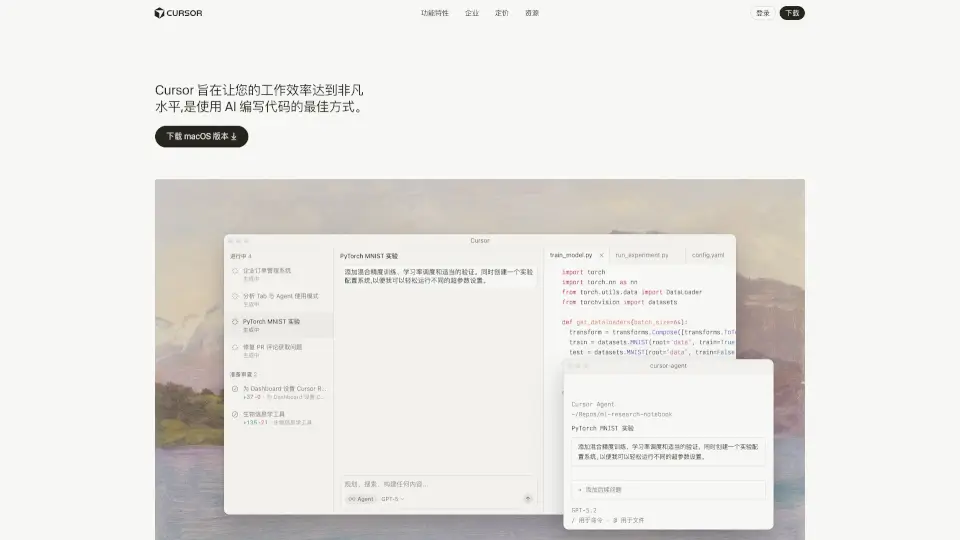
Cursor is the AI-powered code editor designed to supercharge your productivity. It’s not just another tool—it’s your AI pair programmer, helping you write, edit, and debug code faster than ever. Trusted by engineers at top companies like Shopify, OpenAI, and Samsung, Cursor is changing the way developers work.
What are the features of Cursor?
- Tab Completion Magic: Predicts your next edit with uncanny accuracy—just hit tab and watch it work.
- Codebase Knowledge: Answers questions about your codebase or references files and docs seamlessly.
- Natural Language Editing: Write or update entire classes and functions using simple prompts.
- Privacy Options: Keep your code secure with Privacy Mode—your code is never stored remotely.
- Familiar Feel: Import your favorite extensions, themes, and keybindings in one click.
What are the use cases of Cursor?
- Speeding Up Development: Cursor’s AI helps you write code faster, reducing repetitive tasks.
- Codebase Exploration: Quickly understand and navigate large codebases with AI assistance.
- Code Refactoring: Update or refactor code with natural language instructions.
- Learning and Experimentation: Great for developers looking to learn new patterns or experiment with AI-generated code.
How to use Cursor?
- Download and install Cursor for your operating system.
- Import your existing settings (extensions, themes, keybindings).
- Start coding—use tab for auto-completion or natural language prompts for edits.
- Enable Privacy Mode if you want to ensure your code stays local.