
What is Cliphi?
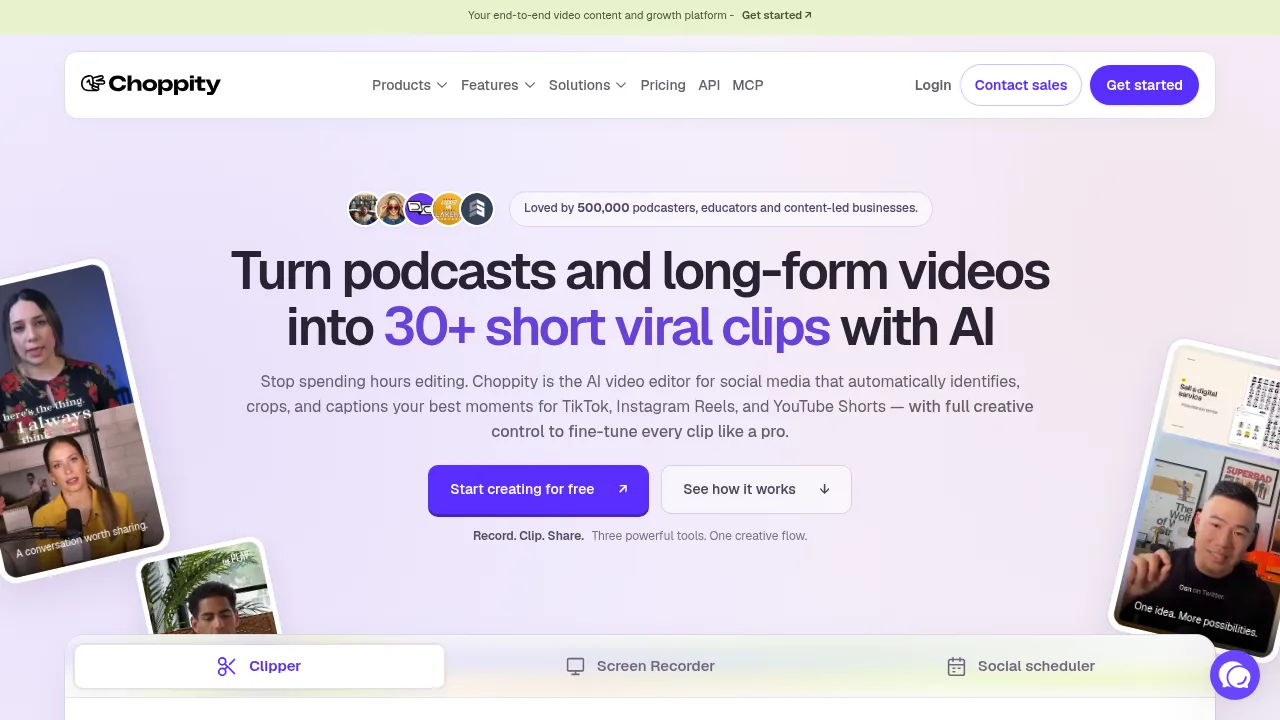
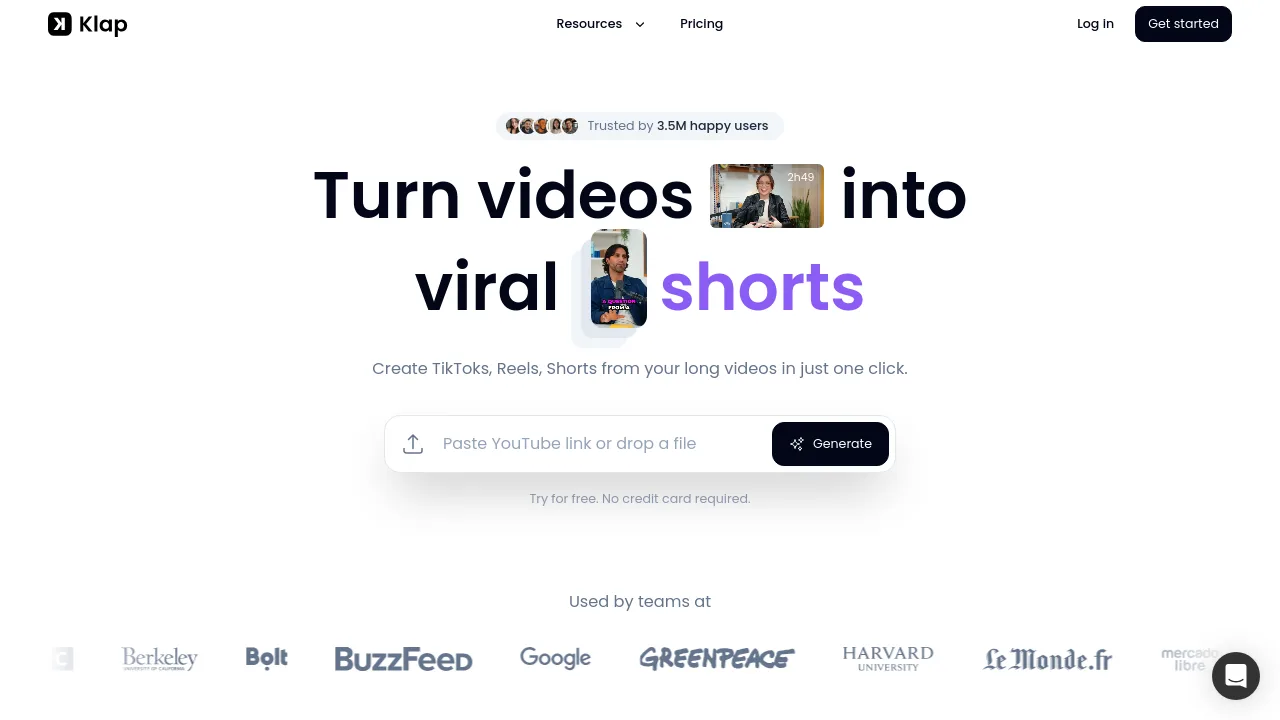
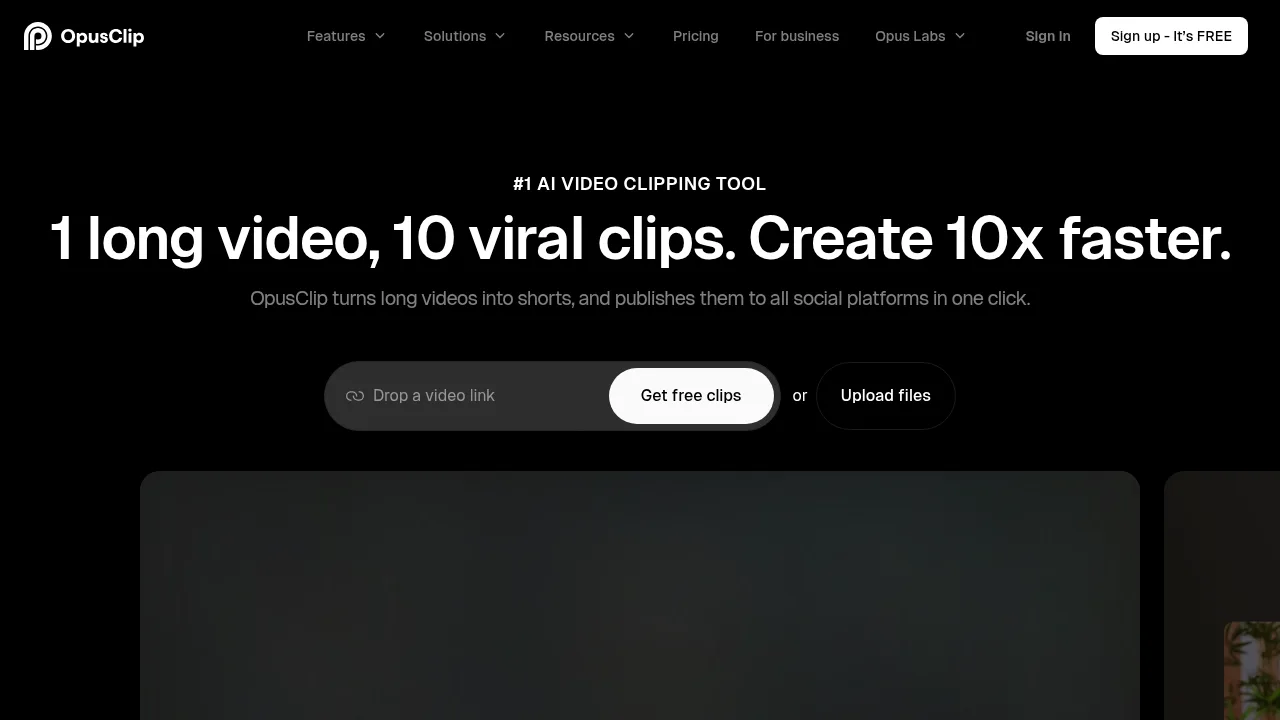
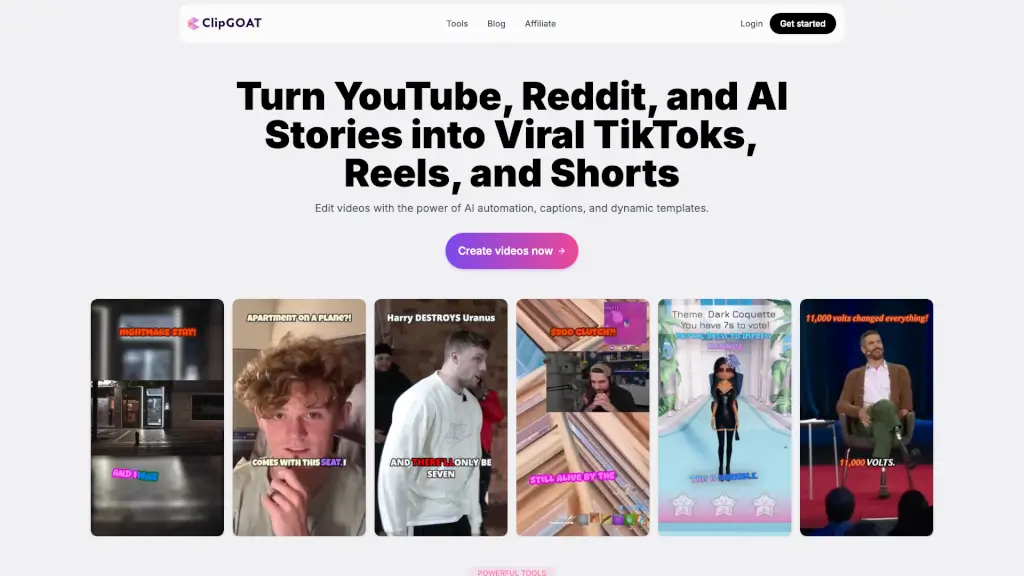
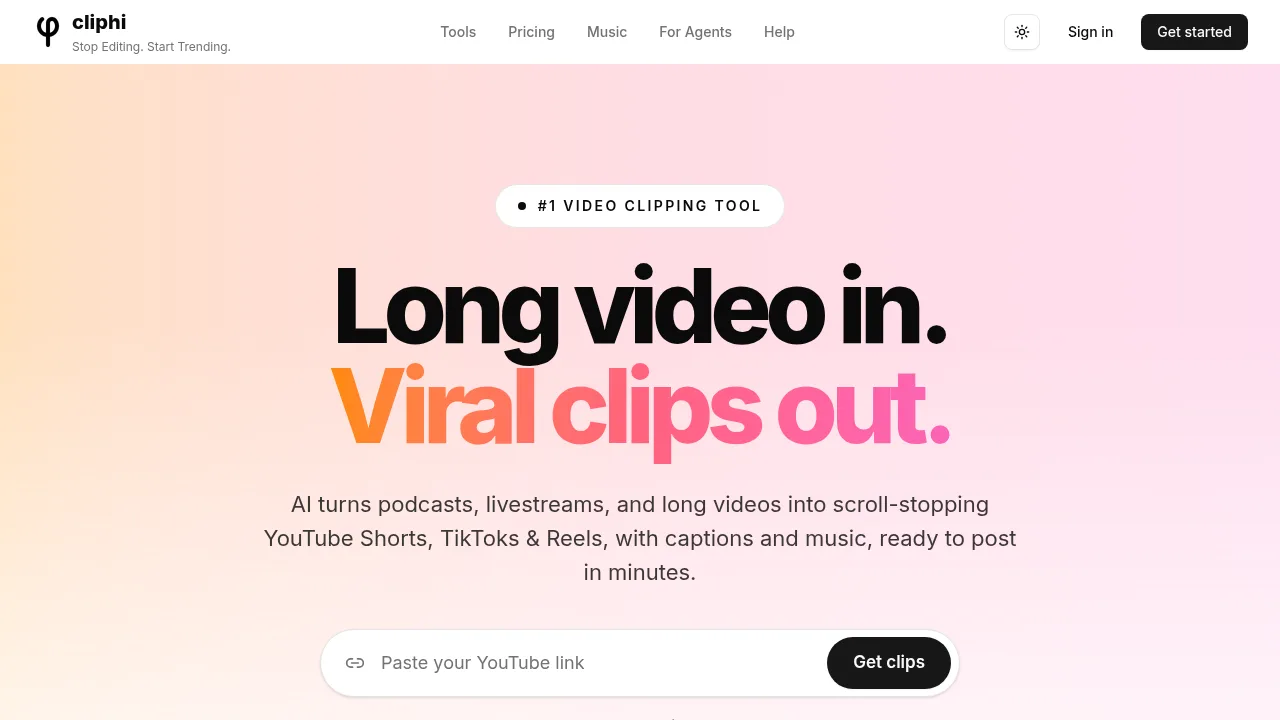
Cliphi converts long videos, podcasts, and livestreams into short vertical clips for platforms like YouTube Shorts, TikTok, and Instagram Reels. Users can paste a link from supported platforms or upload MP4, MOV, or WebM files via a web browser or the Android app. The vendor states that users must confirm they have the rights to use any video they process.
What are the features of Cliphi?
- Automated clip selectionScans full videos to identify moments based on speech, energy, and engagement signals, assigning each a viral-potential score. Custom prompts allow searching for specific moment types.
- Active speaker trackingDetects faces frame-by-frame to keep speakers centered, applying grid layouts for multi-person content.
- Animated captionsGenerates word-by-word captions synced to speech, with customizable fonts, colors, size, and position.
- AI-generated background musicCreates instrumental tracks matching clip mood, using audio ducking to lower music volume during speech.
- Reaction recordingRecords user camera or voice over any clip, automatically ducking original audio and converting new speech into animated captions.
- Direct social publishingConnects accounts to post or schedule clips directly to YouTube Shorts, TikTok, Instagram Reels, Facebook, Threads, and X.
What are the use cases of Cliphi?
- Live stream clippingProcesses Twitch, Kick, or YouTube livestreams while the broadcast is still active, delivering clips before the stream ends.
- Podcast repurposingConverts a YouTube podcast URL into multiple 9:16 vertical clips with captions and framing ready for short-form platforms.
- Mobile clip creationAllows Android users to paste links, generate clips, and download or post them entirely through the Google Play app or mobile browser.
How to use Cliphi?
- Provide source videoPaste a link from YouTube, Twitch, Kick, Instagram, TikTok, Facebook, X, Pinterest, or Google Drive, or upload an MP4, MOV, or WebM file via the web interface or app.
- Review AI selectionsWait for the system to scan the video and surface moments ranked by viral-potential scores.
- Receive generated clipsAccess vertical clips that automatically include animated captions, background music, and speaker tracking as they finish rendering.
- Edit if neededUse the built-in editor to trim timing, swap music, add logos, or record a reaction overlay.
- Publish or downloadConnect social accounts to post or schedule directly, or download finished clips as standard video files.
Cliphi Pricing Information:
- Pay per renderThe vendor lists "Pay per render" and "Unlimited clip ideas" as platform attributes; specific prices, plan tiers, and quotas are not detailed in the provided source.