
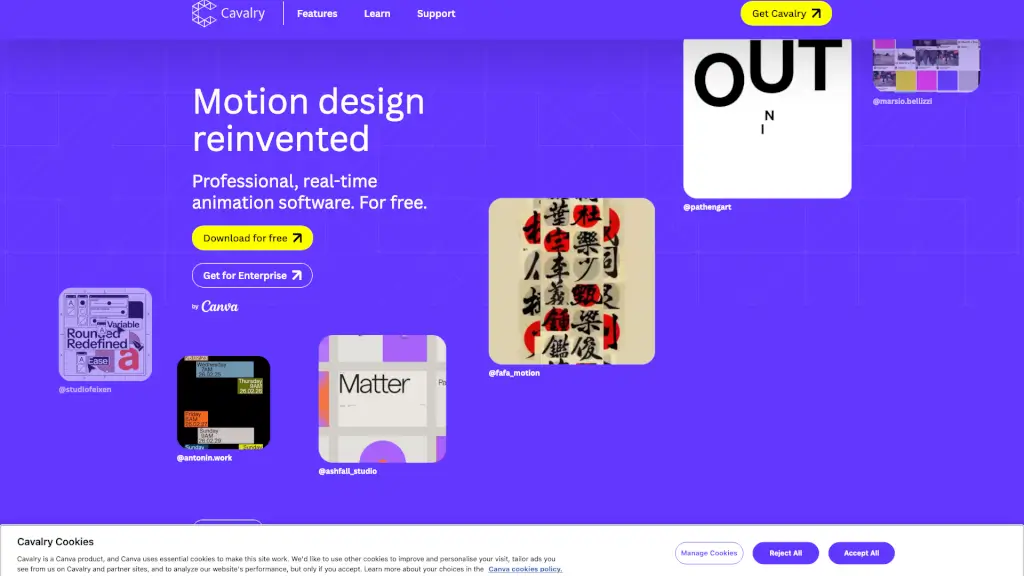
What is Cavalry?
Cavalry is a free, professional-grade 2D animation and motion graphics software built for Mac and Windows users who want to create dynamic visuals without the high price tag. Originally developed by Scene Group and now part of Canva, Cavalry brings real-time rendering, procedural rigging, and data-driven workflows to animators and motion designers at no cost. Whether you're crafting explainer videos, social media content, or complex animated sequences, Cavalry gives you powerful tools that rival paid alternatives—no watered-down features or time limits.
Designed with both beginners and pros in mind, Cavalry runs natively on Apple Silicon and Intel processors, offering smooth performance and instant feedback as you animate. Its intuitive interface and robust feature set make it easy to experiment, iterate, and scale your projects—all while seeing changes happen live in the viewport.
What are the features of Cavalry?
- Real-Time Rendering: See every edit instantly with full-speed playback—no waiting for previews or laggy scrubbing.
- Procedural Rigging & Rubber Hose: Build flexible character rigs and squash-and-stretch limbs with intuitive controls that adapt automatically.
- Data-Driven Animation: Import spreadsheets to drive animations at scale—perfect for charts, infographics, or batch-rendered social posts.
- Lottie Export: Export lightweight, web-friendly animations directly to Lottie format for use on websites and apps.
- Magic Easing & Dynamics: Apply natural motion with smart easing curves and physics-based behaviors like bounce, falloffs, and forces.
- Text Animation & Duplicator: Animate text effortlessly and replicate elements with rules-based duplication for patterns or crowds.
- Color Palettes & Shape Tools: Maintain consistent styling across projects with global color swatches and vector shape manipulation.
What are the use cases of Cavalry?
- Creating animated explainer videos or product demos for startups and small businesses
- Designing engaging social media motion graphics (Reels, TikToks, Stories) using data from CSV files
- Building interactive prototypes or UI animations with Lottie export for web and mobile apps
- Animating characters for indie games, YouTube series, or educational content using Rubber Hose rigs
- Producing data visualizations that update automatically when source spreadsheets change
- Teaching motion design in classrooms with free, cross-platform software that works on school devices
How to use Cavalry?
- Download Cavalry for macOS or Windows from the official website (not available on mobile)
- Sign in with a free Canva account—required to access Cavalry by Canva
- Start with the “Getting Started” tutorial series to learn the basics of layers, timelines, and behaviors
- Use the Duplicator tool to quickly repeat elements (like confetti or icons) with randomized properties
- Connect a Google Sheet or CSV file via Data Import to drive animations based on live data
- Export your final project as MP4, GIF, or Lottie depending on your platform needs