
What is Magic Write?
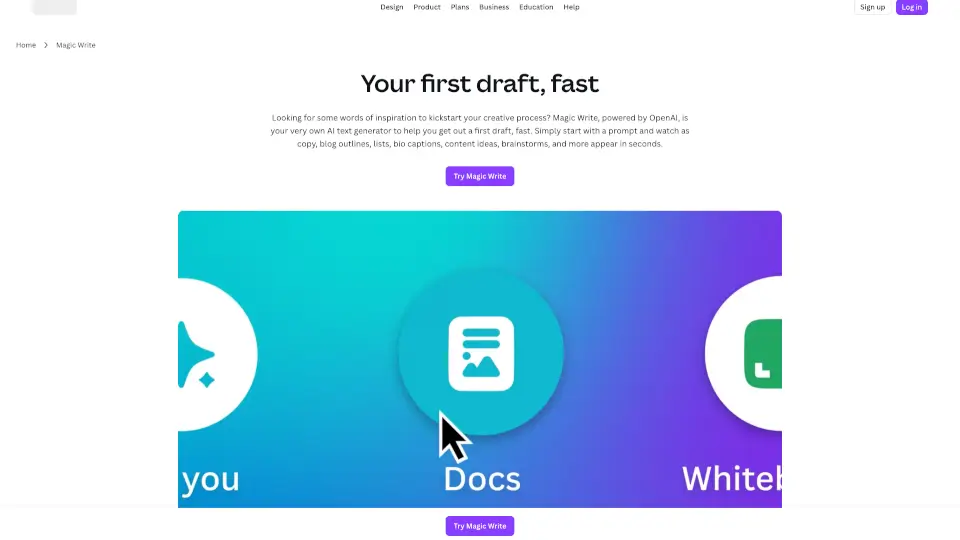
Stuck staring at a blank page? Magic Write from Canva is your AI-powered co-author that helps you go from idea to first draft in seconds. Built right into Canva Docs and designs, this smart text generator uses OpenAI technology to create everything from social captions and blog outlines to cover letters and brainstorming lists—just type a simple prompt and watch the words appear.
Whether you're a marketer on deadline, a small business owner juggling tasks, or someone writing a heartfelt card, Magic Write unblocks creativity without the stress. It’s designed to be fast, friendly, and easy to use across all your devices, so you can focus on refining your message—not fighting writer’s block.
What are the features of Magic Write?
- AI-Powered Drafting: Generate high-quality first drafts for blogs, emails, bios, ads, and more with just a few keywords.
- 20+ Language Support: Create content in English, Spanish, French, Japanese, Arabic, and 15+ other languages.
- Smart Content Tools: Includes headline generator, paragraph writer, list maker, outline creator, and paraphrasing tool—all in one place.
- Built into Canva Docs: Seamlessly add AI-generated text directly into your visual documents with real-time collaboration.
- Magic Shortcut: Type “/” anywhere in a Canva Doc to instantly launch Magic Write and start generating.
- Free Tier Available: Get 25 free queries with any Canva account; upgrade to Pro for 250 monthly uses.
- Safety & Moderation: Multi-layered safeguards block harmful, medical, political, or explicit content to keep output family-friendly.
What are the use cases of Magic Write?
- A social media manager quickly drafts Instagram captions and bio updates for multiple clients.
- A small business owner generates product descriptions and website copy without hiring a writer.
- A student brainstorms essay ideas and creates structured outlines for research papers (note: not available in Canva for Education).
- Someone writes a heartfelt birthday card or wedding speech using personalized prompts.
- A team collaborates in real time on a marketing campaign doc, using AI to expand bullet points into full paragraphs.
- A blogger overcomes creative block by generating 5 headline options and a full post outline in seconds.
- A job seeker crafts a tailored cover letter by describing their experience and target role.
How to use Magic Write?
- Open a Canva Doc or design and click the Canva Assistant button (bottom right) or press / to activate Magic Write.
- Type a clear, detailed prompt like “Write a friendly Instagram bio for a vegan bakery in Portland.”
- Include keywords or tone preferences (e.g., “professional,” “funny,” “concise”) for better results.
- Press Enter—your AI-generated text appears instantly.
- Edit, tweak, or expand the output to match your voice and needs.
- Save, share, or publish your finished design directly from Canva.