What is 魔力工作室?
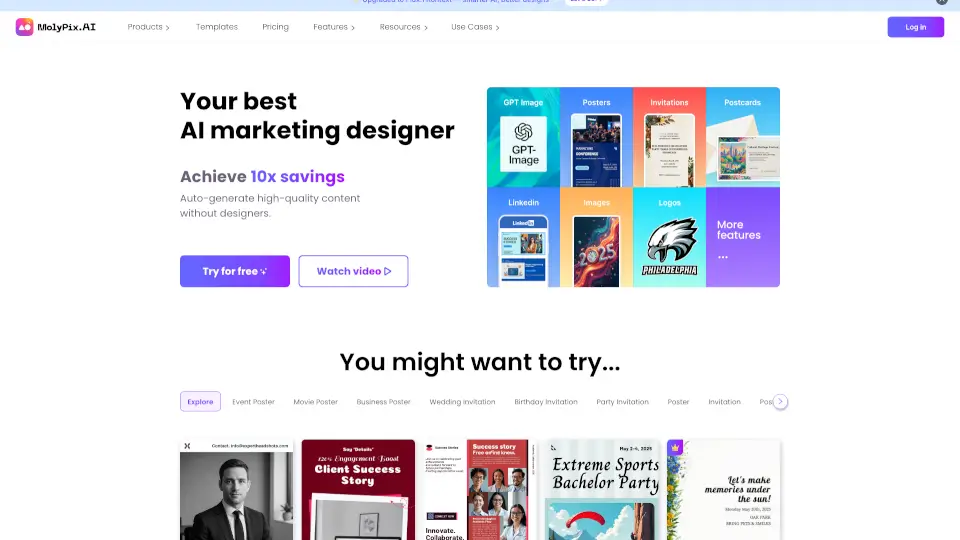
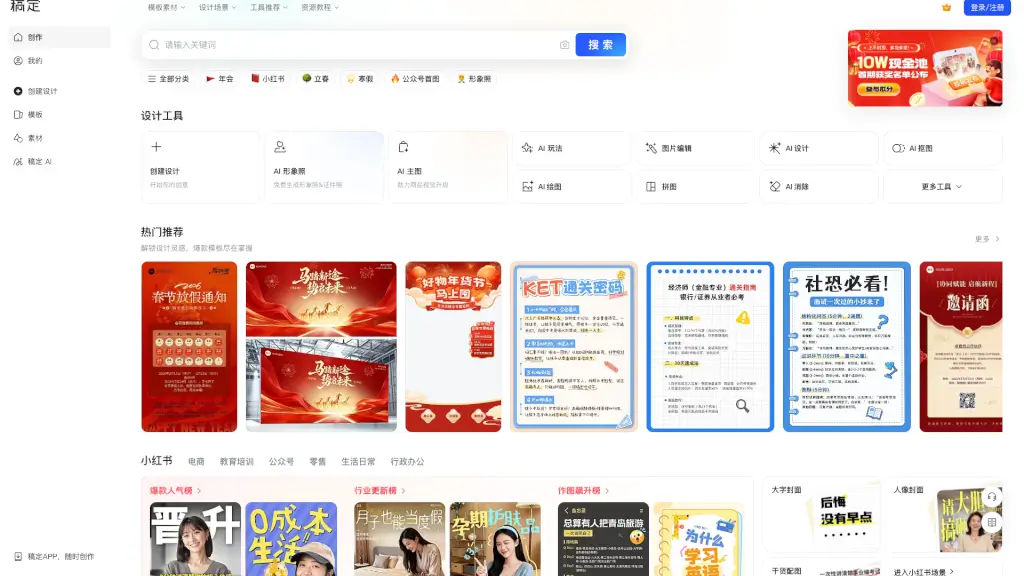
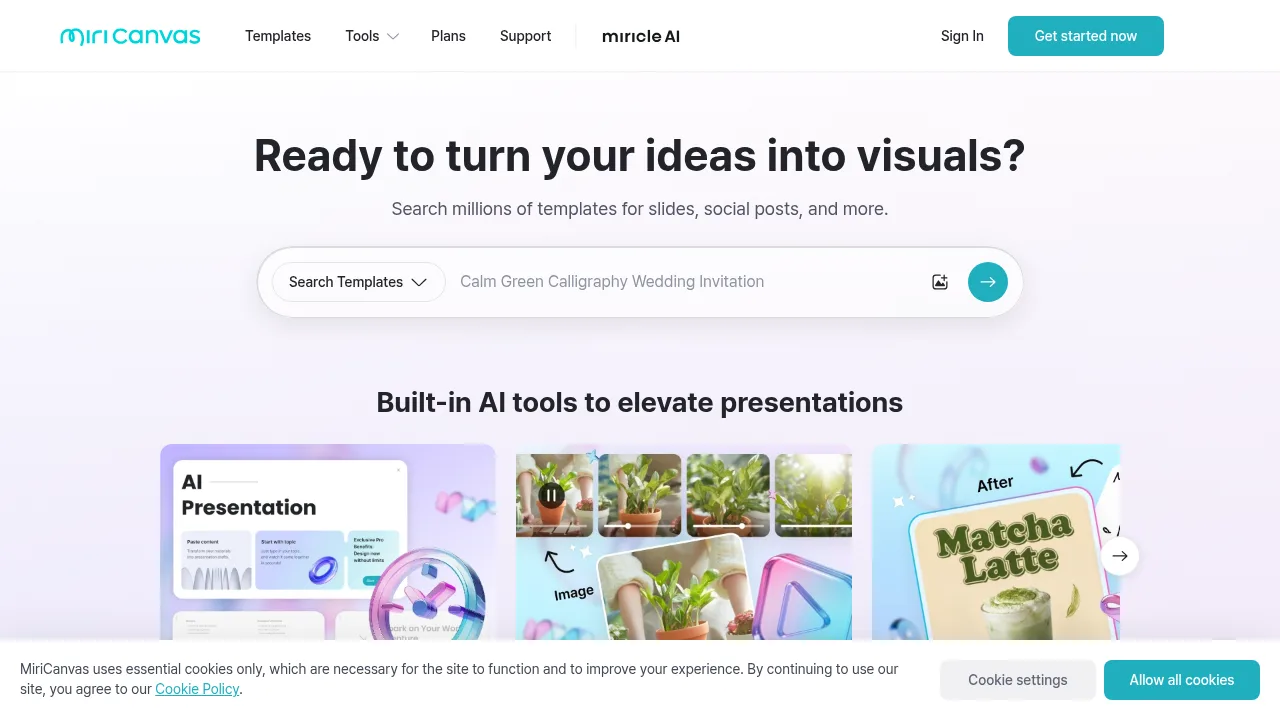
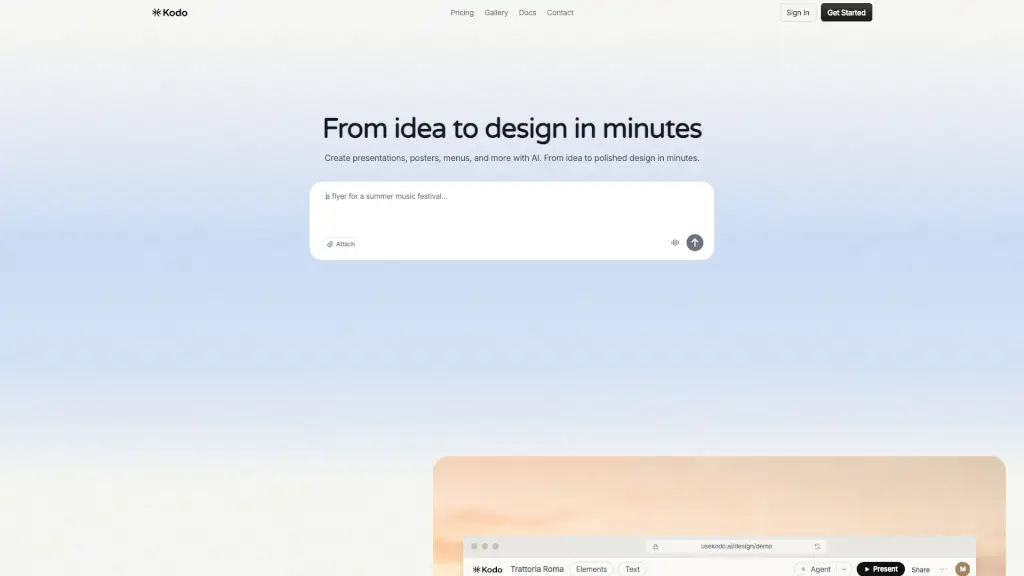
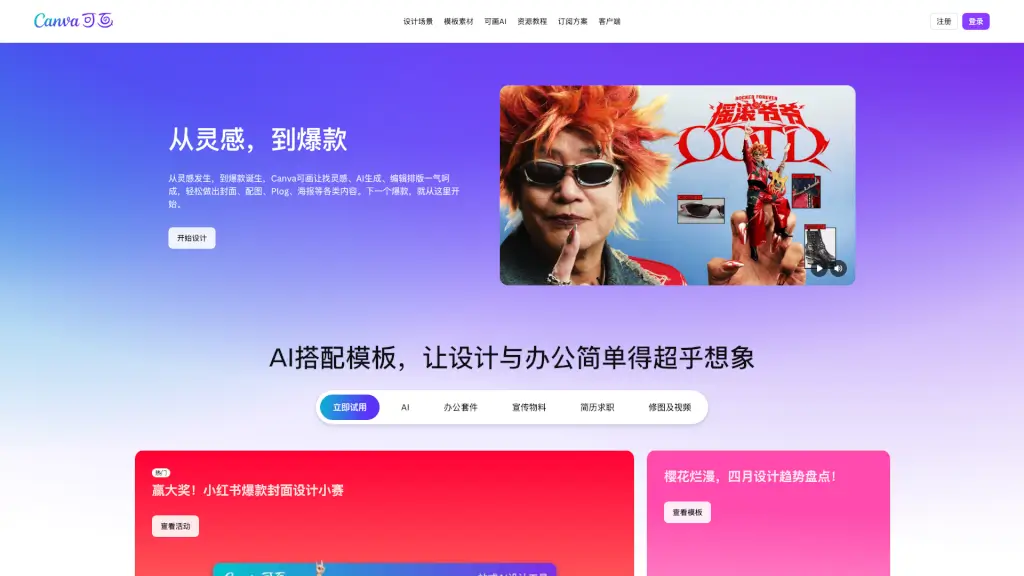
Canva可画 is an online design and collaboration platform that makes it easy for anyone to create stunning designs, whether you're a student, a professional, or just someone who loves to be creative. With Canva, you can choose from a vast library of templates, fonts, and images to craft everything from posters and resumes to logos and social media posts. The best part? You don't need to be a design expert to use it. Canva’s intuitive interface and powerful tools, including AI features, make it simple to bring your ideas to life, no matter where you are.
What are the features of 魔力工作室?
- Design TemplatesAccess thousands of professionally designed templates for various uses, such as posters, resumes, and social media graphics.
- Font LibraryChoose from over a thousand Chinese and English fonts to add the perfect text to your designs.
- Image LibraryUse millions of high-quality, royalty-free images to enhance your projects.
- AI ToolsUtilize AI-powered features like AI image editing, AI writing, and more to streamline your design process.
- CollaborationWork together with others in real-time, making it easy to share and edit designs with your team.
- Visual Office SuiteCreate and edit documents, presentations, and even videos all within one platform.
What are the use cases of 魔力工作室?
- Marketing MaterialsDesign eye-catching posters, banners, and social media posts for your next marketing campaign.
- Educational ProjectsCreate engaging handouts, course schedules, and certificates for your classes.
- Professional DocumentsCraft polished resumes, business cards, and reports to impress in the workplace.
- Social Media ContentProduce consistent and visually appealing content for platforms like Instagram, Facebook, and WeChat.
- Event PlanningDesign invitations, flyers, and event programs for parties, conferences, and more.
- Personal ProjectsMake personalized greeting cards, photo albums, and custom t-shirts for special occasions.
How to use 魔力工作室?
- Start by signing up for a free account on the Canva website.
- Browse through the template library and select a design that fits your needs.
- Customize the template by adding your own text, images, and colors.
- Use the drag-and-drop editor to move elements around and adjust their size and position.
- Save your design and download it in the desired format, or share it directly from Canva.
- Collaborate with others by inviting them to view and edit your design in real-time.