What is camelAI?
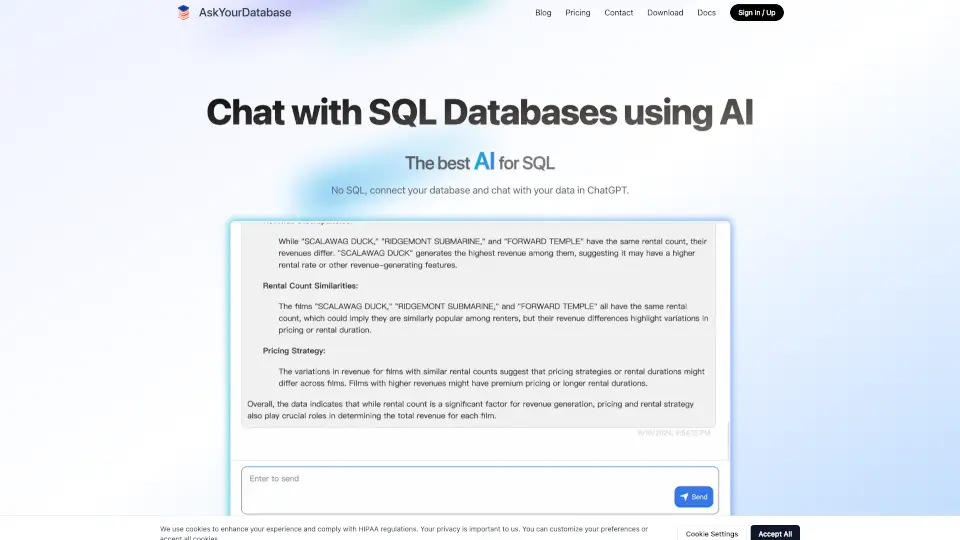
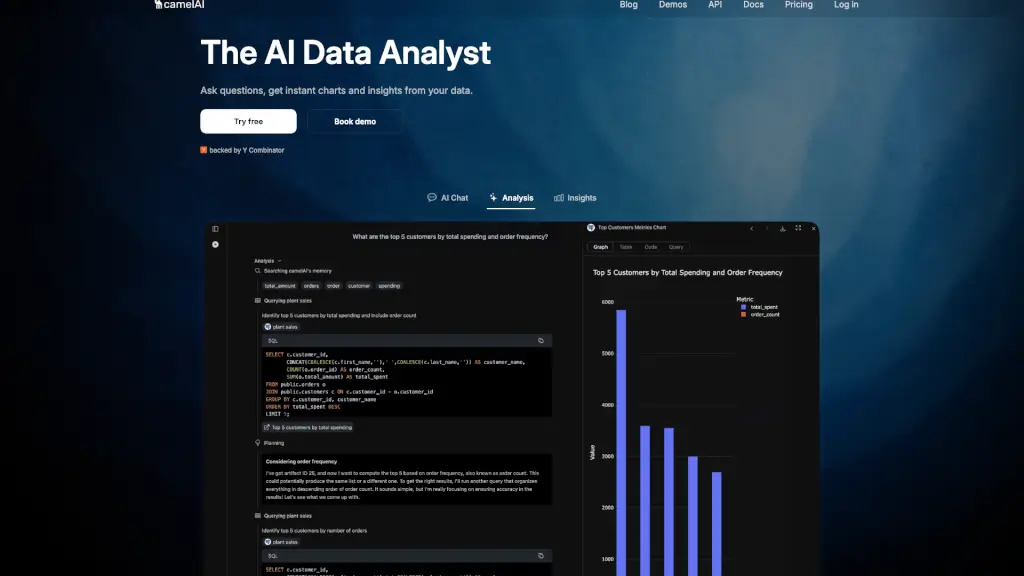
Welcome to camelAI, the AI-powered data analysis tool that makes business intelligence as easy as chatting with a friend. No more struggling with SQL or waiting for IT to run reports. Just ask your questions in plain English, and camelAI will instantly generate charts, insights, and visualizations from your data. Whether you're a founder, a data analyst, or just someone who needs quick answers, camelAI is here to help you make data-driven decisions without the hassle.
What are the features of camelAI?
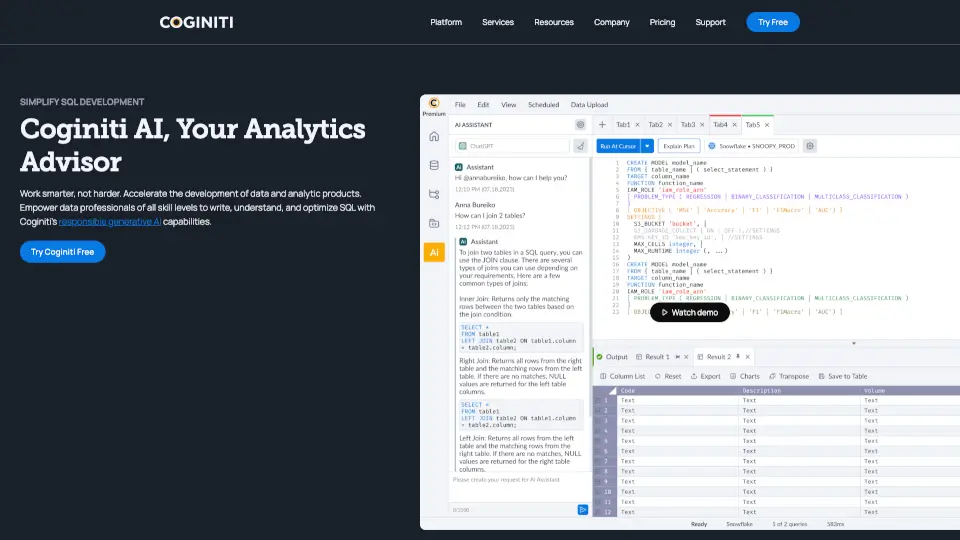
- SQL-Free Data Analysis: Ask questions in natural language and get instant charts and insights without writing a single line of SQL.
- Seamless Integration: Connect to a wide range of data sources, including PostgreSQL, MySQL, Snowflake, and even CSV files, in just a few clicks.
- Advanced AI Capabilities: Iterative analysis and dynamic query memory help refine results and provide deeper insights.
- Powerful Visualizations: Generate interactive graphs and charts that answer your questions clearly and visually.
- Enterprise-Grade Security: Your data is protected with SOC 2 compliance, AES-256 encryption, and role-based access controls.
- Self-Hosting Option: For those with the highest security requirements, camelAI offers on-premises deployment.
What are the use cases of camelAI?
- Business Intelligence for Founders: Quickly analyze key metrics and trends to make informed decisions about your startup's growth.
- Data-Driven Marketing: Understand campaign performance, customer behavior, and market trends to optimize your marketing strategies.
- Financial Reporting: Generate financial reports, track KPIs, and perform ad-hoc analyses without needing to write complex queries.
- Sales Analytics: Monitor sales performance, identify top-performing products, and uncover opportunities for growth.
- Customer Support: Analyze support tickets, customer feedback, and service metrics to improve customer satisfaction.
- HR Analytics: Track employee performance, turnover rates, and other HR metrics to make better workforce decisions.
How to use camelAI?
- Connect Your Data Source: Start by connecting your database (PostgreSQL, MySQL, etc.) or upload a CSV file.
- Ask a Question: Type your question in plain English, such as "What were our sales last quarter?" or "Show me the top-selling products."
- Get Instant Insights: Watch as camelAI generates charts, graphs, and written analysis in real-time.
- Explore Further: Refine your questions or explore different aspects of your data with follow-up queries.
- Share and Collaborate: Share your insights with team members directly or integrate camelAI into your Slack workspace.