What is AutoCut?
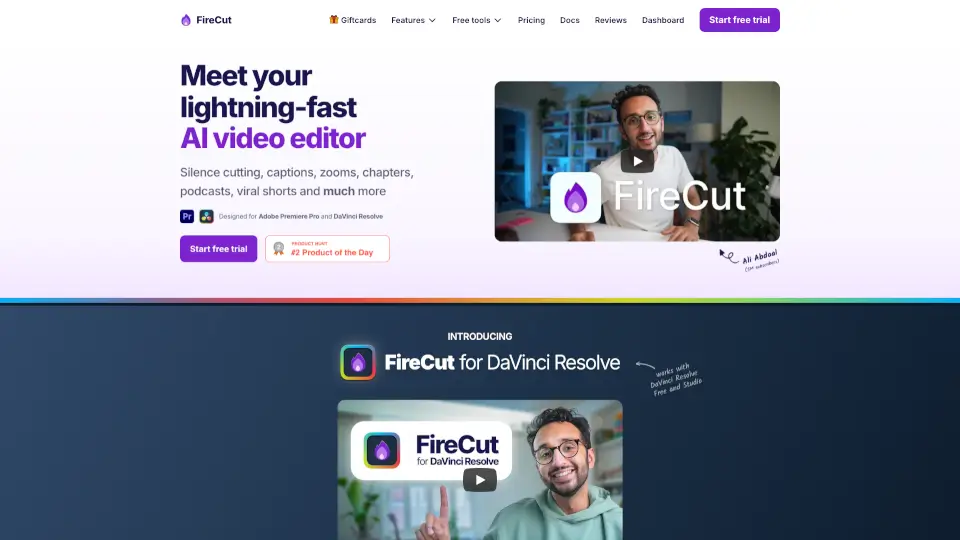
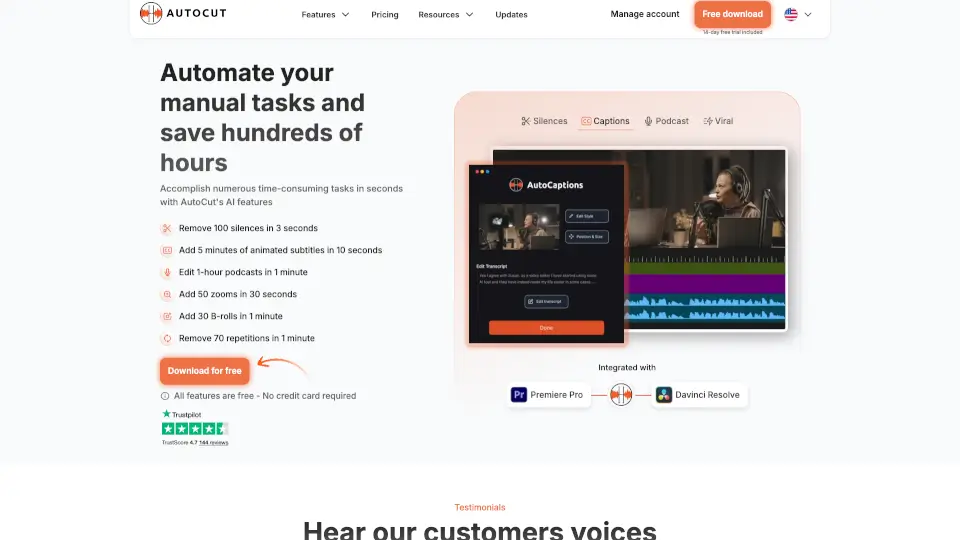
AutoCut is a game-changing plugin for Premiere Pro and DaVinci Resolve that uses AI to automate video editing tasks. From removing silences to adding animated captions, it’s designed to save you hours of manual work. Whether you’re editing podcasts, creating viral clips, or adding B-rolls, AutoCut makes it effortless.
What are the features of AutoCut?
- AutoCaptions: Add animated subtitles in seconds.
- AutoCut Silences: Remove all silences with one click.
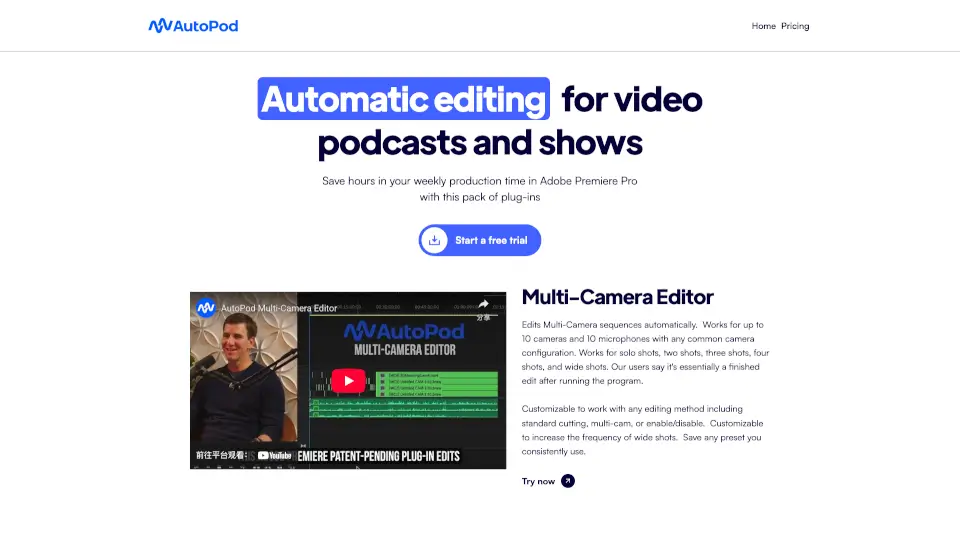
- AutoCut Podcast: Edit podcasts instantly with AI.
- AutoZoom: Automatically add zooms to keep viewers engaged.
- AutoB-Roll: Use AI to add relevant stock footage.
- AutoProfanity Filter: Bleep out swear words automatically.
- AutoViral: Create viral clips from long videos.
- AutoChapters: Effortlessly create and export video chapters.
What are the use cases of AutoCut?
- Podcast Editing: Quickly edit multicam podcasts with silence removal and speaker detection.
- Social Media Content: Create engaging TikTok, Reels, and YouTube Shorts with AutoViral.
- Professional Videos: Add polished captions, zooms, and B-rolls for a professional touch.
- Content Cleanup: Remove bad takes, repetitions, and profanities effortlessly.
How to use AutoCut?
- Download AutoCut and install it in Premiere Pro or DaVinci Resolve.
- Open your project and select the feature you need (e.g., AutoCaptions, AutoSilences).
- Let the AI process your video—tasks like removing silences or adding captions are done in seconds.
- Customize the results if needed, then export your video.