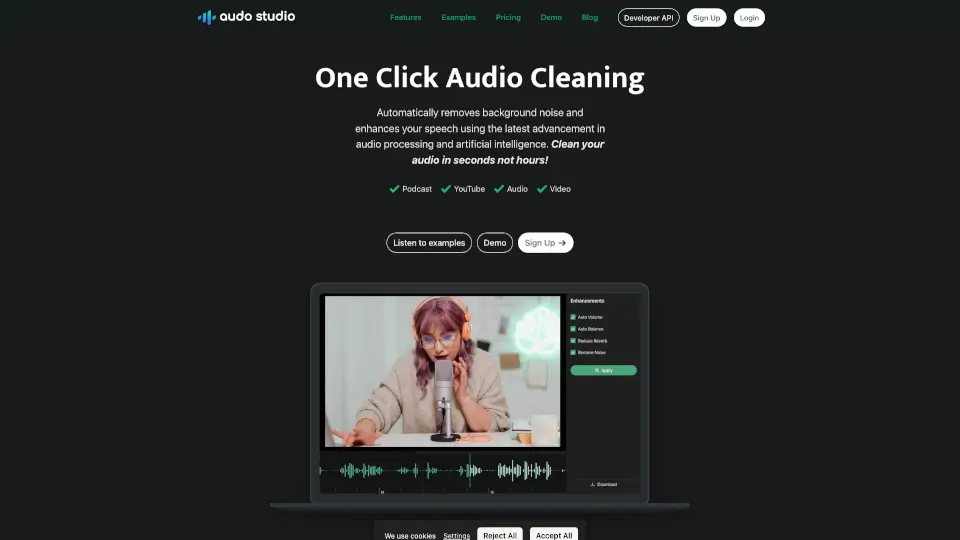
What is Audo Studio?
Tired of background noise ruining your podcast or YouTube video? Audo Studio is a smart, browser-based audio cleaner that removes distractions like barking dogs, neighbor music, or room echo with just one click. Built for creators who value time and quality, it uses cutting-edge AI to enhance speech clarity—no technical skills needed.
Whether you're recording in a closet, a busy apartment, or a makeshift home studio, Audo Studio helps you sound professional instantly. It’s faster than traditional tools like Audacity or Adobe Audition and works right in your browser—no downloads, no steep learning curve.
What are the features of Audo Studio?
- One-Click Audio CleaningInstantly remove background noise and boost voice clarity without manual editing.
- Advanced Noise RemovalAI-powered filtering eliminates real-world distractions like traffic, pets, or appliances.
- Auto Volume AdjustmentAutomatically balances loudness for smooth, listener-friendly audio.
- Echo Reduction (coming soon)Reduce room reverb without acoustic foam or expensive studio upgrades.
- Browser-Based & Cross-PlatformWorks on Mac, Windows, Linux—any device with a modern web browser.
- Fast ProcessingCleans audio up to 10x faster than Adobe Audition or Audacity.
What are the use cases of Audo Studio?
- YouTuberscleaning up vlog audio recorded in noisy environments.
- Podcastersremoving background hum or keyboard clicks from remote interviews.
- Online course creatorsenhancing lecture recordings made at home.
- Content creatorspreparing clean voiceovers for social media videos.
- Remote workerspolishing audio for client presentations or demo reels.
- Amateur musicianstidying up vocal takes before sharing online.
How to use Audo Studio?
- Go to the Audo Studio website and sign up for a free Starter plan.
- Upload your audio file directly in your browser—no software install needed.
- Click “Clean Audio” and let AI process your file in seconds.
- Preview the cleaned result using the built-in demo player.
- Download your enhanced audio or share it directly from the platform.
- Upgrade to Creator or Pay As You Go plans for more monthly minutes.