
What is Audio Enhancer?
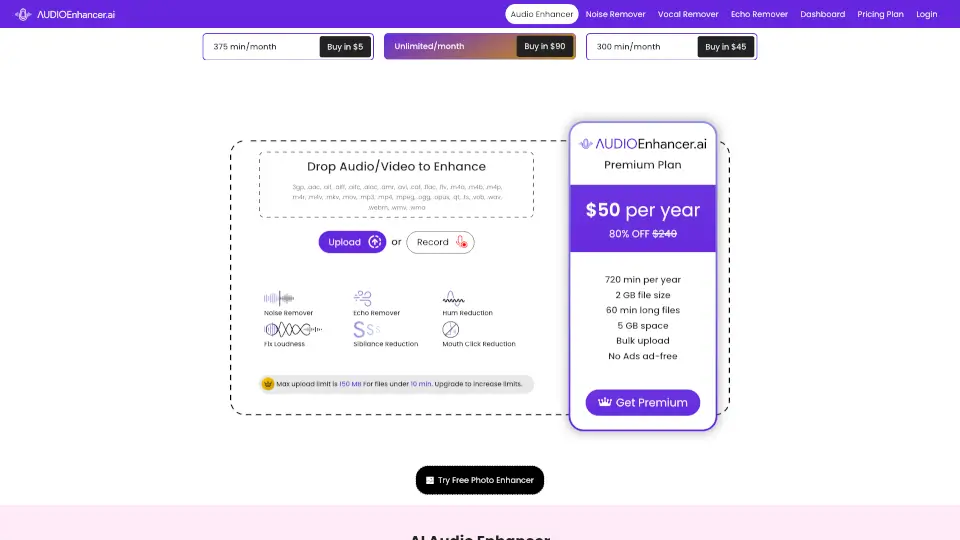
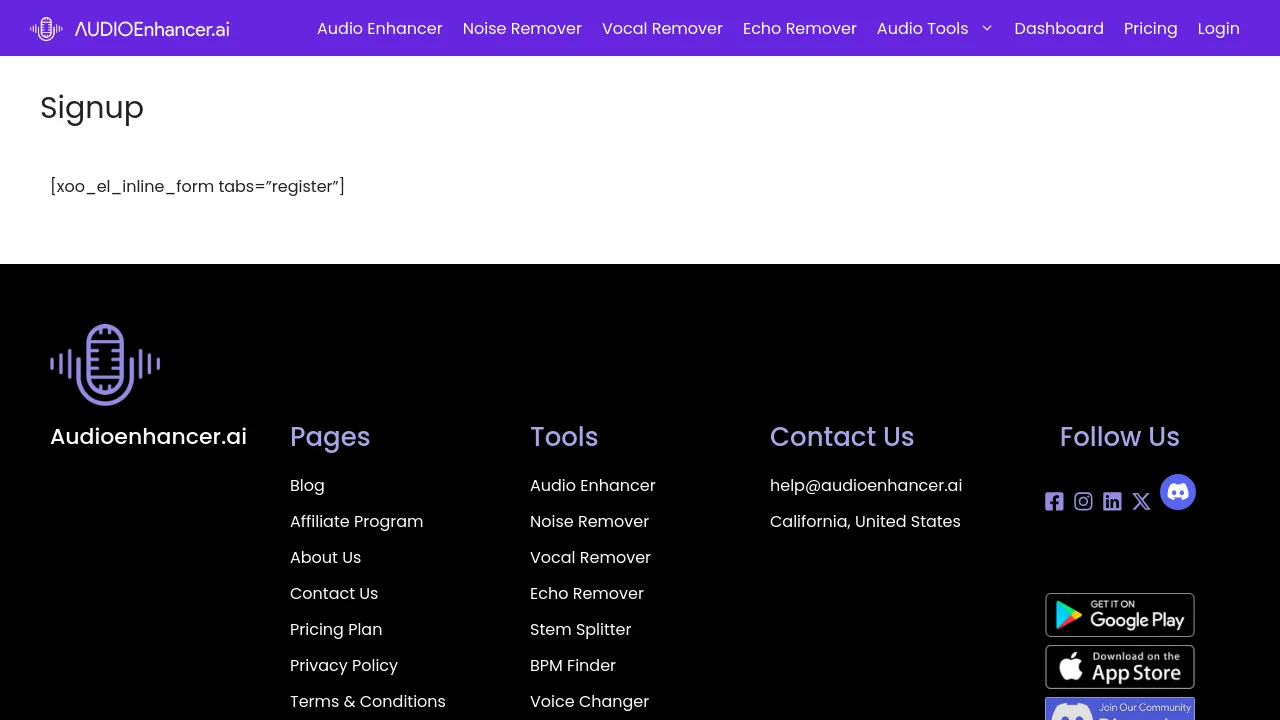
Audio Enhancer is an AI-powered audio processing platform for content creators, podcasters, and musicians. It provides a suite of tools including noise removal, vocal isolation, echo reduction, stem splitting, and audio analysis. The platform centralizes common audio cleanup tasks into a single dashboard, helping users improve audio quality without needing advanced editing skills.
What are the features of Audio Enhancer?
- Audio Enhancer: General audio improvement tool that cleans up recordings by reducing background noise and balancing sound levels for clearer output.
- Noise Remover: Isolates and removes constant background hums, fan noise, or hiss from recordings, useful for podcasters and remote interviewers.
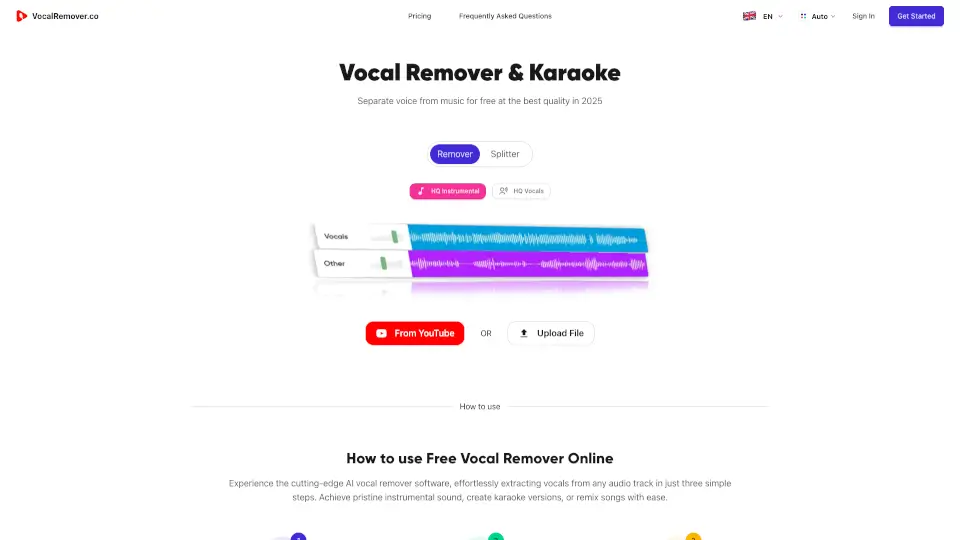
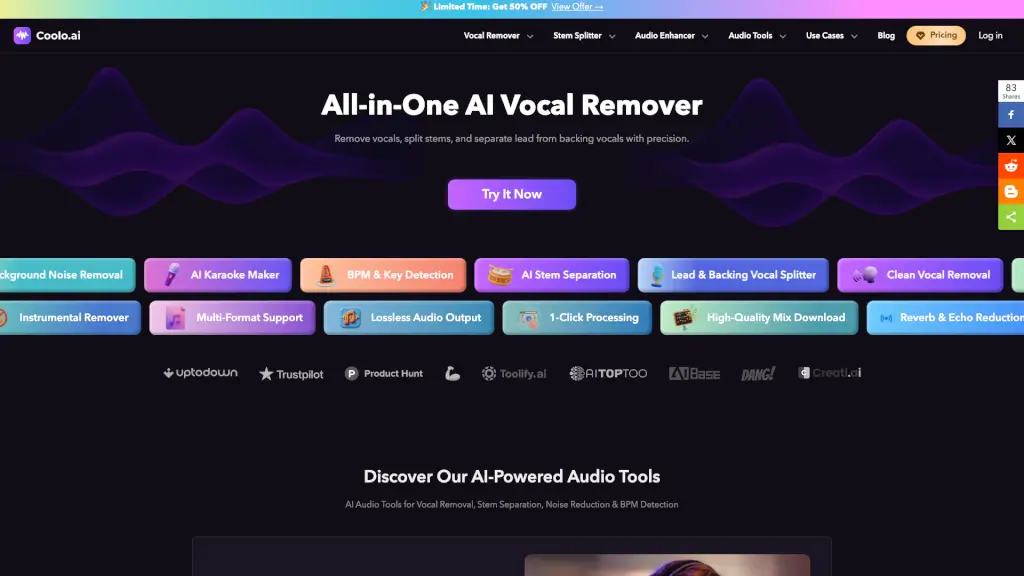
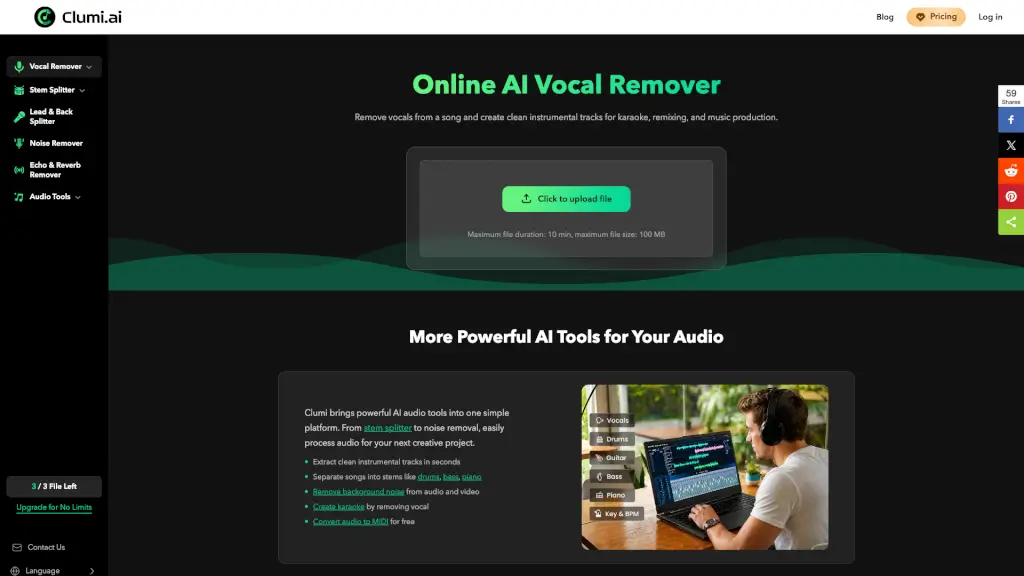
- Vocal Remover: Extracts or removes vocals from mixed audio tracks, allowing musicians and content creators to produce karaoke versions or isolate instrumental parts.
- Stem Splitter: Separates a full song into individual stems (vocals, drums, bass, etc.) for remixing or sampling.
- BPM Finder: Analyzes an audio file to detect its beats per minute, helpful for DJs and music producers matching track tempos.
- Loudness Meter: Measures audio loudness levels (e.g., LUFS) to ensure compliance with streaming platform standards.
What are the use cases of Audio Enhancer?
- Podcasters removing background noise from interviews recorded in uncontrolled environments.
- Musicians isolating vocals or instruments from a mixed track for remixing or sampling.
- Video editors cleaning up dialogue audio by reducing echo and room reverb.
- DJs and producers finding the BPM of tracks to create seamless transitions.
- Content creators checking audio loudness to meet platform specifications before uploading.
How to use Audio Enhancer?
- Sign up for an account on Audio Enhancer using email or Google login.
- Select the desired tool from the dashboard (e.g., Noise Remover, Vocal Remover).
- Upload an audio file in a supported format (MP3, WAV, etc.).
- Adjust any available settings or presets, then click to process the audio.
- Download the enhanced file once processing is complete.