
What is Atlas.co?
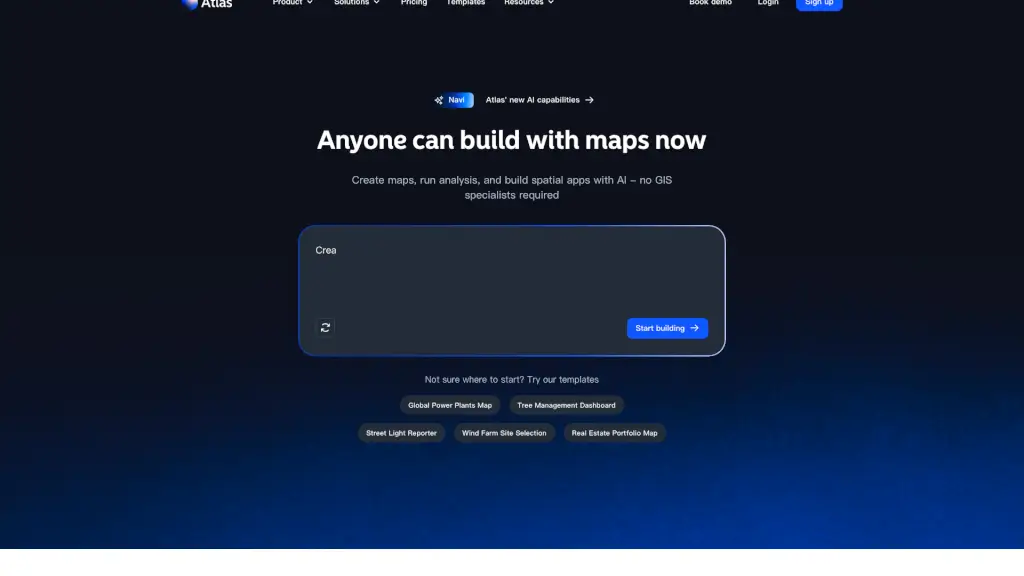
Atlas is a user-friendly, no-code GIS platform designed to help teams create, analyze, and share location data without the need for specialized GIS knowledge. Whether you're managing field operations, tracking projects, or analyzing spatial data, Atlas simplifies the process with its intuitive interface and powerful AI capabilities. With Atlas, anyone can build interactive maps, run complex analyses, and develop spatial apps, all while cutting down on costs and time.
What are the features of Atlas.co?
- Data Management & Connection: Easily import, manage, and connect your location data from various sources.
- Interactive Map Creation: Build custom, interactive maps with a drag-and-drop interface and style layers to fit your needs.
- Spatial Analysis: Run advanced spatial analyses to uncover patterns and insights in your data.
- Dashboard & App Builder: Create dynamic dashboards and web apps to visualize and share your findings.
- Automation: Automate repetitive tasks and workflows to save time and increase efficiency.
- Field Data Capture: Collect and update data in the field using mobile-friendly tools.
What are the use cases of Atlas.co?
- Sales Territory Mapping: Visualize and optimize sales territories to improve team performance and customer coverage.
- Real Estate Portfolio Management: Track and analyze real estate assets, including properties, leases, and market trends.
- Energy Infrastructure Management: Monitor and manage wind farms, power plants, and other energy infrastructure.
- Tree Management: Create and maintain an inventory of trees, track maintenance, and plan future planting.
- Street Light Maintenance: Report and track the status of street lights, schedule repairs, and ensure public safety.
- Fire Station Placement: Analyze optimal locations for new fire stations to ensure quick response times and coverage.
How to use Atlas.co?
- Sign up for an Atlas account and log in.
- Import your data from spreadsheets, databases, or other sources.
- Use the map builder to create and style your interactive map.
- Add layers, filters, and widgets to enhance your map's functionality.
- Run spatial analyses to uncover insights and patterns.
- Share your maps and dashboards with your team or publicly.