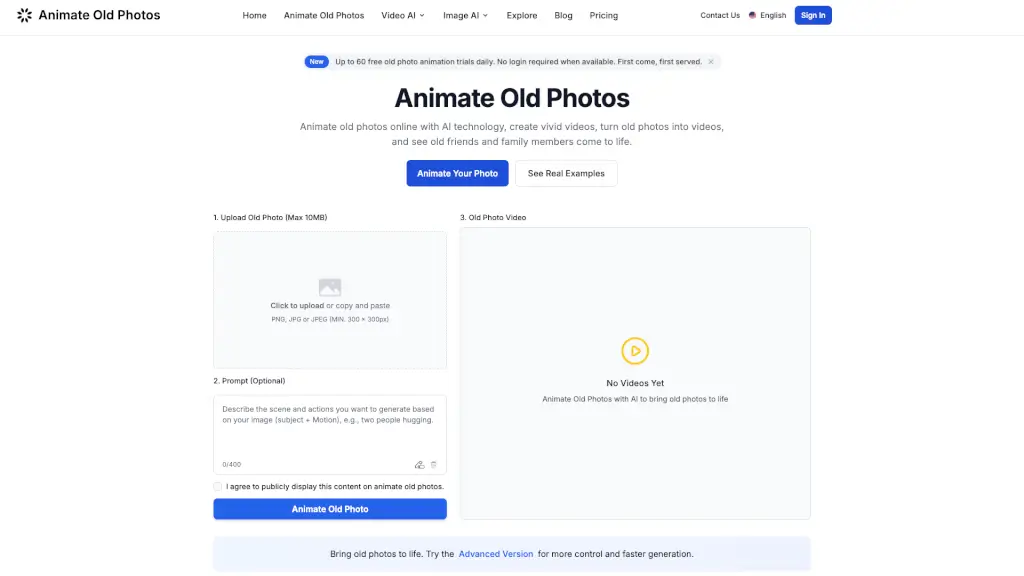
What is Animate Old Photos?
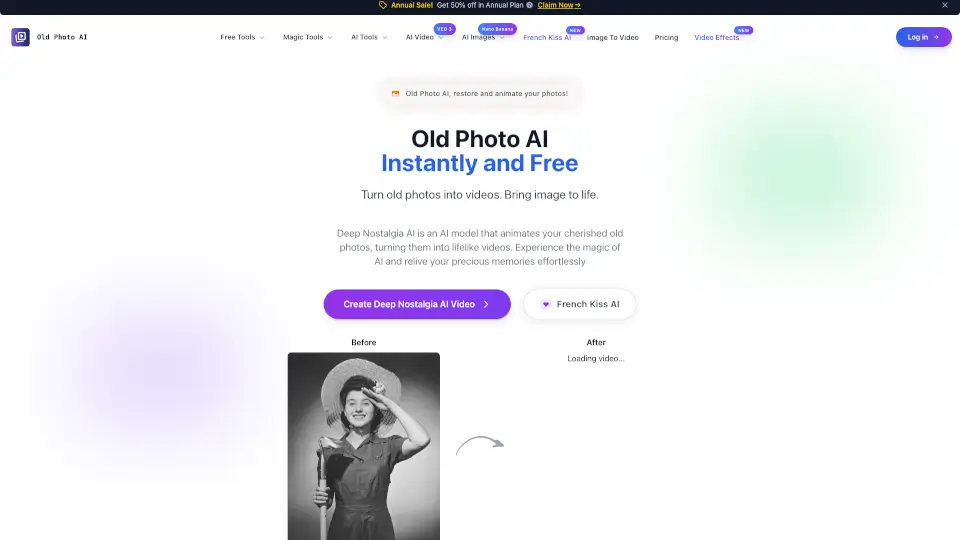
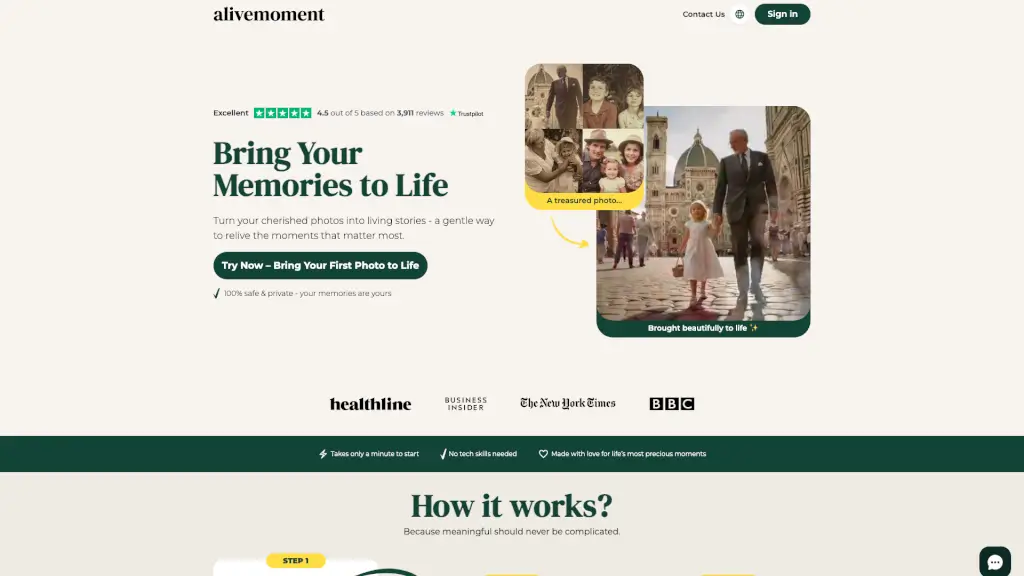
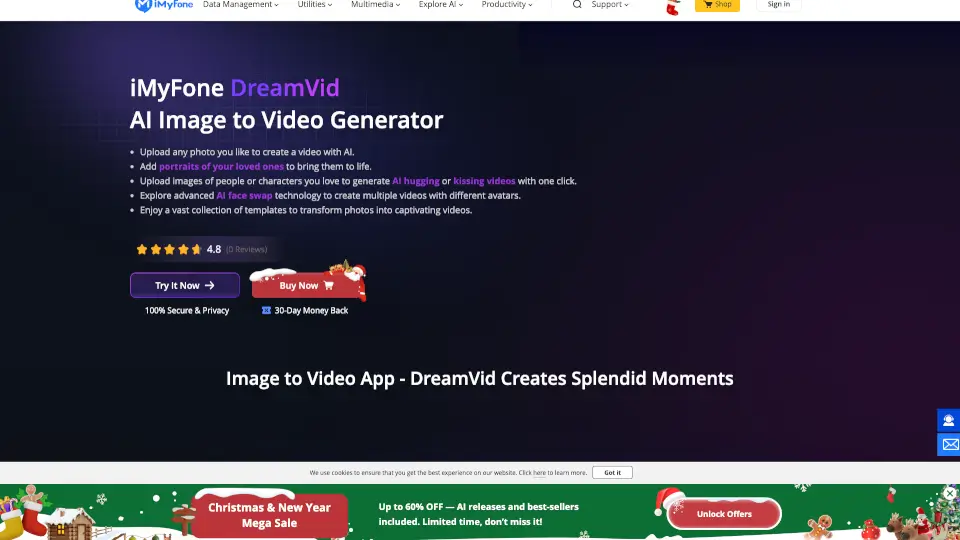
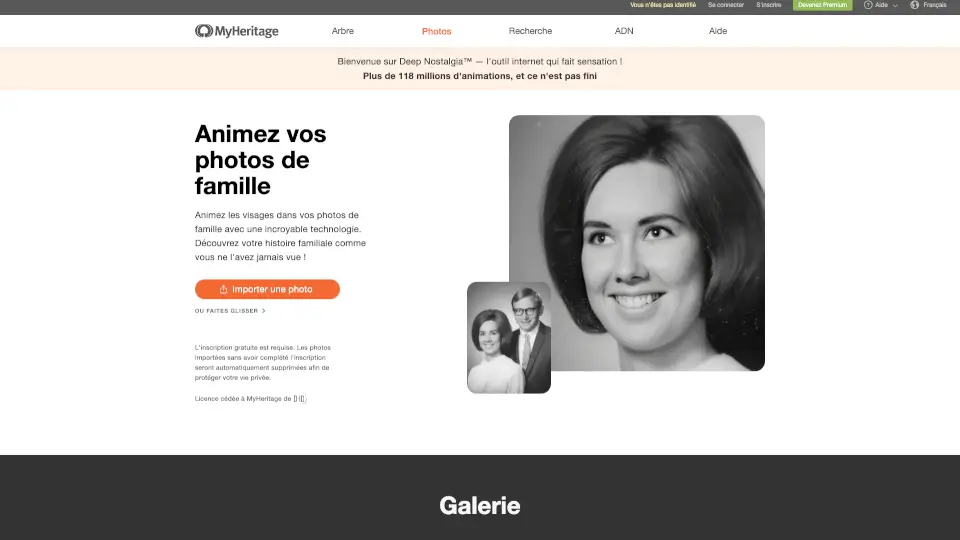
Bring your cherished memories to life with Animate Old Photos, an innovative online tool that uses advanced AI technology to transform old, static photos into captivating 5-second videos. Whether you want to see your grandparents smile and wave or watch a family hug come to life, this tool makes it easy and fun. Simply upload your photo, add a prompt if you like, and let the AI do the magic. It's a great way to relive and share those special moments in a whole new, dynamic way.
What are the features of Animate Old Photos?
- AI Photo Animation: Turn your old photos into vivid, moving videos with just a few clicks.
- Prompt Customization: Add specific prompts to create unique motion effects and bring your stories to life.
- Old Photo Restoration: Restore and colorize damaged, faded, or scratched photos to their original glory.
- Add Loved One to Photo: Seamlessly integrate a deceased loved one into a photo, preserving precious memories.
- AI Hug Video Generator: Create heartwarming hug videos from your photos, perfect for sharing with family and friends.
- Merge Images: Combine multiple images into a single, cohesive photo for more creative storytelling.
- Mobile-Friendly: Optimized for use on both desktop and mobile devices, making it easy to animate photos on the go.
What are the use cases of Animate Old Photos?
- Family Reunions: Create a video of a family hug to share at a reunion, bringing back fond memories.
- Wedding Anniversaries: Transform a wedding photo into a video of the couple smiling and kissing, adding a romantic touch.
- Birthday Celebrations: Animate a birthday party photo with children singing "Happy Birthday" to make the moment even more special.
- Historical Photos: Bring historical figures or events to life by animating old black-and-white photos.
- Memorial Tributes: Honor a deceased loved one by creating a video of them hugging or interacting with family members.
- Social Media Sharing: Share animated versions of your favorite old photos on social media to engage and connect with friends and family.
How to use Animate Old Photos?
- Upload Your Photo: Select the photo you want to animate from your device. The maximum file size is 10MB, and the image should be at least 300 x 300 pixels.
- Add a Prompt (Optional): Describe the scene and actions you want to see, such as "A girl hugging her mother." This helps the AI generate a more personalized video.
- Generate the Video: Click the "Animate Old Photo" button and wait 2-5 minutes for the AI to process your request.
- Download and Share: Once the video is ready, download it and share it with friends and family via email, social media, or messaging apps.
- Optimize Prompts: If the first result isn't what you expected, try refining your prompt or leaving it blank to let the AI generate a default animation.