
What is AlgoDocs?
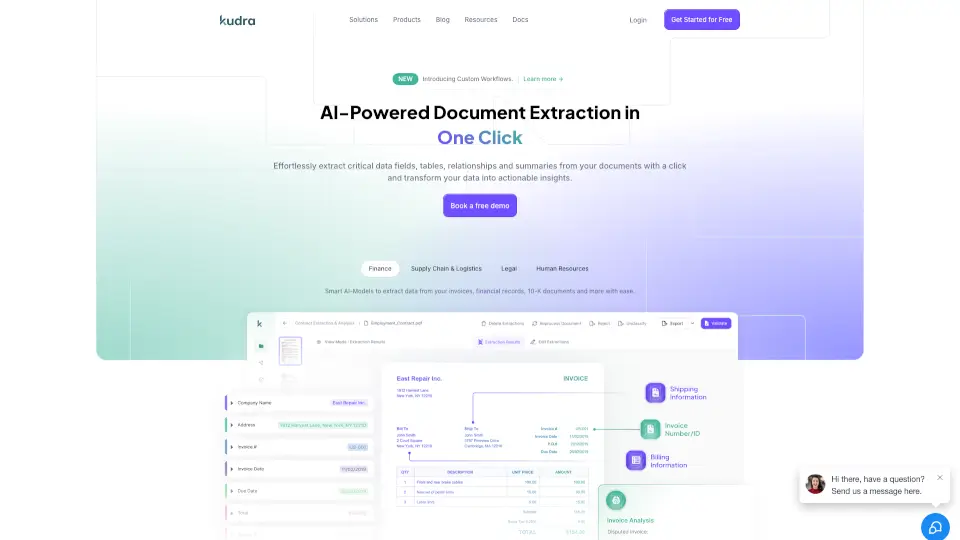
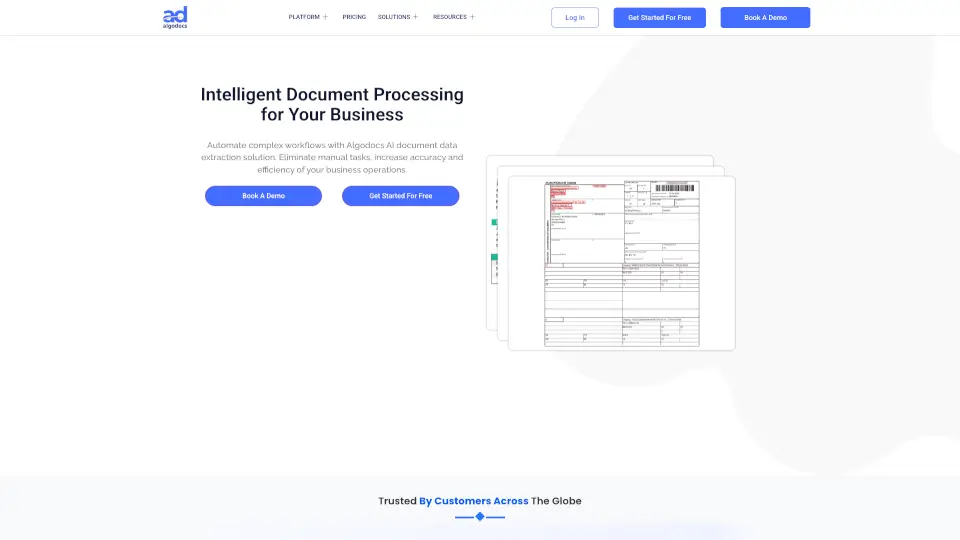
Say goodbye to squinting at screens and typing out data by hand. Algodocs is an intelligent document data extraction tool that reads invoices, contracts, forms, and more, then automatically pulls out the exact information you need. Instead of wasting hours on repetitive tasks, you can set it up once and let it handle the heavy lifting. Unlike basic scanning apps that struggle with messy layouts or misaligned columns, Algodocs uses advanced AI to understand both structured and unstructured documents. It spots key-value pairs, cleans up complex tables, even reads handwritten notes, and runs everything through automated workflows so your team gets ready-to-use data in seconds.
What are the features of AlgoDocs?
- AI-Powered Classification: Automatically sorts and routes incoming documents without you touching a single file.
- Smart Data Extraction: Pulls key-value pairs, line items, and complex tables with over 99% accuracy.
- Handwriting Recognition: Converts messy handwritten forms into clean digital text with 97% precision.
- Custom Workflow Builder: Connect ingestion, sorting, extraction, and exporting into one seamless process.
- Flexible Post-Processing: Merge, split, or mathematically adjust extracted tables before they hit your software.
- Human-in-the-Loop Review: Catch and correct rare mistakes easily, which actually trains the AI to get smarter over time.
- Enterprise-Grade Security: Your files stay safe with SSL encryption on Azure and Google Cloud, fully meeting ISO 27001, GDPR, and HIPAA rules.
What are the use cases of AlgoDocs?
- Invoice Processing: Extract vendor names, dates, tax rates, and total amounts straight into your accounting software.
- Shipping & Logistics: Parse bills of lading and customs declarations to track freight charges, shipper details, and delivery addresses.
- Customer Onboarding: Digitize passports, driver’s licenses, and ID cards instantly while keeping compliance checks smooth.
- Utility & Expense Management: Scan monthly electricity or water bills to auto-fill accounts, meter numbers, and due dates.
- Bank Reconciliation: Pull transaction line-items and account summaries from financial statements for fast audit prep.
How to use AlgoDocs?
- Start by connecting your files through drag-and-drop, email forwarding, or synced cloud folders like Dropbox or SharePoint.
- Pick a pre-built template or create a custom one using simple visual guides—no coding required.
- Let the AI run through your batch, then open the built-in review panel to verify tricky entries or handwritten notes.
- Use the formatting tools to merge tables, drop empty rows, or apply basic math to pulled numbers before exporting.
- Send the finished data out as CSV, JSON, Excel, or XML, and push it directly into your ERP, CRM, or accounting system.
- Pro tip: If you deal with unique internal forms, feed a few real examples into the custom model trainer so the system learns your exact layout in minutes rather than guessing.