
What is AI Game Master?
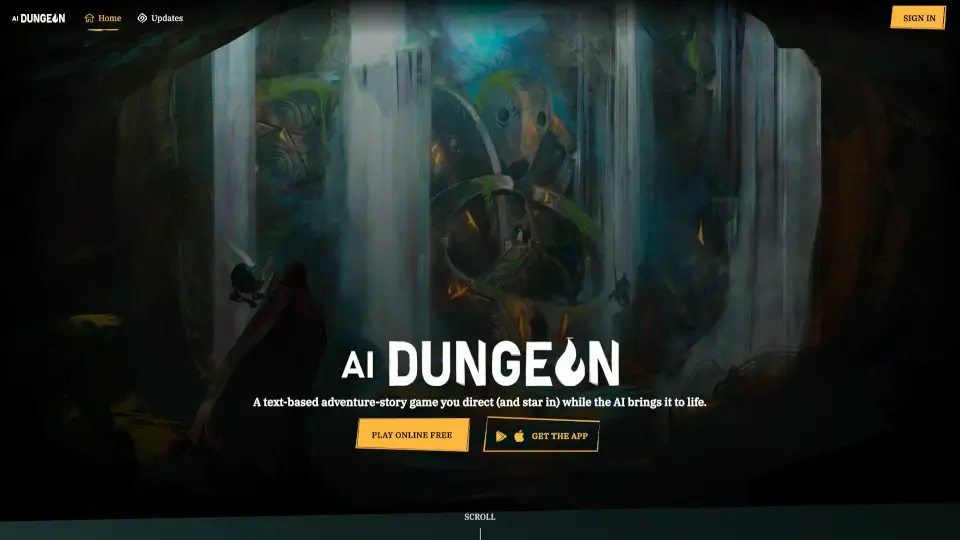
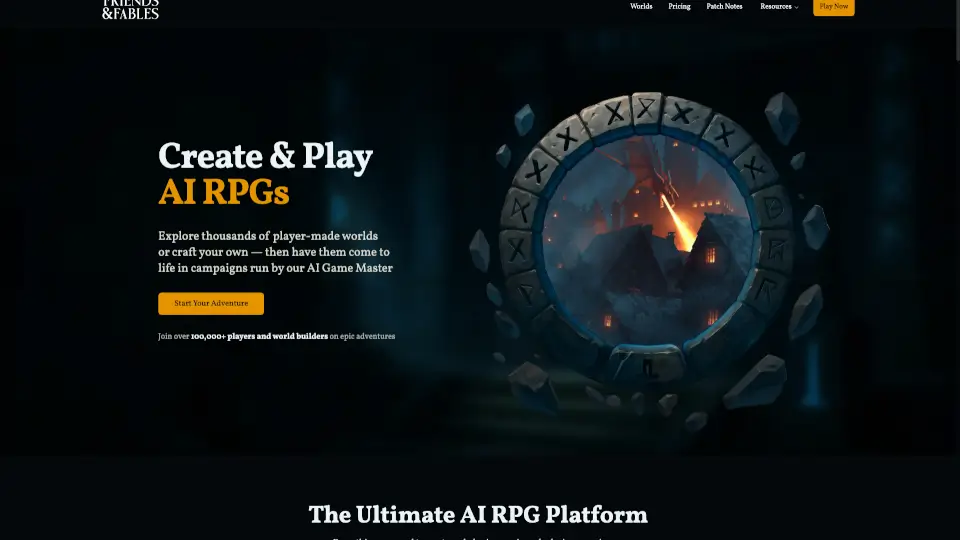
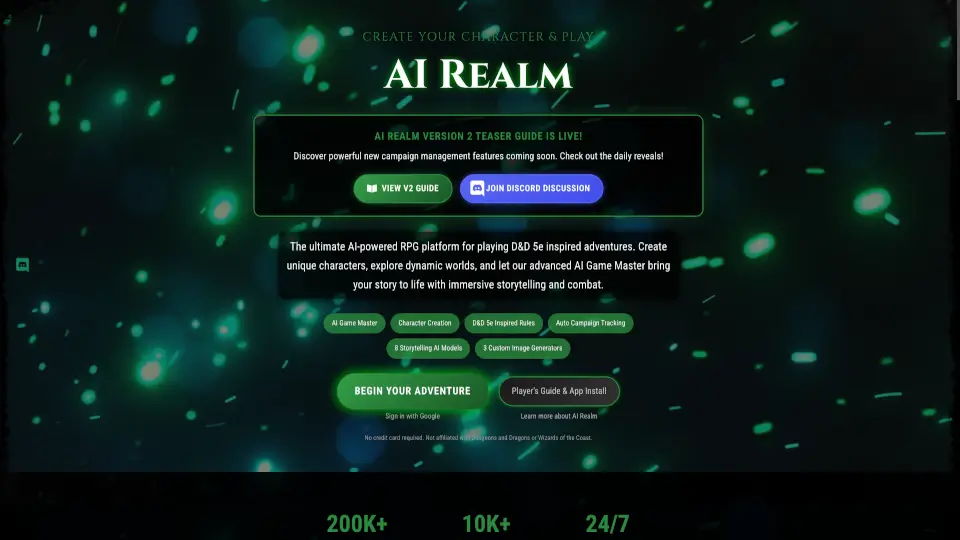
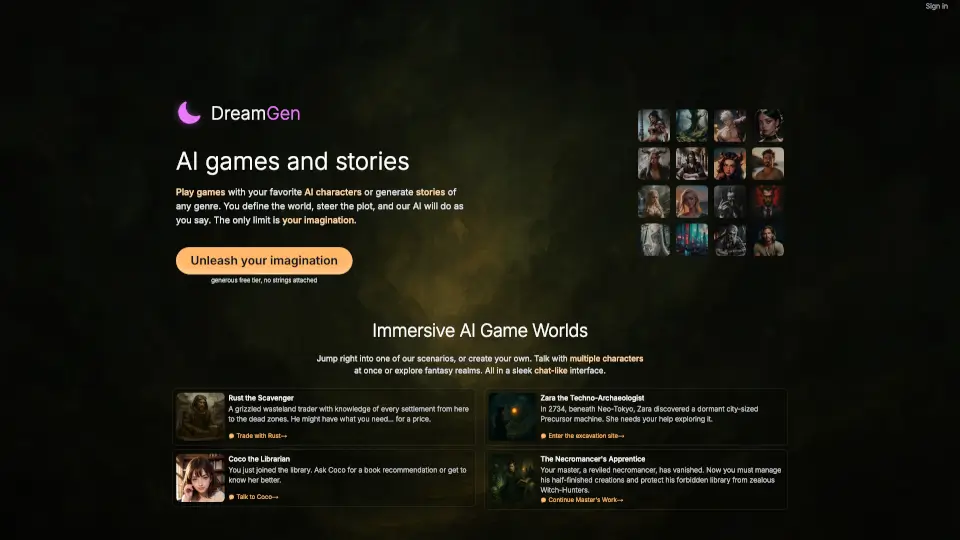
AI Game Master is an AI-powered text adventure RPG tool for solo players and D&D enthusiasts who want to create their own fantasy stories. It generates immersive narratives, manages combat through text commands, and lets you steer the plot in any direction. The tool includes multiple pre-built worlds like Chronicles of Aberron and Descent Into the Pit, as well as character creation options. It’s best for players who enjoy open-ended, AI-driven storytelling without needing a human dungeon master.
What are the features of AI Game Master?
- AI-Powered Storytelling: The AI creates dynamic narratives based on your choices, adapting plot, enemies, and dialogue as you play.
- Text-Based Combat System: Engage in battles using creative text commands; the AI interprets your actions and determines outcomes without dice rolls.
- Multiple Pre-Built Worlds: Choose from unique settings like Chronicles of Aberron (epic fantasy) or Empire of the Matriarch (political intrigue) to start your adventure.
- Character Creation: Customize your hero with traits, class, and equipment – for example, “a human paladin knight with heavy armor” – to fit your playstyle.
- Generated Images & Compendium: AI renders visual representations of your encounters and characters, viewable in the game’s compendium.
- Community Shared Adventures: Browse and play user-created adventures, or share your own story for others to experience.
What are the use cases of AI Game Master?
- Solo RPG players looking for a dynamic, AI-driven dungeon master for endless campaign sessions.
- D&D groups wanting a quick, text-based one-shot adventure without scheduling a human DM.
- Creative writers exploring branching narratives and testing character dialogue in a gamified environment.
- Fantasy fans who enjoy immersive world-building and want to experience original settings like the Nine Hells.
How to use AI Game Master?
- Choose a pre-built world or start a custom adventure from the “Choose Your World” menu.
- Create your character by describing their class, equipment, and backstory in natural language.
- Type your actions (e.g., “draw my sword and attack the goblin”) to advance the story and trigger combat.
- Use the built-in dice roller or text commands for skill checks and combat resolution.
- Review your adventure log and generated images in the compendium to track progress.