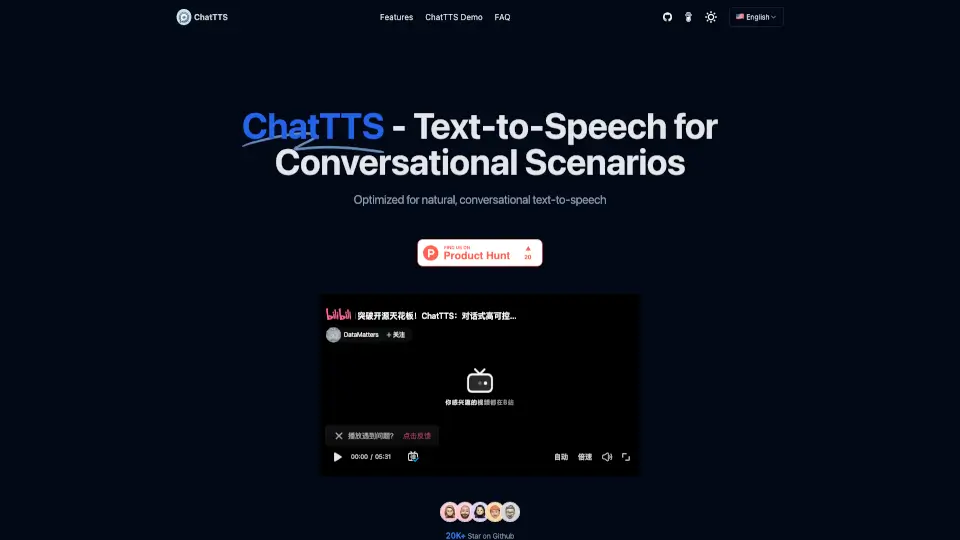
What is ChatTTS?
ChatTTS is a text-to-speech model built specifically for conversational scenarios. Unlike generic TTS engines, it's optimized to generate natural, human-like speech for dialogue tasks—perfect for AI assistants, voice interfaces, and audio/video introductions. Trained on over 100,000 hours of Chinese and English data, it delivers high-quality, natural-sounding voice output. The project also plans to open-source a base model, making it accessible for developers and researchers to build on.
What are the features of ChatTTS?
- Multi‑language Support: Works seamlessly in both Chinese and English, breaking language barriers for global users.
- Massive Data Training: Trained on ~100,000 hours of real conversational speech, resulting in rich intonation, pauses, and natural flow.
- Dialog Task Compatibility: Built for the back‑and‑forth of LLM assistants and chatbots, producing responses that sound like a real conversation.
- Open Source Plans: A 40,000‑hour base model will be released to the community, enabling further research and customization.
- Control & Security: The team is adding watermarking, voice cloning safeguards, and tighter integration with LLMs to ensure safe, responsible use.
- Ease of Use: Just supply text input and get a WAV file back. Simple API and minimal setup make it beginner‑friendly.
What are the use cases of ChatTTS?
- Conversational AI assistants – Give your chatbot a more natural, engaging voice.
- Video introductions & podcasts – Add human‑sounding narration without hiring a voice actor.
- Language learning tools – Generate clear, natural speech in both Chinese and English.
- Educational content – Turn textbooks into spoken lessons with realistic dialogue.
- Accessibility applications – Help users with reading difficulties or visual impairments.
How to use ChatTTS?
- Clone the repository from GitHub:
git clone https://github.com/2noise/ChatTTS - Install dependencies – run
pip install torch ChatTTS - Import libraries –
import torch,import ChatTTS, andfrom IPython.display import Audio - Initialize the model –
chat = ChatTTS.Chat(); chat.load_models() - Define your text – e.g.,
texts = ["Hello, welcome to ChatTTS!"] - Generate speech –
wavs = chat.infer(texts, use_decoder=True)and play the audio withAudio(wavs[0], rate=24_000, autoplay=True).