
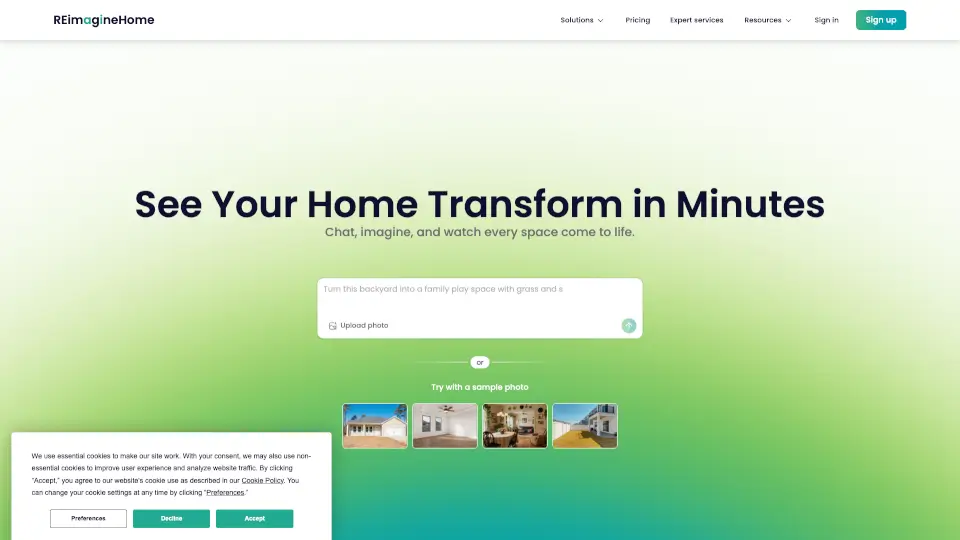
What is REimagine Home?
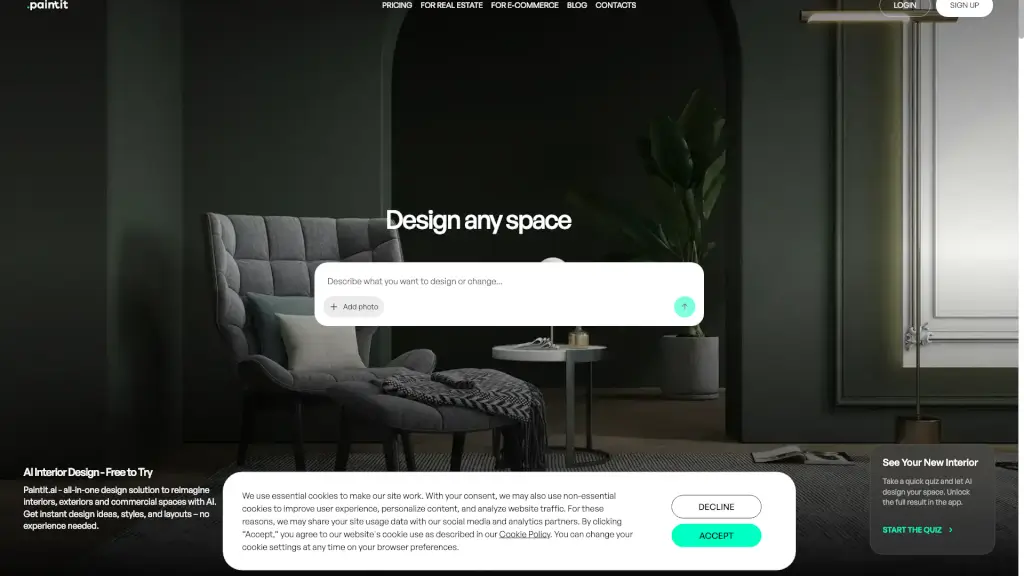
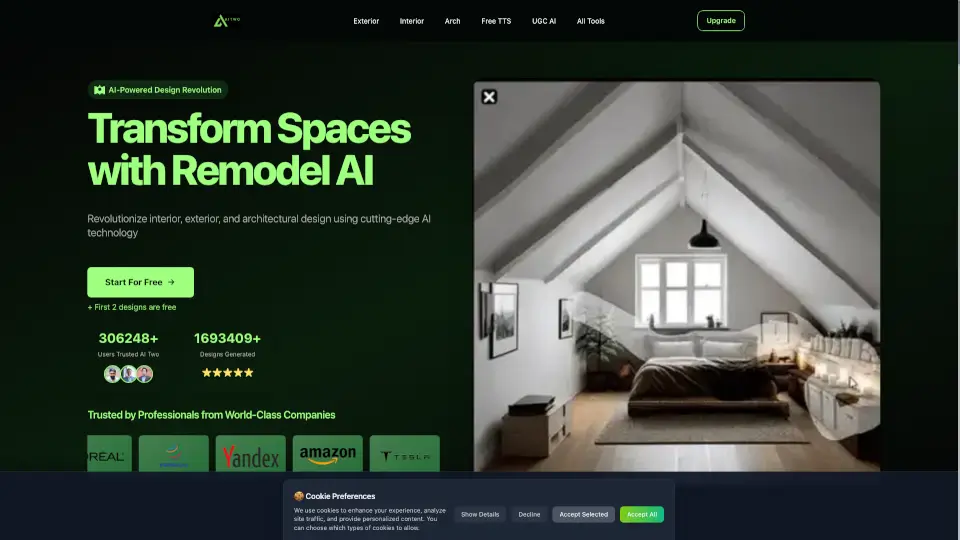
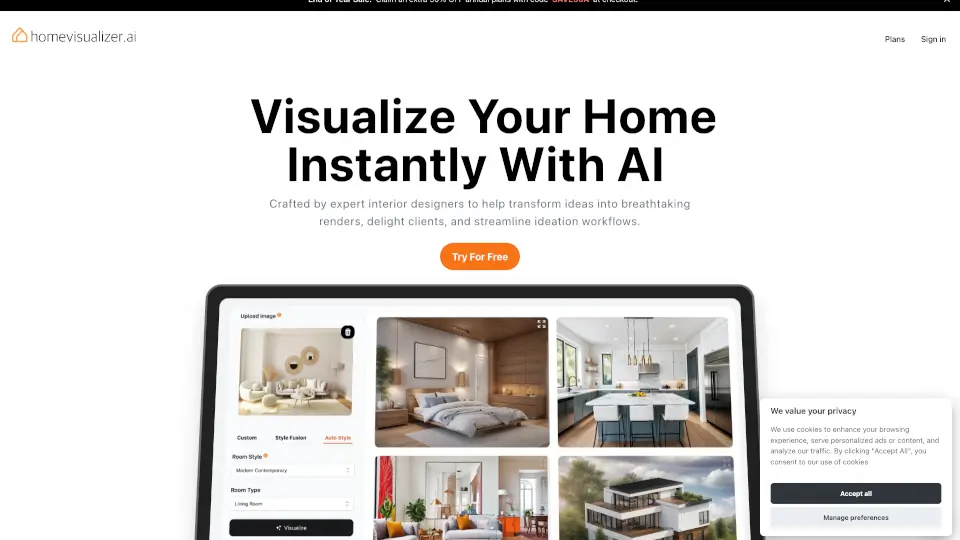
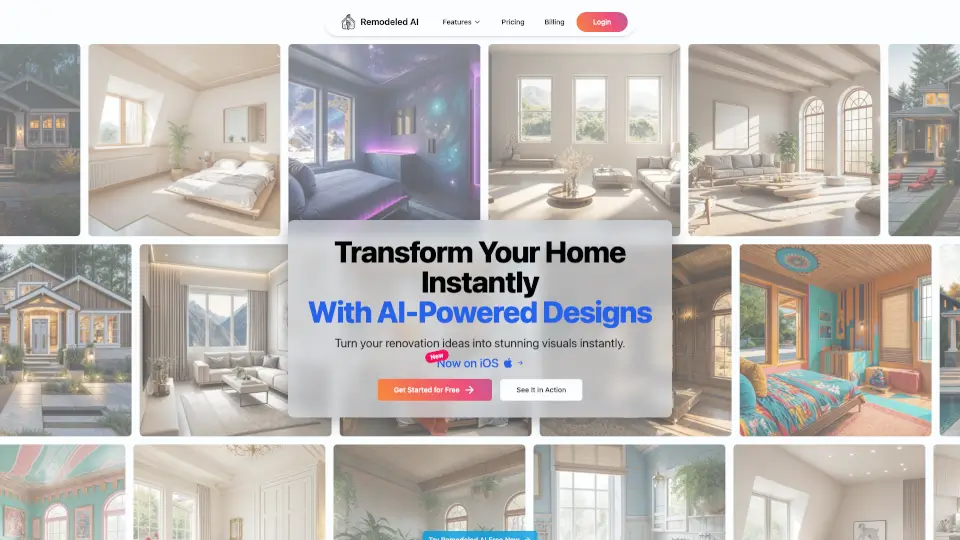
ReimagineHome is an AI-powered interior design and virtual staging tool that turns your room photos into realistic, shoppable redesigns—no guesswork needed. Whether you're selling a home, renovating a space, or just dreaming up a new look, ReimagineHome uses your actual room as a canvas and fills it with real products available near you, within your budget, and matched to your style.
Unlike generic AI image generators, ReimagineHome focuses on real decisions, not just pretty pictures. It keeps your walls, windows, and layout intact while letting you swap furniture, repaint walls, stage empty rooms, or even transform seasons—all from a single photo. With over 30 million designs created by 2.1 million users worldwide, it’s built for people who need clarity before they commit time or money.
What are the features of REimagine Home?
- AI Virtual Staging: Instantly furnish empty rooms or refresh existing ones while preserving original architecture.
- Real Shoppable Products: Designs include actual items from brands like IKEA, West Elm, Target, and Wayfair—with prices and availability based on your ZIP code.
- Structural Lock: Walls, windows, doors, and ceiling lines stay fixed by default to avoid misrepresentation—ideal for real estate listings.
- Batch Processing for Pros: Upload up to 50 photos at once; the system auto-sorts rooms, flags compliance issues, and delivers a listing-ready gallery in 2–5 minutes.
- Precise Editing Tools: Swap specific items (like rugs or chairs), restyle surfaces, remove objects, replace lawns, or shift day to dusk—all with targeted control.
- Moodboard Integration: Upload inspiration images and tell the AI exactly how to apply colors, textures, or layouts to your real space.
- High-Resolution Outputs: Download print-ready, photorealistic images suitable for MLS listings, client presentations, or social media.
What are the use cases of REimagine Home?
- Stage an empty bedroom for a real estate listing without hiring a stager or moving furniture.
- Test six cabinet colors in your kitchen before ordering—saving time and avoiding costly mistakes.
- Turn a cluttered living room into a clean, neutral showcase for online buyers.
- Visualize a backyard patio addition or pool placement before breaking ground.
- Repurpose a spare bedroom into a functional home office using real, budget-friendly furniture.
- Convert a winter exterior shot into a spring-ready listing by removing snow and adding greenery.
- Help clients approve a commercial store layout faster with photorealistic previews.
- Recreate a Pinterest moodboard in your actual room dimensions—no design degree required.
How to use REimagine Home?
- Upload a clear photo of your room or outdoor space (well-lit, minimal blur works best).
- Set your budget range and ZIP code so product suggestions match local availability and pricing.
- Choose your goal: stage for sale, redesign with real furniture, declutter, or transform surfaces.
- Optionally add a reference image (like a moodboard) and specify how it should influence the result.
- Review your first AI-generated design, then refine by swapping items, adjusting colors, or locking elements you like.
- Download your final high-res image or share directly—no credit card needed for your first 3 designs.