
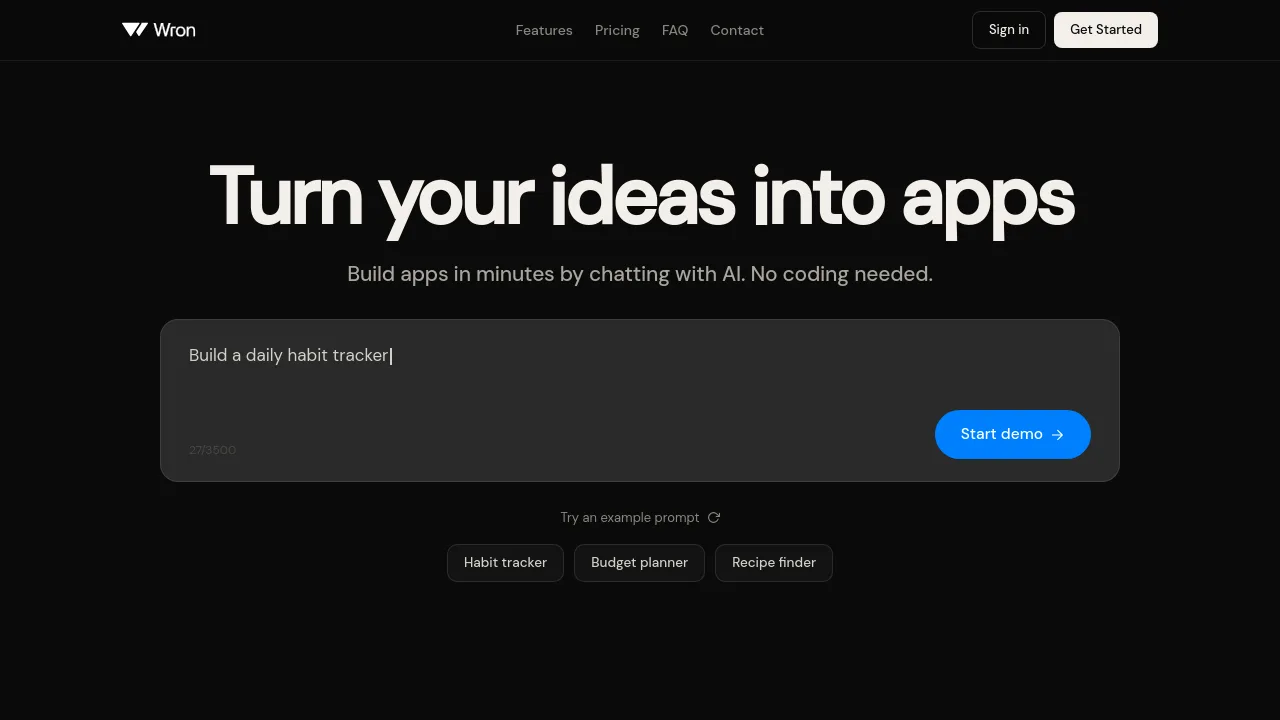
What is Wron?
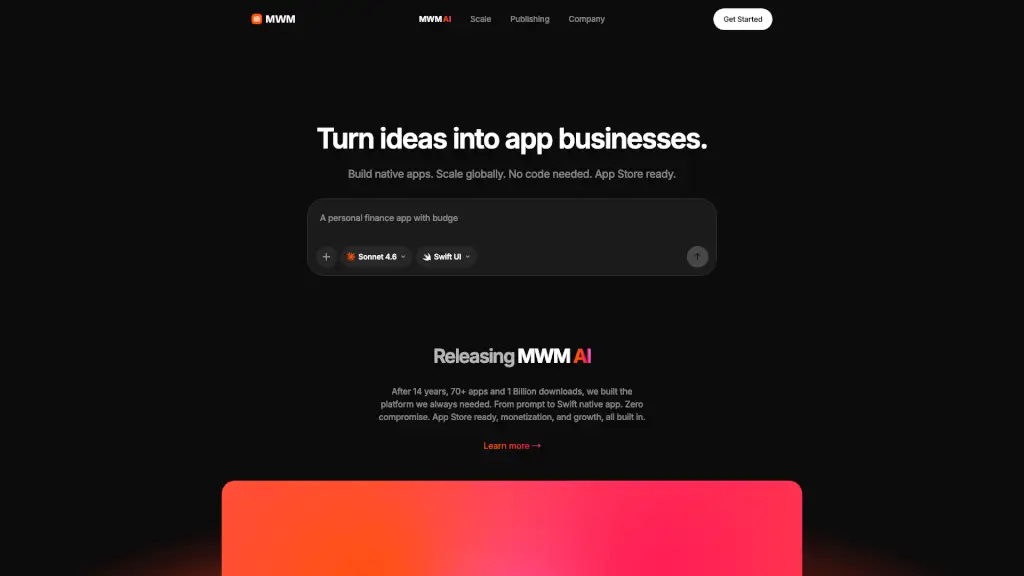
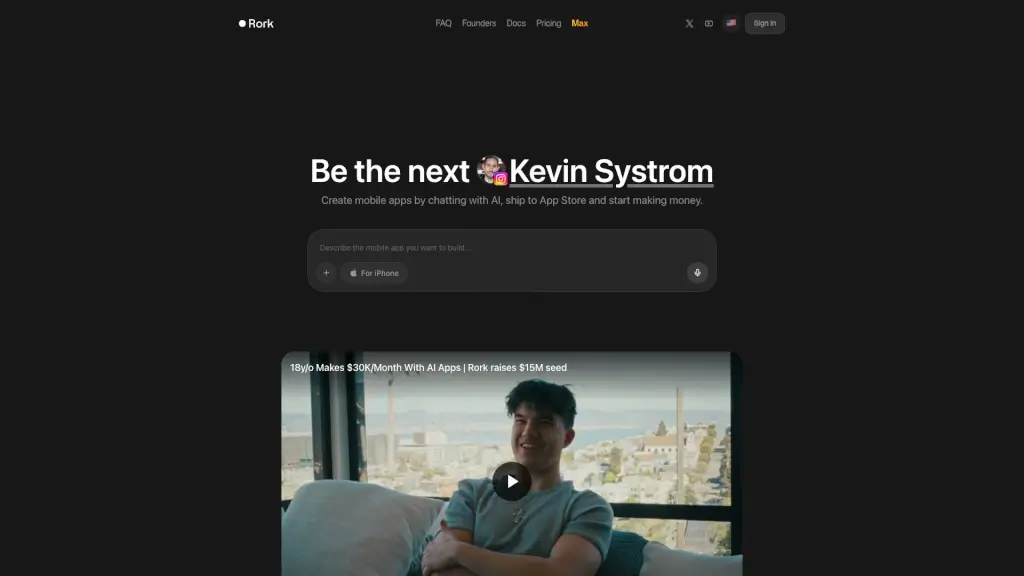
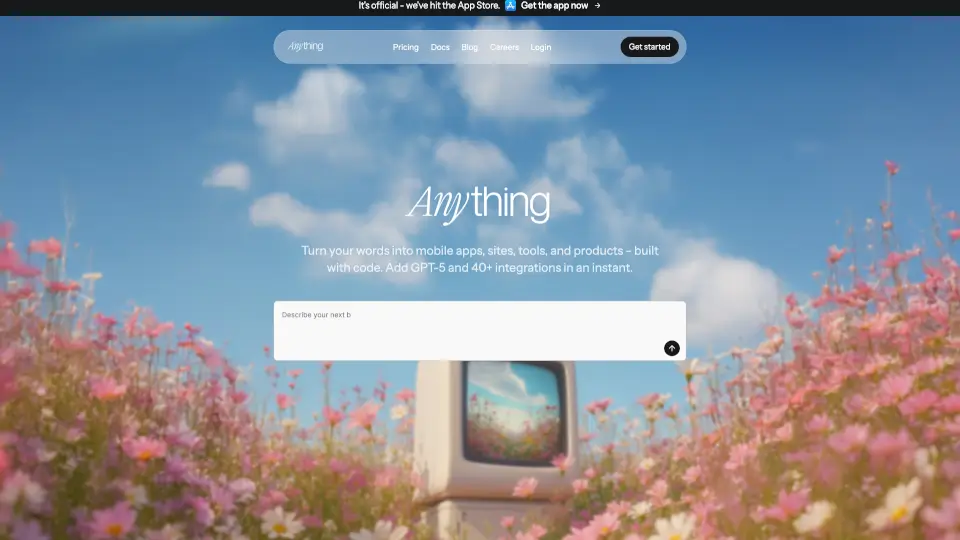
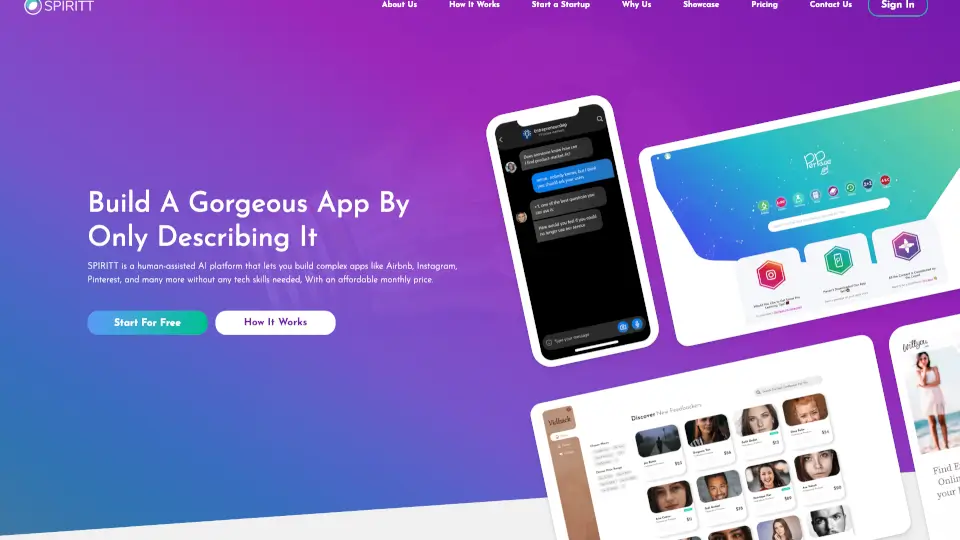
Wron is an AI-powered app builder that lets you create native mobile apps by describing your idea in plain language. No coding required. Built for founders, casual builders, and entrepreneurs who want to test app concepts quickly—within minutes instead of months. The platform also includes tools for market research, revenue tracking, and ad analysis to help validate and grow your app after launch.
What are the features of Wron?
- App Builder: Describe your app in a chat prompt, and Wron generates a real native app you can download, test on your phone, and publish to the App Store and Google Play Store.
- Niche Finder: Discover untapped app niches by analyzing market demand, competition, and download trends—helpful for founders deciding what to build next.
- Ad Library: Browse viral ad formats and winning creatives used by top-performing apps, so you can model proven campaigns instead of guessing.
- Revenue & Download Tracking: Monitor estimated downloads and revenue for any app on the App Store or Google Play, useful for competitive research and benchmarking.
- Backend Functions & Integrations: Add server-side logic, connect to RevenueCat or Supabase, and manage in-app purchases or user data without writing code (available in higher-tier plans).
- Workspace & Private Projects: Organize multiple apps in private workspaces, share with team members, and keep projects separate from public view (included in Builder and Studio plans).
What are the use cases of Wron?
- Solo founder testing an app idea: Chat with Wron to build a habit tracker or budget planner, then validate the concept with a real native app before investing in development.
- Marketer researching competitor apps: Use the Niche Finder and Ad Library to analyze download estimates, revenue data, and ad creatives of rival apps in your target niche.
- Casual builder creating a recipe finder for fun: Describe your desired features, and Wron generates a publishable app without needing to learn code or hire a developer.
- Growth-focused founder optimizing monetization: Connect RevenueCat during app building, then track in-app subscription performance and adjust pricing based on competitor data from the Ad Library.
How to use Wron?
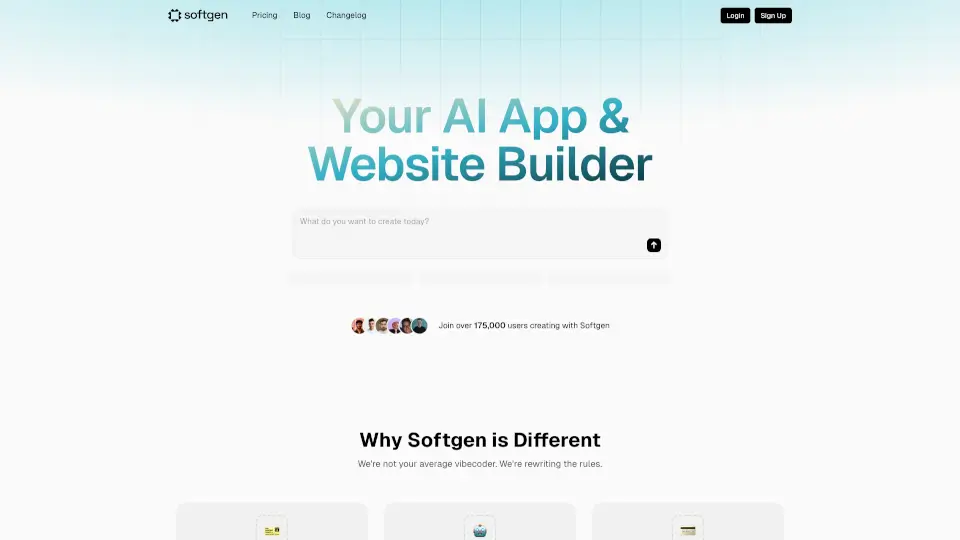
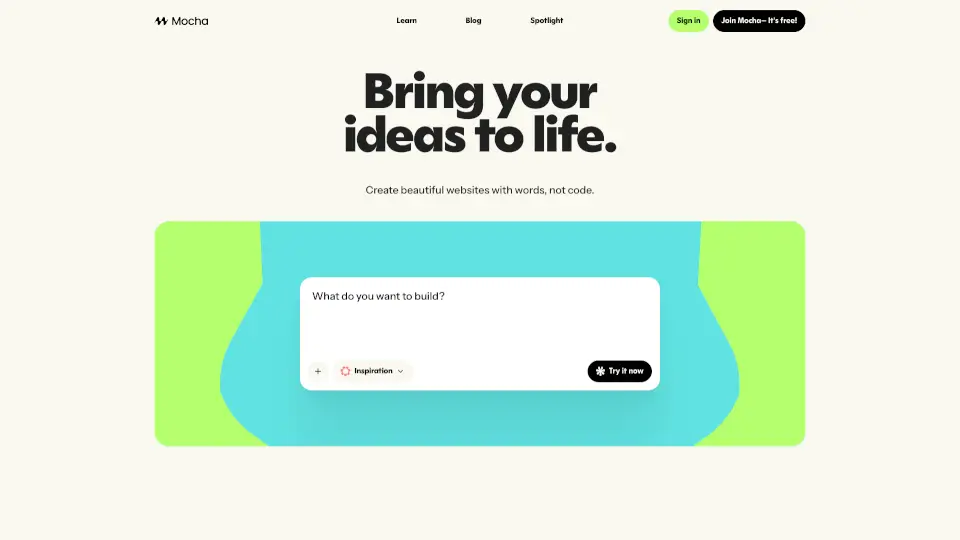
- Start by describing your app idea in the chat prompt on the Wron homepage—be specific about features, design, and target users.
- Choose a pricing plan that fits your usage: Starter (100 credits/month), Builder (200 credits/month), or Studio (1,000 credits/month).
- Once the app is generated, download it to your phone, test functionality, and make in-app code edits if needed.
- Publish your app to the App Store or Google Play directly from the platform (free publishing included in Builder and Studio plans).
- Use the Niche Finder and Ad Library to validate your idea or find new monetization opportunities before or after launch.