What is WizGenerator?
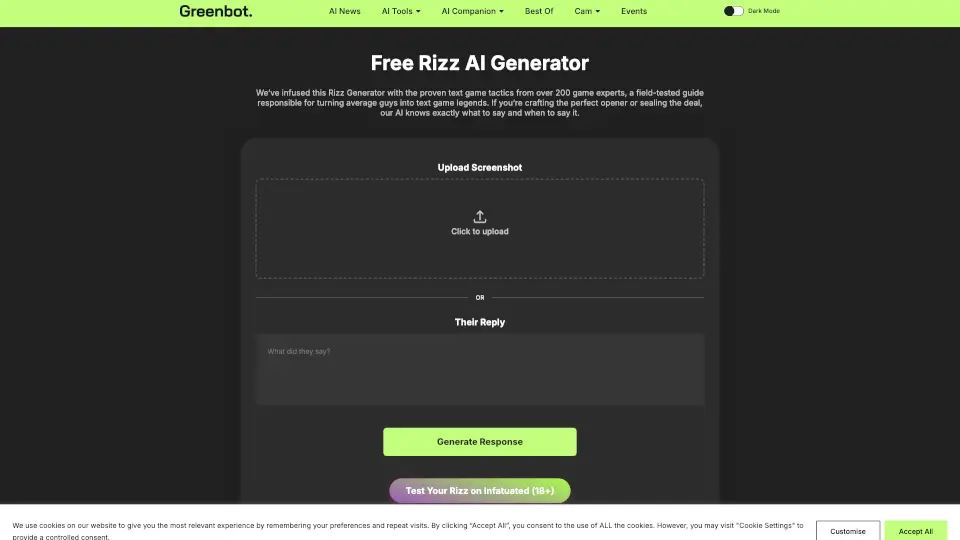
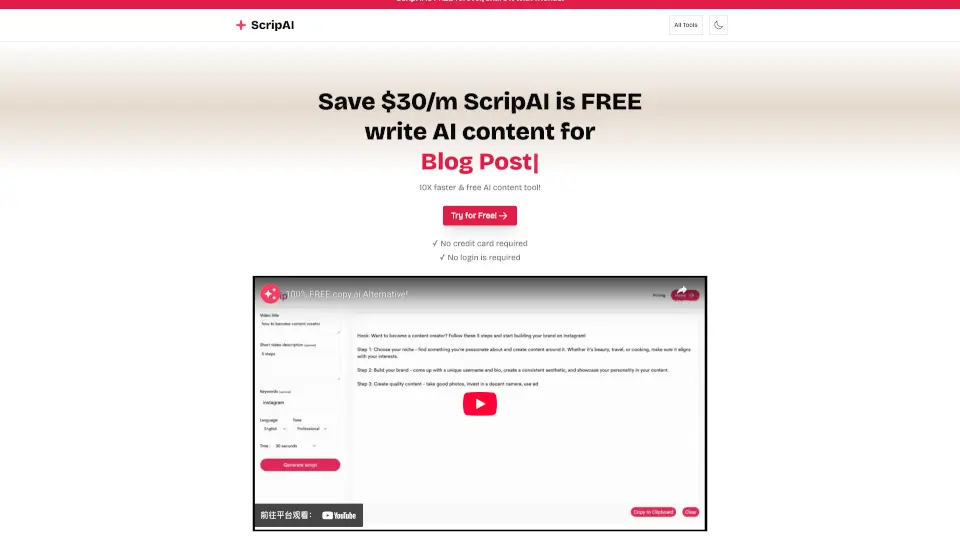
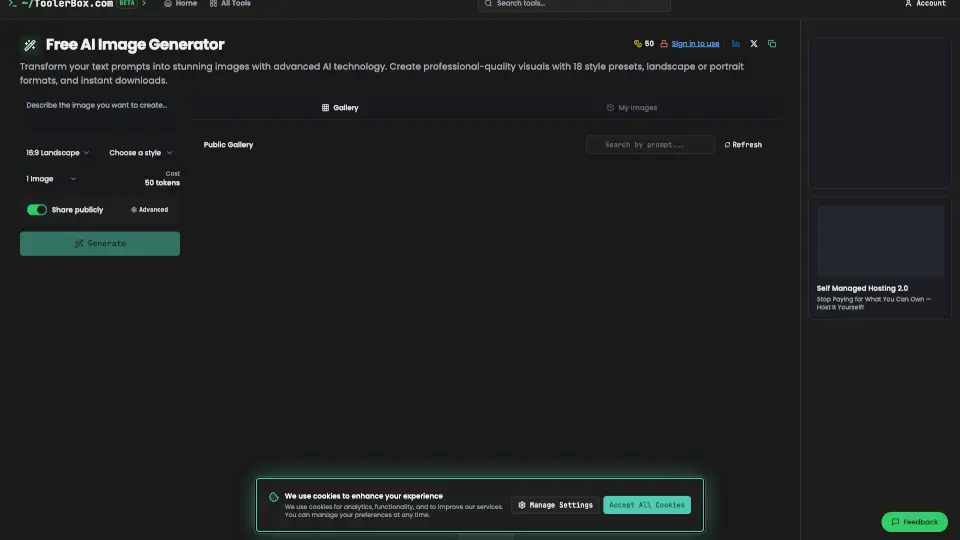
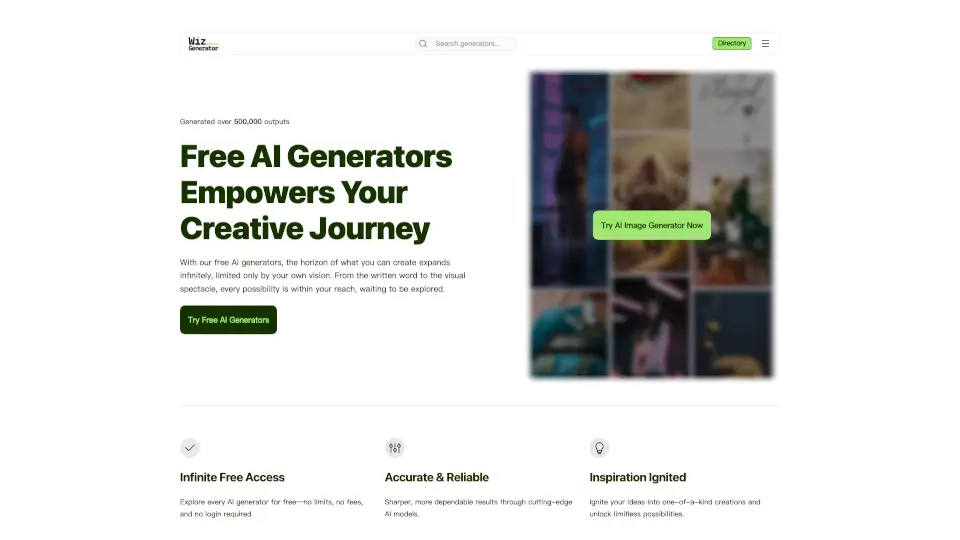
WizGenerator is a free AI generator directory that offers thousands of ready-to-use tools for text, image, name, and content creation. Unlike open-ended AI chat, it uses structured forms to guide you through inputs like topic, audience, and tone, so you get polished output without writing prompts. It is ideal for writers, marketers, small business owners, and creatives who want quick, reusable results — no signup or payment required. The platform covers naming, grammar, product descriptions, image generation, and more.
What are the features of WizGenerator?
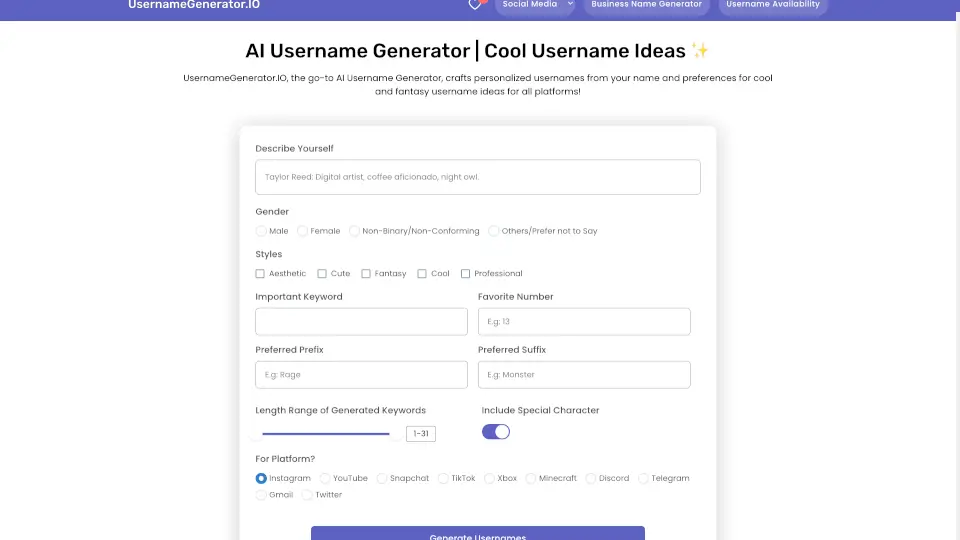
- Guided Smart Forms: Each generator provides a tailored form with required and optional fields. You fill in only what matters — like topic, length, or style — and the AI produces structured output instantly.
- No Prompt Engineering: You do not need to write or refine prompts. Just choose a direction, enter a few details, and the generator handles the rest.
- 3000+ AI Generators: The library covers text, image, naming, business, creative writing, language, ecommerce, and technology utilities. Browse by category or search for a specific need.
- Instant Results: Output appears on the same page without leaving or waiting. You can copy, refine, or use the result right away.
- No Signup and No Cost: All generators are free to use. No account creation, no payment, and no usage limits are mentioned.
What are the use cases of WizGenerator?
- Marketers generating product descriptions for ecommerce listings by filling in features, brand voice, and claim limits.
- Writers creating story ideas, character names, or wedding vows using structured inputs like tone and speaking time.
- Small business owners generating business names, logo designs, or taglines without design or copywriting experience.
- Students and researchers using the random number generator for classroom draws or simulation tests.
- Social media managers creating wedding hashtags or profile picture ideas with guided tone and pun options.
How to use WizGenerator?
- Start at the WizGenerator homepage and browse the "Popular Generators" or "Featured Generators" sections to find a tool that matches your task.
- Click the generator you want, then fill in the required fields shown in the form (e.g., topic, audience, tone).
- Optionally adjust any optional fields to refine the output (e.g., length, style, constraints).
- Click the generate button and wait a few seconds for the result to appear on the same page.
- Copy, edit, or download the result as needed. No account or prompt writing is required.