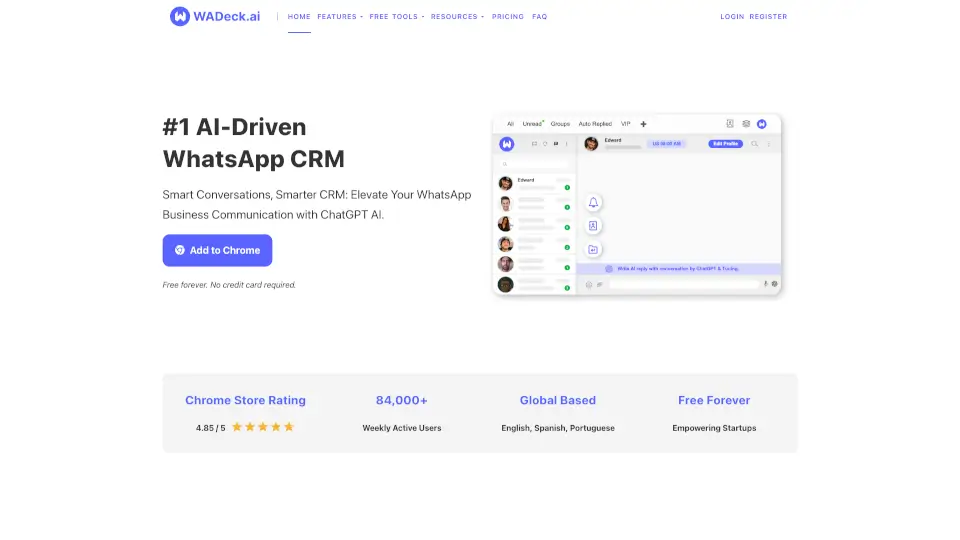
Что такое WADeck?
WADeck — это лучший AI-драйвен CRM для WhatsApp, который делает вашу бизнес-коммуникацию умнее и проще. С помощью ЧатджиПТИ вы можете автоматизировать разговоры, организовать контакты и отправлять персонализированные сообщения. Это идеальное решение для стартапов и предприятий, которые хотят работать с WhatsApp на профессиональном уровне.
Какие особенности у WADeck?
- AI-ассистент: Генерируйте ответы, переписывайте сообщения и автоматизируйте разговоры с помощью ЧатджиПТИ.
- Персонализированные сообщения: Отправляйте массовые сообщения с переменными (имена, даты и т.д.) для большего вовлечения.
- АвтоОтветчик: Настройте автоматические ответы на常见 вопросы, поддерживая клиентов 24/7.
- Организация контактов: Разделите разговоры на вкладки, добавляйте заметки и фильтруйте контакты для удобства.
- Отправка медиа: Добавляйте изображения, видео и файлы в сообщения для большей выразительности.
- Публикация статусов: Обновляйте свой WhatsApp статус直接 из веб-интерфейса.
- Аналитика: Анализируйте ключевые показатели эффективности ваших кампаний.
Какие случаи использования WADeck?
- Контроль над клиентами: Управляйте всеми разговорами с клиентами в одном месте.
- Маркетинговые кампании: Отправляйте персонализированные сообщения массово для привлечения клиентов.
- Автоматизация рутины: Используйте AI для автоматизации повторяющихся задач, таких как ответы на общие вопросы.
- Следование за leads: Организуйте контакты и добавляйте заметки для эффективного сопровождения клиентов.
Как использовать WADeck?
- Добавьте расширение WADeck в Chrome или Edge.
- Настройте свои контакты и разговоры, используя вкладки и фильтры.
- Включите AI-ассистента для автоматизации ответов и переписывания сообщений.
- Отправляйте персонализированные массовые сообщения, используя переменные.
- Публикуйте статусы и анализируйте их эффективность directly из веб-интерфейса.