
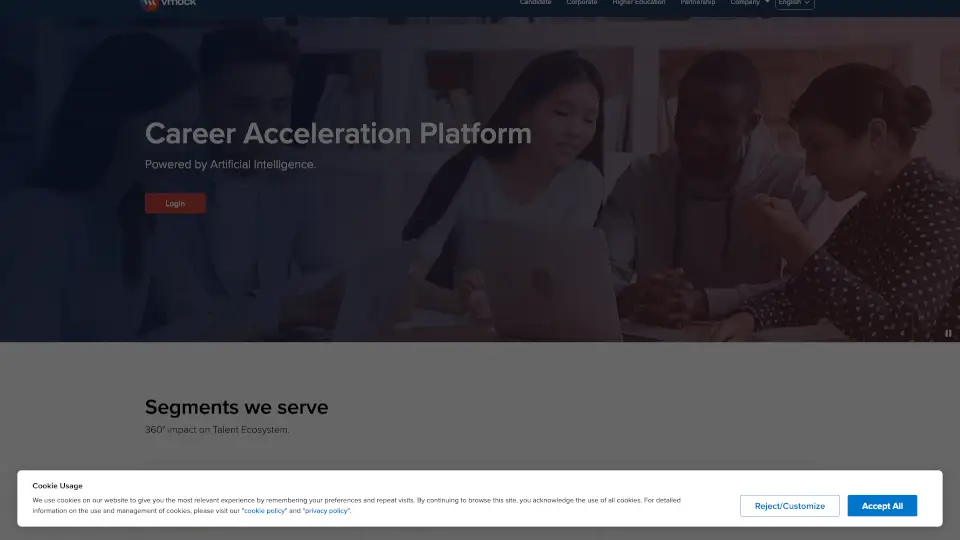
What is VMock Dashboard?
VMock is a career acceleration platform that uses artificial intelligence to help students and professionals present their best selves to employers. Think of it as a personal career coach available 24/7. It gives instant feedback on your resume, LinkedIn profile, elevator pitch, and interview skills by scoring them against what top employers actually look for. Whether you are a college student figuring out your first resume or an experienced professional navigating a career change, VMock helps you get confident and job-ready.
What are the features of VMock Dashboard?
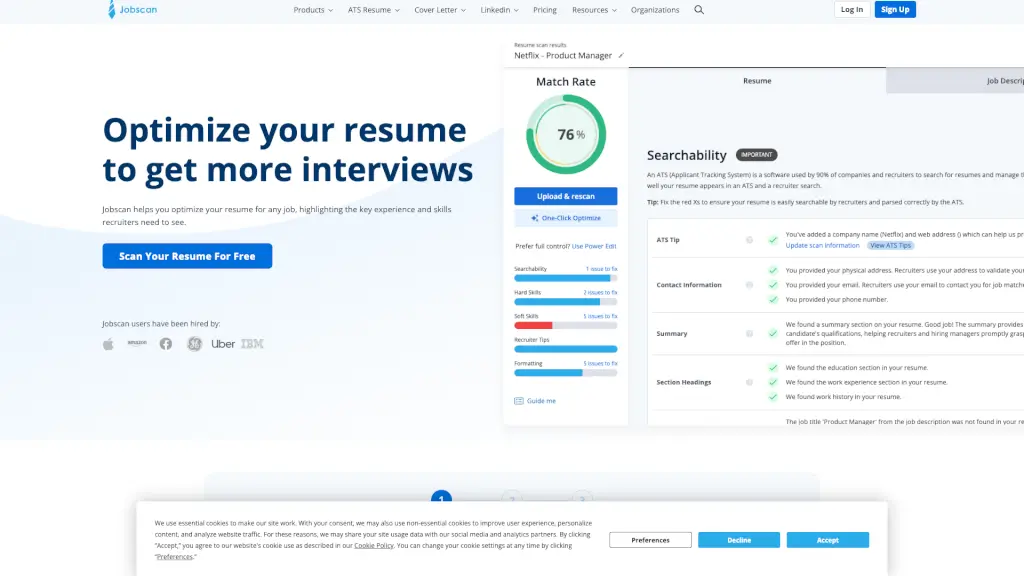
- SMART Resume Parsing & Scoring: Upload your resume and get an instant score on over 100 parameters, including language, skills, and presentation. It shows exactly what resonates with employers and what needs improvement.
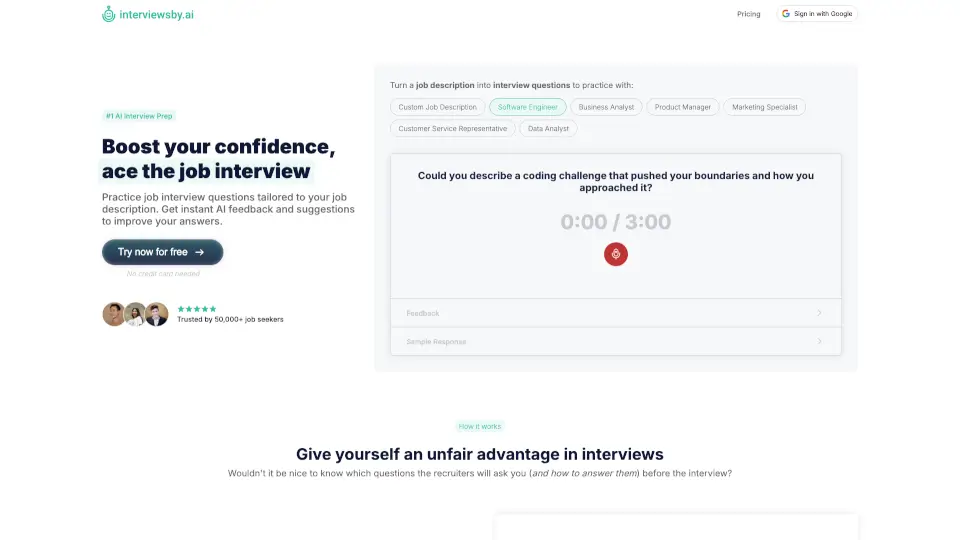
- Computer Vision Interview Practice: Record yourself answering interview questions and get real-time feedback on body language, eye contact, voice modulation, and speech pace. It analyzes both verbal and non-verbal communication.
- Smart Skills Engine: The platform uses AI to detect skills from your experience, comparing them to skills needed in specific industries, job roles, and experience levels. It helps you identify gaps and opportunities.
- Job Parsing & Clustering: VMock extracts key elements from job postings and clusters them to show you aggregated views of what top companies are looking for in your target roles.
- LinkedIn Profile Optimization: Go beyond the resume. Get feedback on your LinkedIn headline, summary, and experience to make your profile stand out to recruiters.
What are the use cases of VMock Dashboard?
- A college student uploads their first resume and uses VMock to get a baseline score, then edits and re-uploads until they reach a target score before bringing it to their career center.
- An MBA student preparing for consulting interviews uses the video practice tool to work on eye contact and executive presence while answering case questions.
- A career center advisor reviews a student's VMock scores before a coaching session, allowing them to skip basic feedback and focus on strategic career advice.
- A professional changing industries uploads their resume and discovers their current skills don't match industry keywords, then uses the Smart Skills Engine to identify what training they need.
- A university career services team uses VMock to scale their support, allowing them to help thousands of students without increasing staff headcount.
How to use VMock Dashboard?
- Step 1: Upload Your Resume: Start with your current resume. The system will instantly parse it and give you a score out of 100. Look at the breakdown of what's working and what's not.
- Step 2: Follow the SMART Feedback: Read the specific suggestions for improvement, such as using stronger action verbs or quantifying your achievements. Edit your resume and re-upload to see your score improve.
- Step 3: Practice Your Interview: Pick a job type or common interview question. Record your answer using your webcam. VMock will analyze your speech and body language, giving you a report on areas like pacing and eye contact.
- Step 4: Optimize Your LinkedIn: Connect your profile or upload it. Use the feedback to rewrite your headline and summary to include the right keywords for your target industry.
- Step 5: Use Score as a Benchmark: Set a target score and keep refining. Once you hit your goal, you can confidently bring your materials to a career coach for a deeper conversation.